1
117
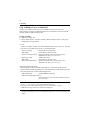
7. Settings and Operations for Scan Functions
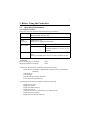
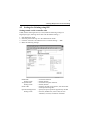
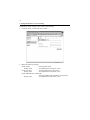
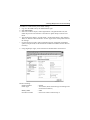
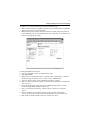
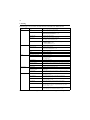
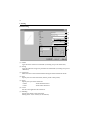
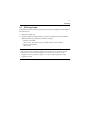
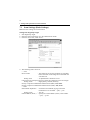
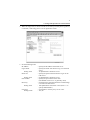
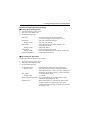
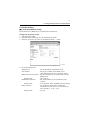
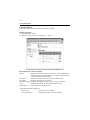
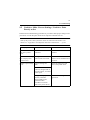
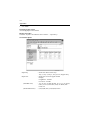
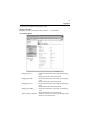
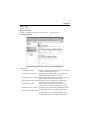
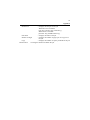
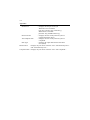
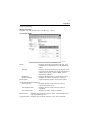
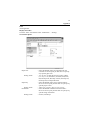
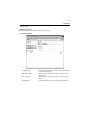
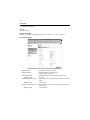
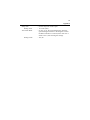
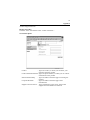
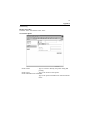
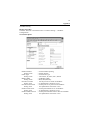
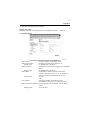
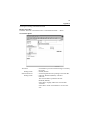
File Type
: Select the file format in which the scanned image is
to be stored.
Setting values
: TIFF, PDF, JPEG
Color Mode
: Select the color, in which the document is scanned.
Setting values
: Auto Color, Gray Scale, B/W, Full Color
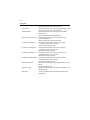
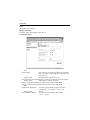
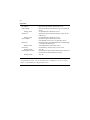
Background Remove
: Set background removal.
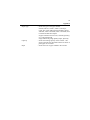
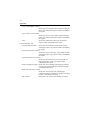
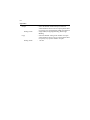
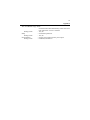
Orientation
: Set the orientation of the document.
Setting values
: Auto, Portrait, Landscape
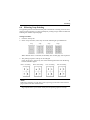
Margin
: Set the margin edge.
Setting values
: Left Binding, Top Binding
Erase
: Select the erase type.
Setting values
: No, Left Erase, Top Erase, Frame Erase
Set the erase width in mm or 1/16”.
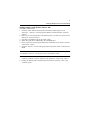
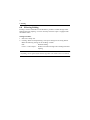
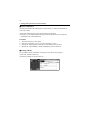
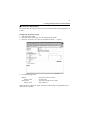
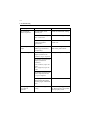
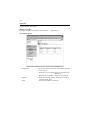
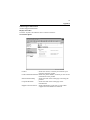
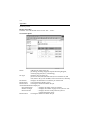
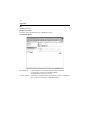
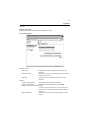
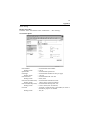
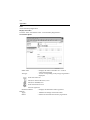
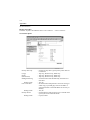
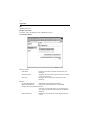
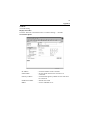
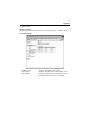
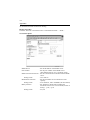
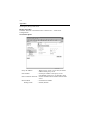
• When File (Scan To FTP Server) is selected
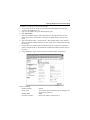
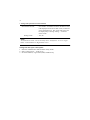
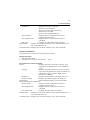
Destination Name
: Specify the name of the destination to be registered
for one time use.
Setting value
: 12 alphanumeric characters or less
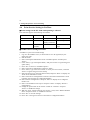
Destination Server
: Select the destination for Scan to FTP Server. The
list displays FTP servers set in FTP server
registration. (Ref.: “Scan to FTP Server Setting” of
chapter 7) ☞p.69
URL Notification
: Select whether or not to notify the information on
the location, in which scanned data is stored, by email.
Setting values
: Yes, No
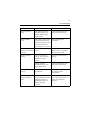
URL Notification E-mail Address:
Set the party (e-mail address). When inputting two
or more addresses, put comma between the address.
Setting value
: 1800 alphanumeric characters or less
Scan Mode Setting (same as “Scan To E-mail”)
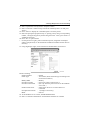
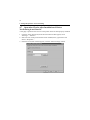
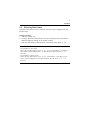
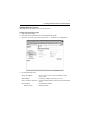
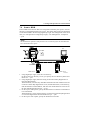
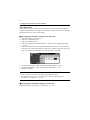
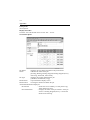
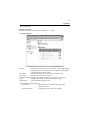
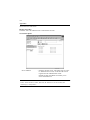
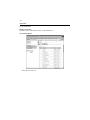
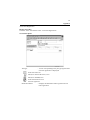
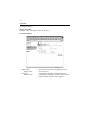
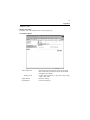
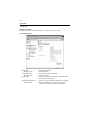
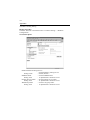
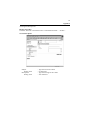
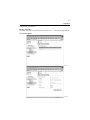
• When File (Scan To PC) is selected
Destination Name
: Specify the name of the destination to be registered
for one time use.
Setting value
: 12 alphanumeric characters or less
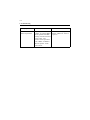
IP Address
: Set the destination IP address of the PC, on which
the FTP application is running.
Scan Mode Setting (same as “Scan To E-mail”)