1
62
7. Settings and Operations for Scan Functions
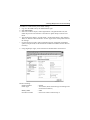
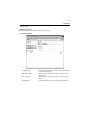
7.1
Scan Settings (Basic Settings)
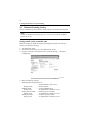
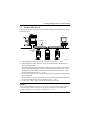
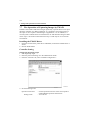
Make the basic settings for scan functions.
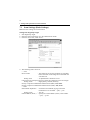
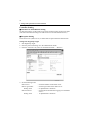
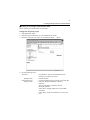
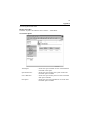
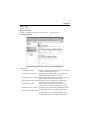
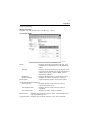
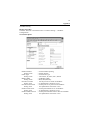
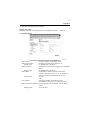
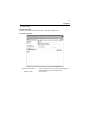
Setting from PageScope Light
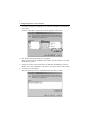
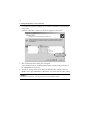
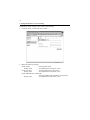
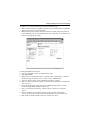
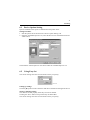
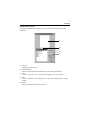
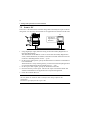
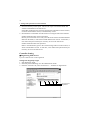
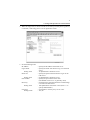
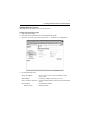
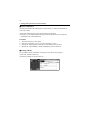
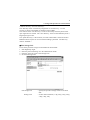
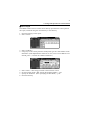
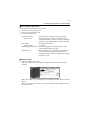
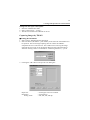
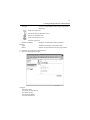
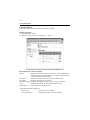
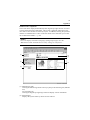
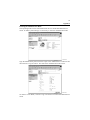
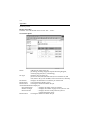
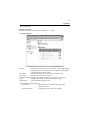
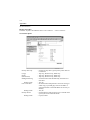
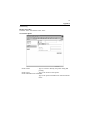
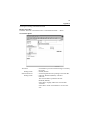
1. Start PageScope Light.
2. Enter the password and log on to the Administrator mode.
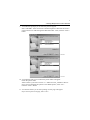
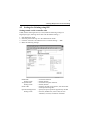
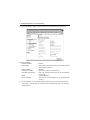
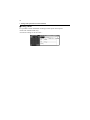
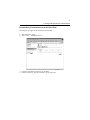
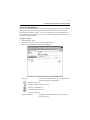
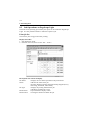
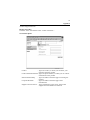
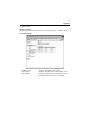
3. From the “Scan” tab, select “Scan.”
4334P171CA
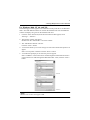
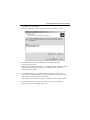
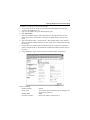
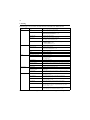
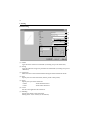
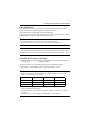
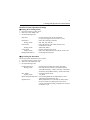
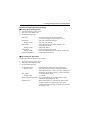
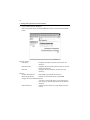
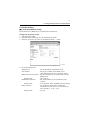
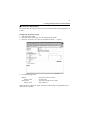
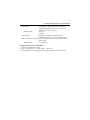
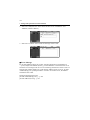
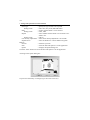
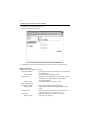
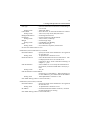
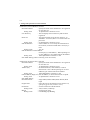
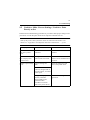
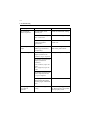
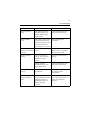
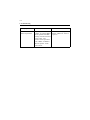
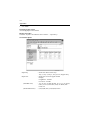
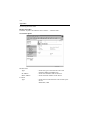
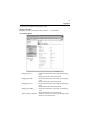
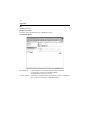
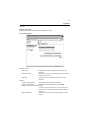
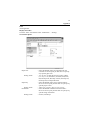
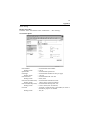
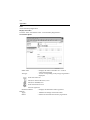
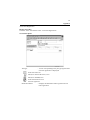
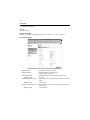
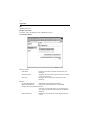
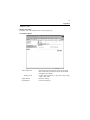
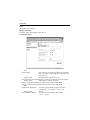
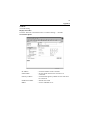
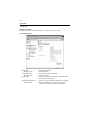
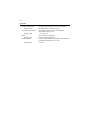
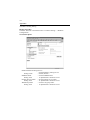
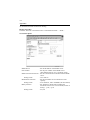
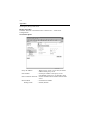
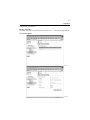
4. The following items can be set.
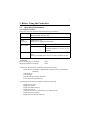
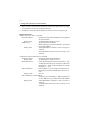
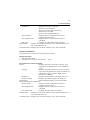
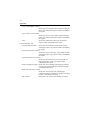
• Scan
Device Name
: The characters set for this parameter is appended
before the name of the image file created with the
scan function.
Setting value
: 36 alphanumeric characters or less
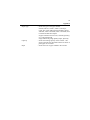
Color/Grayscale Compression Level: Select the compression level for images.
Setting values
: High Quality, Normal, Economy
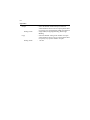
Priority Compression Method for Monochrome (PDF): MH, MMR
Priority Compression Method for Monochrome (TIFF): MH, MMR
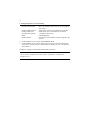
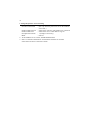
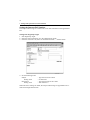
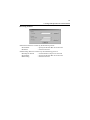
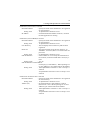
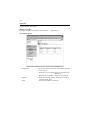
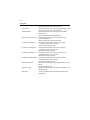
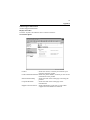
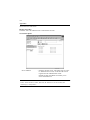
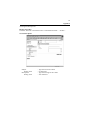
• Send
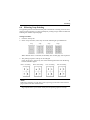
Scanned File Separation : Set the division method (by page) when the
maximum size is exceeded. ☞p.88, ☞p.94
Setting values
: Yes, No
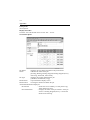
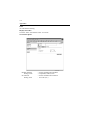
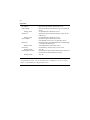
E-mail Address (From:) : Specify the e-mail address (From:) of the sender.
☞p.93, ☞p.104