1
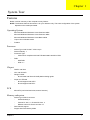
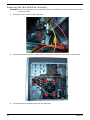
Removing the Heat Sink Fan Assembly
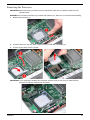
WARNING:The heat sink becomes very hot when the system is on. NEVER touch the heat sink with any metal
or with your hands.
28
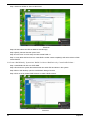
1.
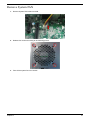
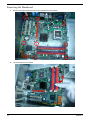
disconnect the fan cable from the mainboard.
2.
Use a long-nosed screwdriver to loosen the four screws on the heat sink, in the order as shown below.
3.
Lift the heat sink fan assembly away from the mainboard.
Chapter 3