1
6–9
2.
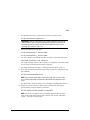
Initialize the RAIDset. Optional: If you want to set the Initialize switches, you
must do so in this step. Use the following command:
INITIALIZE RAIDset-name switch
NOTE: It is recommended that you allow initial reconstruct to complete before
allowing I/O to the RAIDset. Not doing so may generate forced errors at the host
level. To determine whether initial reconstruct has completed, enter SHOW S or
SHOW RAIDSET FULL.
3.
Present the RAIDset to the host by giving it a unit number the host can recognize.
Optionally, you can append Unit switch values. If you do not specify switch
values, the default values are applied.
Use the following command to present the RAIDset to the host:
ADD UNIT unit-number RAIDset-name switch
a.
For OpenVMS hosts, set the unit number to a decimal value, ranging from
1–9999. Usually, this number is the same as the unit number set in step 3.
SET unit-number identifier=nnnn
4.
Verify the RAIDset configuration and switches. Use the following command:
SHOW RAIDset-name
5.
Verify the unit configuration and switches. Use the following command:
SHOW unit-number
Example
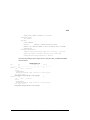
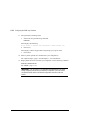
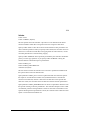
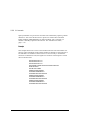
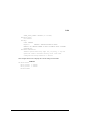
The following example shows the commands you would use to create Raid1, a threemember RAIDset:
ADD RAIDSET Raid1 disk10000 disk20000 disk30000
INITIALIZE Raid1
ADD UNIT D99 Raid1
SHOW Raid1
SHOW D99
Compaq HSG80 Array Controller ACS Version 8.4 Configuration and CLI Reference Guide