1
2
Starting and Stopping WebLogic Servers
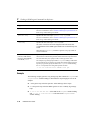
You can ignore these thread dumps; they do not indicate an error in your configuration.
Note: The log files do not contain this or other thread dumps.
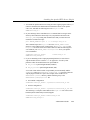
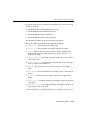
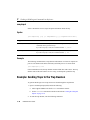
Starting the WebLogic Managed Servers Using Scripts
Sample scripts are provided with the WebLogic Server distribution that you can use to
start WebLogic Servers. You will need to modify these scripts to fit your environment
and applications. Separate scripts are provided for starting the Administration Server
and the Managed Server. The sample scripts to start Managed Servers are called
startManagedWebLogic.sh (UNIX) and startManagedWebLogic.cmd
(Windows). These scripts are located in the configuration subdirectory for your
domain. These are templates that you will need to modify to create your own start
scripts.
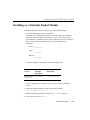
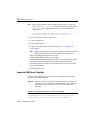
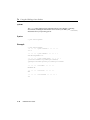
To use the supplied scripts:
n
Pay close attention to classpath settings and directory names.
n
Change the value of the variable JAVA_HOME to the location of your JDK.
n
UNIX users must change the permissions of the sample UNIX script to make the
file executable. For example:
chmod +x startManagedWebLogic.sh
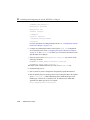
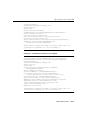
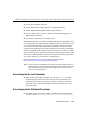
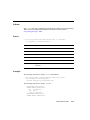
There are two ways to start the Managed Server using the script:
n
If you set the value of the environment variables SERVER_NAME and ADMIN_URL,
you do not need to provide these as arguments when invoking the start script.
SERVER_NAME should be set to the name of the WebLogic Managed Server that
you wish to start. ADMIN_URL should be set to point to the host (host name or IP
address) and port number where the Administration Server is listening for
requests (default is 7001). For example:
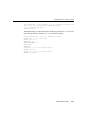
set SERVER_NAME=bigguy
set ADMIN_URL=peach:7001
startManagedWebLogic
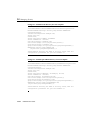
n
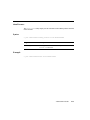
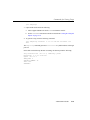
You can invoke the start script and pass the name of the Managed Server and the
URL for Administration Server on the command line:
startManagedWebLogic server_name admin:url
2-20
Administration Guide