1
D
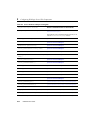
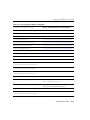
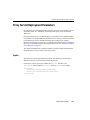
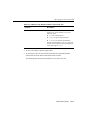
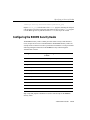
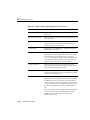
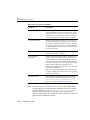
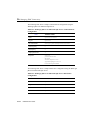
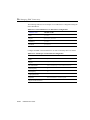
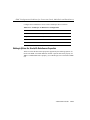
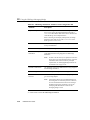
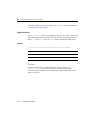
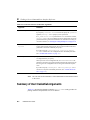
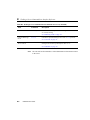
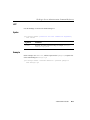
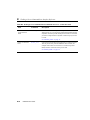
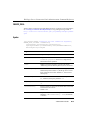
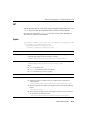
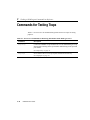
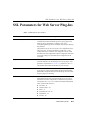
Parameters for Web Server Plug-ins
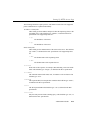
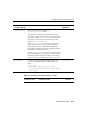
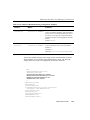
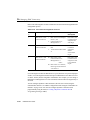
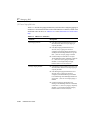
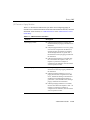
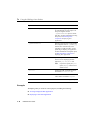
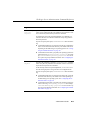
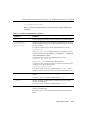
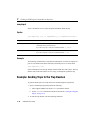
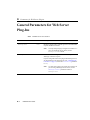
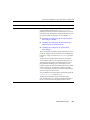
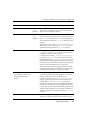
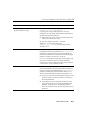
Parameter
Default
Description
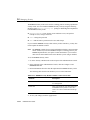
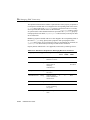
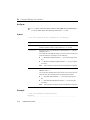
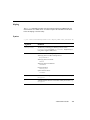
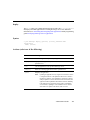
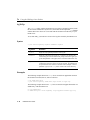
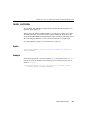
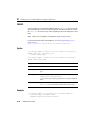
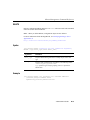
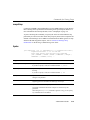
Debug
OFF
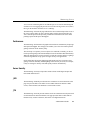
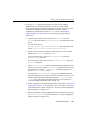
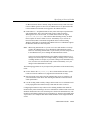
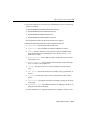
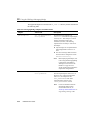
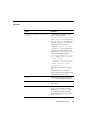
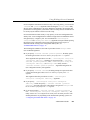
Sets the type of logging performed for debugging operations. It
is not advisable to switch on these debugging options in
production systems. The debugging information is written to the
/tmp/wlproxy.log file on UNIX systems and
c:\TEMP\wlproxy.log on Windows NT/2000 systems.
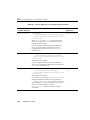
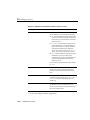
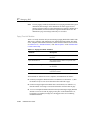
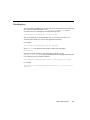
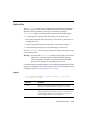
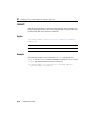
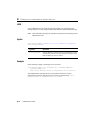
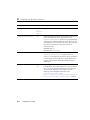
You can override this location and filename by setting the
WLLogFile parameter to a different directory and file. For
Debug to work correctly, the system administrator must ensure
that write permission for the tmp or TEMP directory has been set
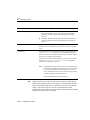
to the user logged on to the server. You can set any of the
following logging options (the HFC,HTW,HFW, and HTC
options may be set in combination by entering them separated by
commas, for example “HFC,HTW”):
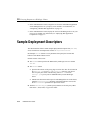
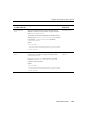
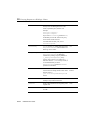
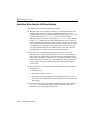
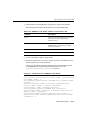
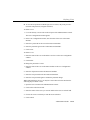
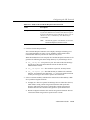
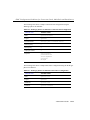
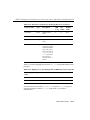
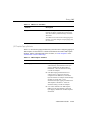
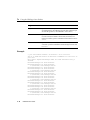
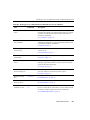
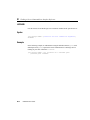
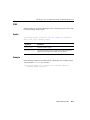
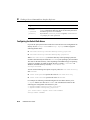
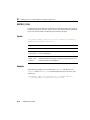
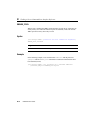
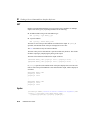
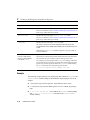
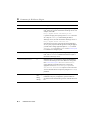
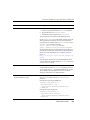
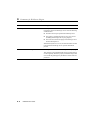
ON
Logs only informational and error messages.
OFF
No debugging information is logged.
HFC
The plug-in logs headers from the client,
informational, and error messages.
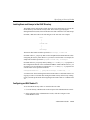
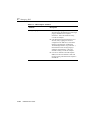
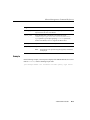
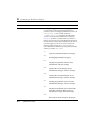
HTW
Logs headers sent to WebLogic Server,
informational messages, and error messages.
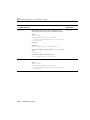
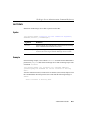
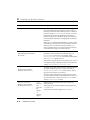
HFW
Logs headers sent from WebLogic Server,
informational messages, and error messages.
HTC
The plug-in logs headers sent to the client,
informational messages, and error messages.
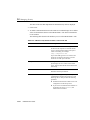
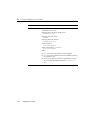
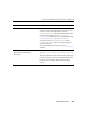
ALL
The plug-in logs headers sent to and from the
client and to and from WebLogic Server,
information messages, and error messages.
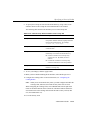
ERR
Prints only the Error messages in the plug-in.
D-6
Administration Guide