1
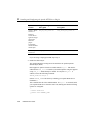
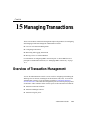
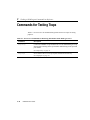
Tuning JMS
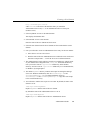
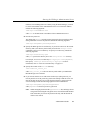
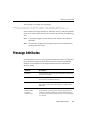
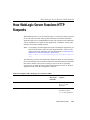
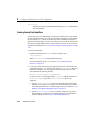
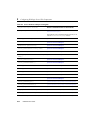
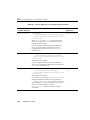
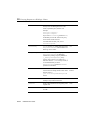
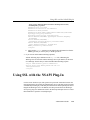
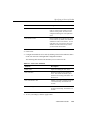
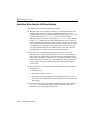
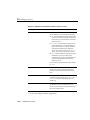
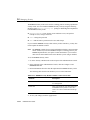
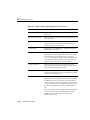
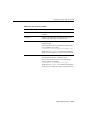
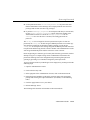
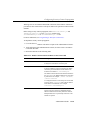
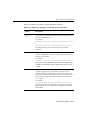
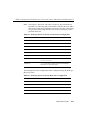
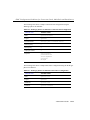
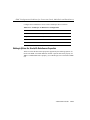
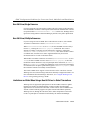
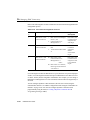
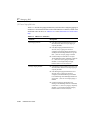
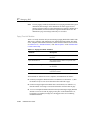
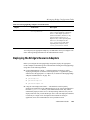
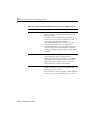
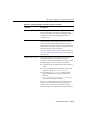
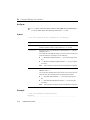
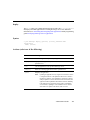
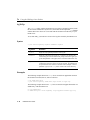
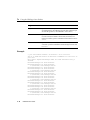
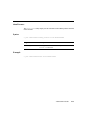
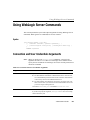
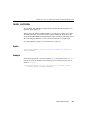
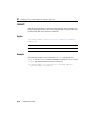
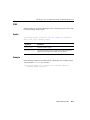
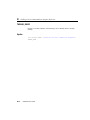
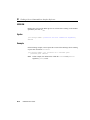
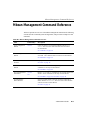
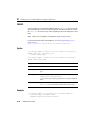
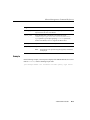
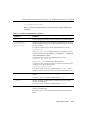
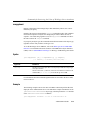
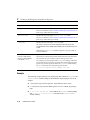
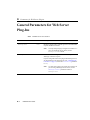
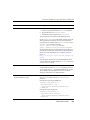
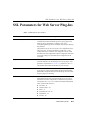
Table 17-1 JMS Server Attributes
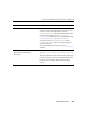
Attribute
Description
Paging Store
The name of the persistent store where non-persistent
messages are paged. A paging store cannot be the
same store used for persistent messages or durable
subscribers.
Two JMS servers cannot use the same paging store;
therefore, you must configure a unique paging store
for each server.
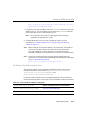
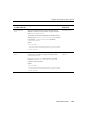
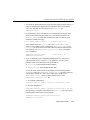
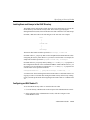
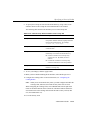
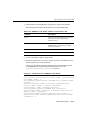
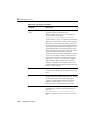
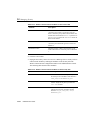
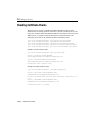
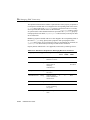
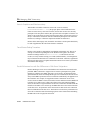
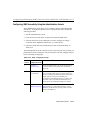
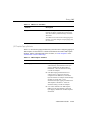
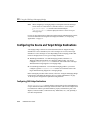
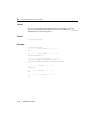
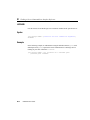
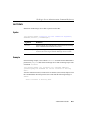
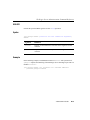
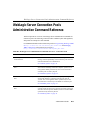
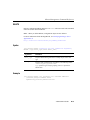
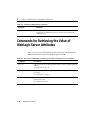
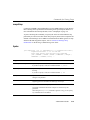
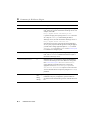
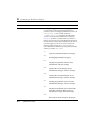
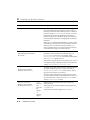
JMS Template Paging Attributes
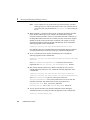
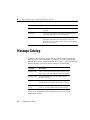
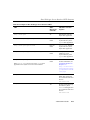
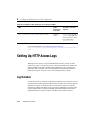
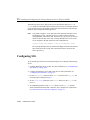
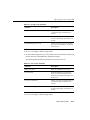
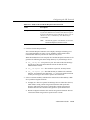
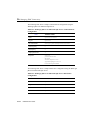
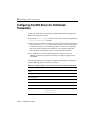
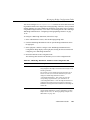
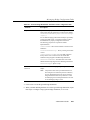
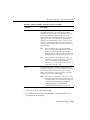
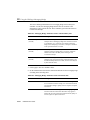
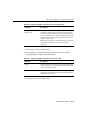
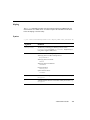
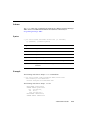
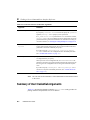
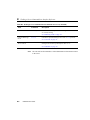
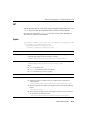
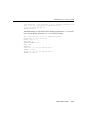
Table 17-3 describes the paging attributes that you define when configuring paging on
JMS templates for destinations. For detailed information about other JMS template
attributes, and the valid and default values for them, see “JMS Templates” in the
Administration Console Online Help.
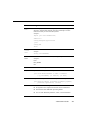
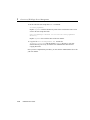
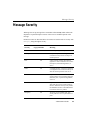
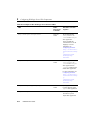
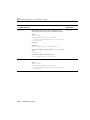
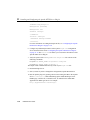
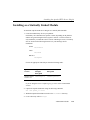
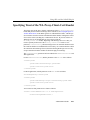
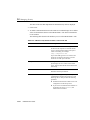
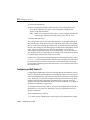
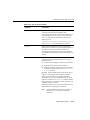
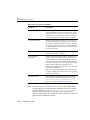
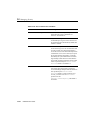
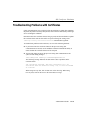
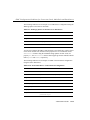
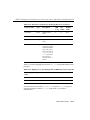
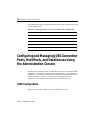
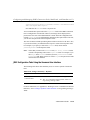
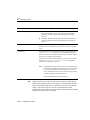
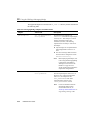
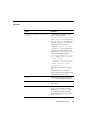
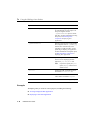
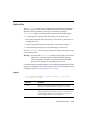
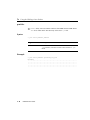
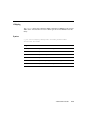
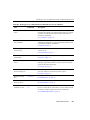
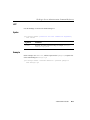
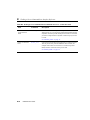
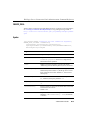
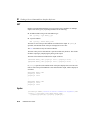
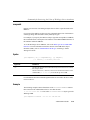
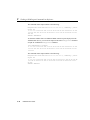
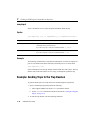
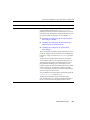
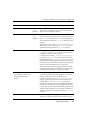
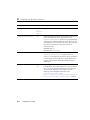
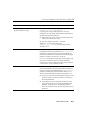
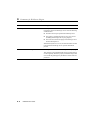
Table 17-2 JMS Template Attributes
Attribute
Description
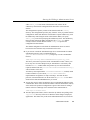
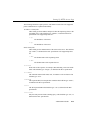
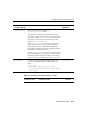
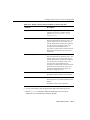
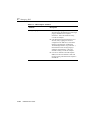
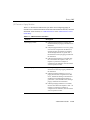
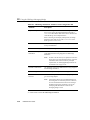
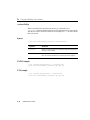
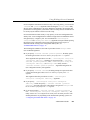
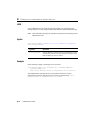
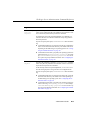
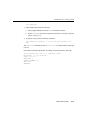
Bytes Paging Enabled
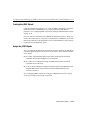
n
If the Bytes Paging Enabled check box is not
selected (False), then destination-level bytes
paging is disabled for the JMS template’s
destinations—unless the destination setting
overrides the template.
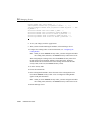
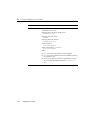
n
If the Bytes Paging Enabled check box is
selected (True), a paging store has been
configured for the JMS Server, and both the
Bytes Threshold Low and Bytes Threshold High
attributes are greater than -1, then
destination-level bytes paging is enabled for the
JMS template’s destinations—unless the
destination setting overrides the template.
n
If no value is defined in the JMS Template
MBean, then the value defaults to False and
bytes paging is disabled for the JMS template’s
destinations.
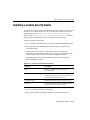
Administration Guide
17-27