1
8.3.3
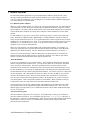
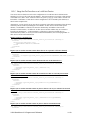
Using the Set Function on an Analog Functional Block
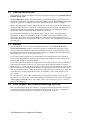
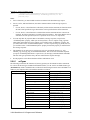
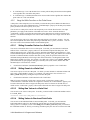
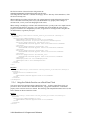
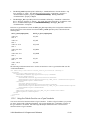
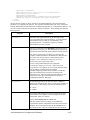
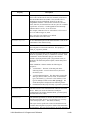
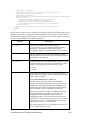
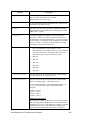
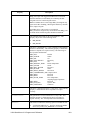
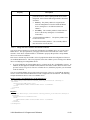
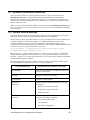
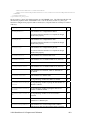
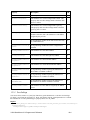
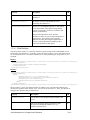
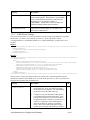
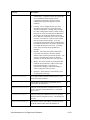
Use the Set function to create new Analog Functional Blocks, or to overwrite the configuration of
existing Analog Functional Blocks. The Analog Functional Blocks to be created or written to are
signified by a list of <Item> elements in the input parameters supplied to the function. The properties
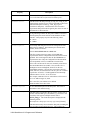
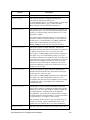
you must define within each <Item> element are the same, whether you are creating a new Analog
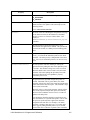
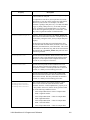
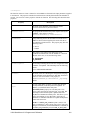
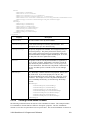
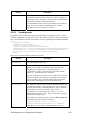
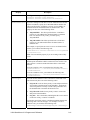
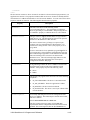
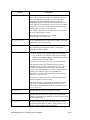
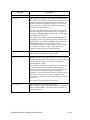
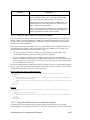
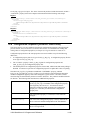
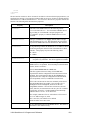
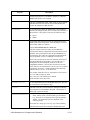
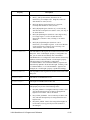
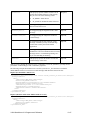
Functional Block or modifying an existing Analog Functional Block. The previous section, Using the
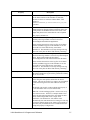
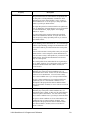
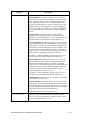
Get Function on an Analog Functional Block, describes these properties.
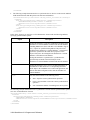
Note: If you specify an Analog Functional Block with the <UCPTname> element, the Set function
deletes the specified Analog Functional Block before the specified parameters are set. If the
<UCPTname> element is not specified, a new Analog Functional Block is created.
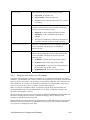
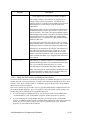
When modifying an existing Analog Functional Block, any optional properties omitted from the Set
Request, such as the input point, compare point, or output data points, will be erased. Old values will
not be preserved, so you must fill in every property when writing to an Analog Functional Block, even
if you are not changing all of the values.
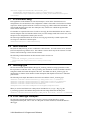
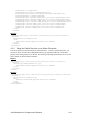
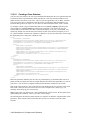
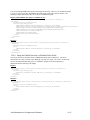
The first invocation of the Set function will generate the
#8000010128000000[4].UFPTanalogFunctionBlock.xml file in the
root/config/network/<network>/<channel>/iLONApp ||<device> directory of the SmartServer, if the
file does not already exist.
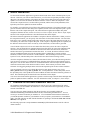
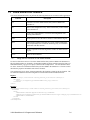
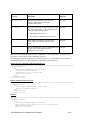
When creating or modifying an Analog Functional Block with the Set function, you may want to use
output from the Get function as the basis for your input. You would then only need to modify the
values of each property to match the new configuration you want, as opposed to re-creating an entire
string like the one shown below.
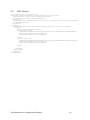
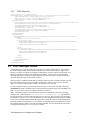
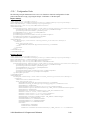
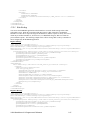
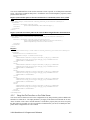
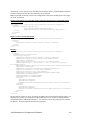
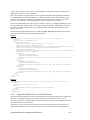
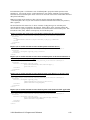
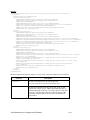
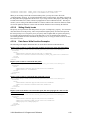
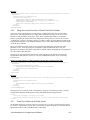
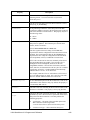
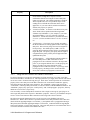
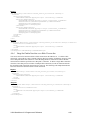
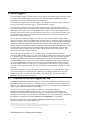
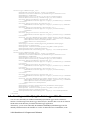
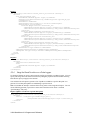
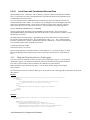
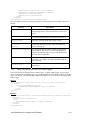
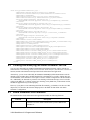
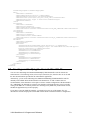
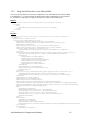
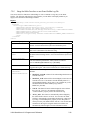
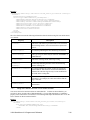
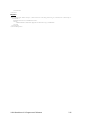
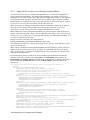
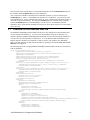
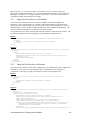
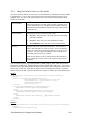
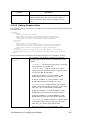
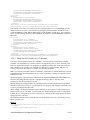
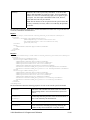
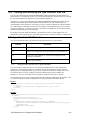
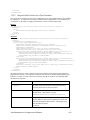
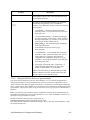
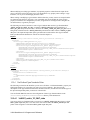
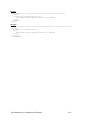
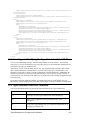
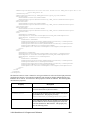
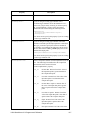
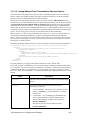
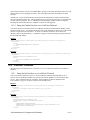
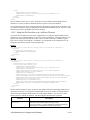
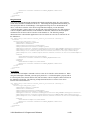
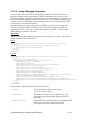
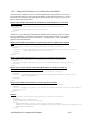
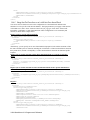
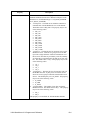
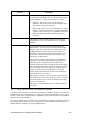
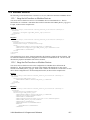
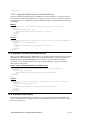
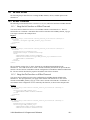
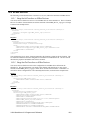
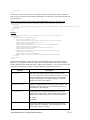
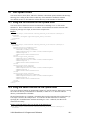
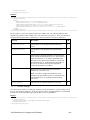
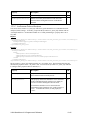
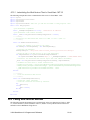
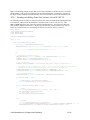
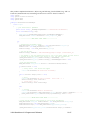
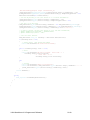
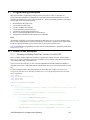
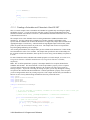
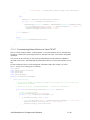
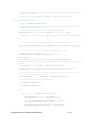
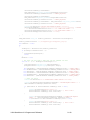
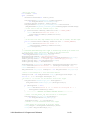
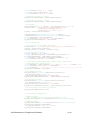
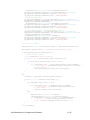
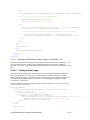
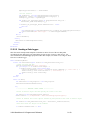
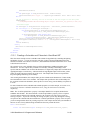
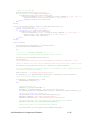
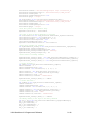
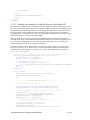
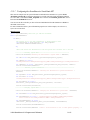
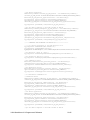
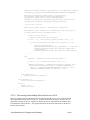
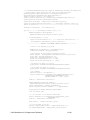
The example below uses the Set function to create an Analog Function Block that calculates the
maximum value of the value field of the nviClaValue_1 and nviClaValue_2 data points on the
Digital Output 1 and Digital Output 2 functional blocks on the SmartServer, and stores that value in
the value field of the nvoClsValue_1 data point on the Digital Input 1 functional block on the
SmartServer.
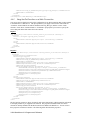
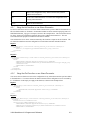
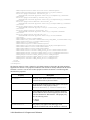
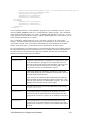
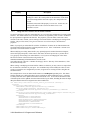
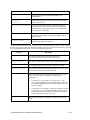
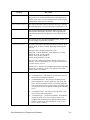
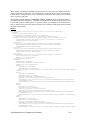
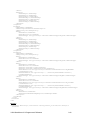
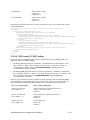
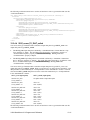
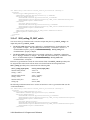
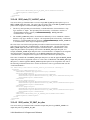
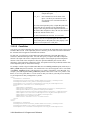
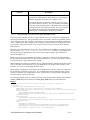
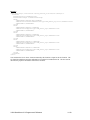
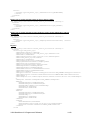
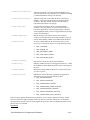
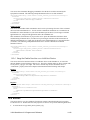
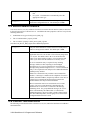
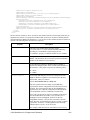
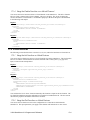
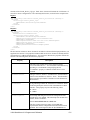
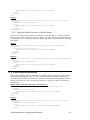
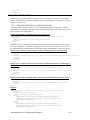
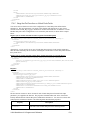
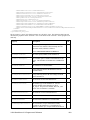
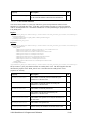
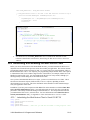
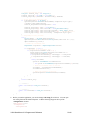
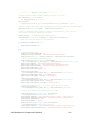
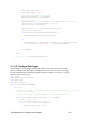
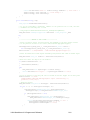
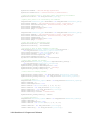
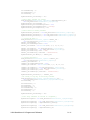
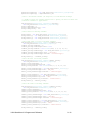
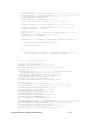
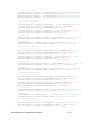
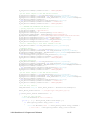
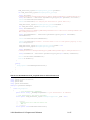
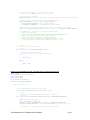
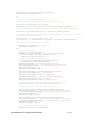
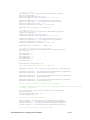
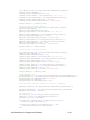
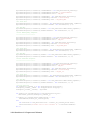
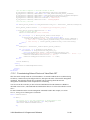
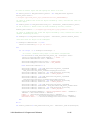
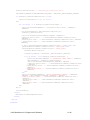
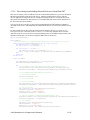
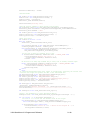
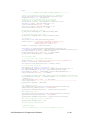
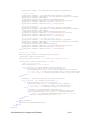
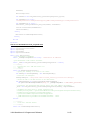
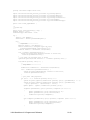
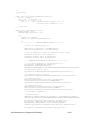
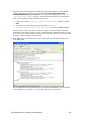
<Set xmlns="http://wsdl.echelon.com/web_services_ns/ilon100/v4.0/message/">
<iLonItem>
<Item xsi:type="UFPTanalogFunctionBlock_Cfg">
<UCPTname>Net/LON/iLON App/Analog Fn Block[2]</UCPTname>
<UCPTdescription>enter an optional description</UCPTdescription>
<DataPoint dpType="nvoDropOut" discrim="dir_out">
<UCPTname>Net/LON/iLON App/Analog Fn Block[2]/nvoAfbDropOut[2]</UCPTname>
</DataPoint>
<DataPoint xsi:type="UFPTanalogFunctionBlock_DpRef" dpType="Input" discrim="dir_in">
<UCPTname>Net/LON/iLON App/Digital Output 1/nviClaValue_1</UCPTname>
<UCPTfieldName>value</UCPTfieldName>
<UCPTpollRate>900</UCPTpollRate>
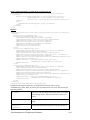
</DataPoint>
<DataPoint xsi:type="UFPTanalogFunctionBlock_DpRef" dpType="Input" discrim="dir_in">
<UCPTname>Net/LON/iLON App/Digital Output 2/nviClaValue_2</UCPTname>
<UCPTfieldName>value</UCPTfieldName>
<UCPTpollRate>900</UCPTpollRate>
</DataPoint>
<DataPoint xsi:type="UFPTanalogFunctionBlock_DpRef" dpType="Output">
<UCPTname>Net/LON/iLON App/Digital Input 1/nvoClsValue_1</UCPTname>
<UCPTfieldName>value</UCPTfieldName>
</DataPoint>
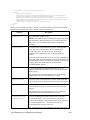
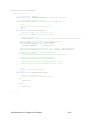
<UCPTcompFunction xsi:type="string" LonFormat="UCPTcompFunction">FN_NUL</UCPTcompFunction>
<UCPTmajorityValue>100</UCPTmajorityValue>
<UCPTtrueThreshold xsi:type="string" LonFormat="UNVT_float"/>
<UCPToutputFunction xsi:type="string" LonFormat="UCPToutputFunction">FN_INVALID
</UCPToutputFunction>
<SCPTminRnge xsi:type="string" LonFormat="UNVT_float">0</SCPTminRnge>
<SCPTmaxRnge xsi:type="string" LonFormat="UNVT_float">0</SCPTmaxRnge>
<UCPTcalculationInterval>0</UCPTcalculationInterval>
<SCPTovrBehave xsi:type="string" LonFormat="SCPTovrBehave">OV_RETAIN</SCPTovrBehave>
<UCPTpollOnResetDelay>0</UCPTpollOnResetDelay>
i.LON SmartServer 2.0 Programmer’s Reference
8-12