1
</iLonItem>
</Get>
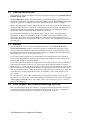
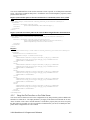
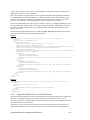
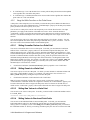
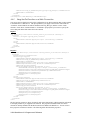
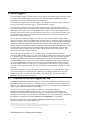
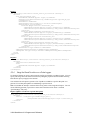
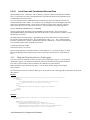
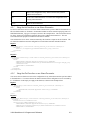
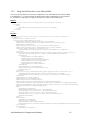
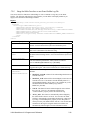
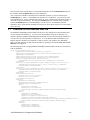
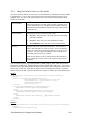
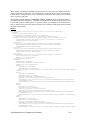
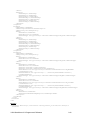
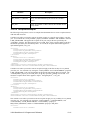
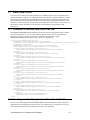
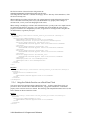
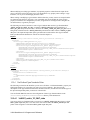
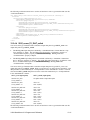
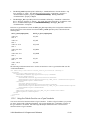
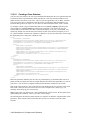
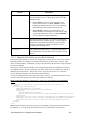
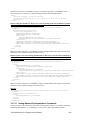
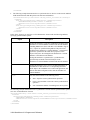
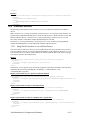
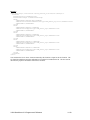
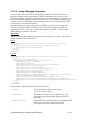
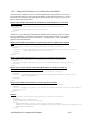
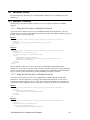
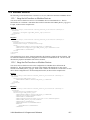
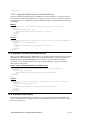
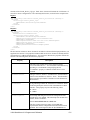
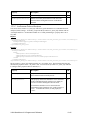
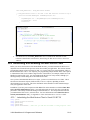
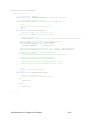
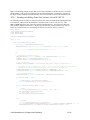
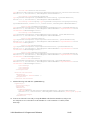
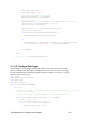
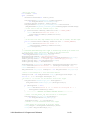
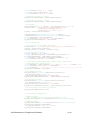
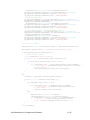
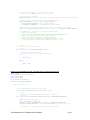
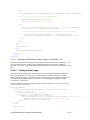
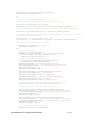
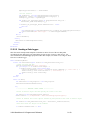
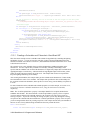
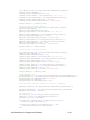
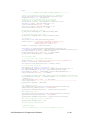
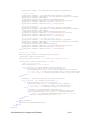
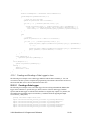
Alternatively, you can specify one or more M-Bus data point properties in the xSelect statement to
filter the items returned by the Get function, including the <UCPTname> to filter data points based on
their parent device.
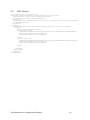
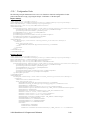
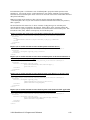
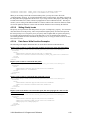
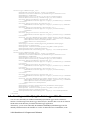
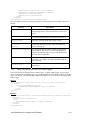
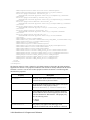
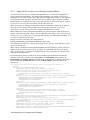
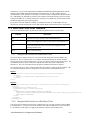
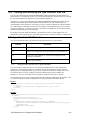
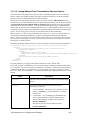
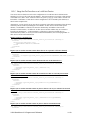
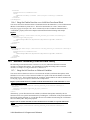
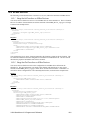
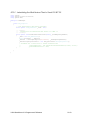
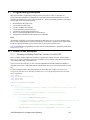
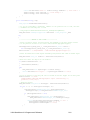
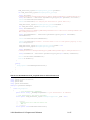
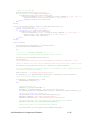
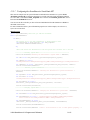
Request (use an xSelect statement return all the M-Bus data points on a specific device)
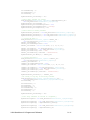
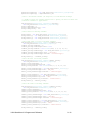
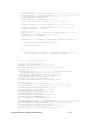
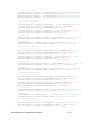
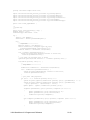
<Get xmlns="http://wsdl.echelon.com/web_services_ns/ilon100/v4.0/message/">
<iLonItem>
<xSelect>//Item[@xsi:type="MBS_Dp_Cfg"][starts-with(UCPTname,"Net/M-Bus Channel/LAE_LCD15_1")]
</xSelect>
</iLonItem>
</Get>
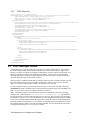
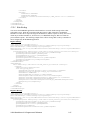
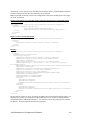
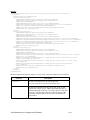
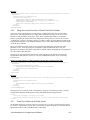
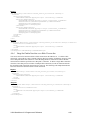
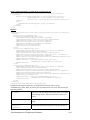
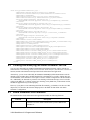
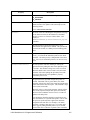
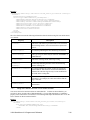
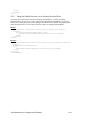
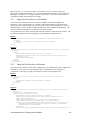
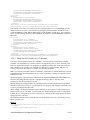
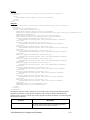
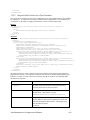
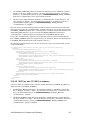
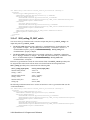
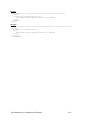
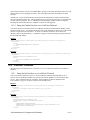
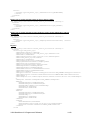
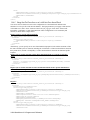
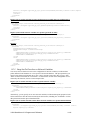
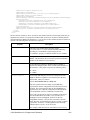
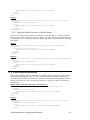
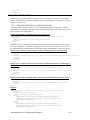
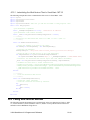
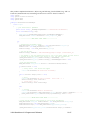
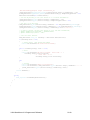
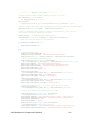
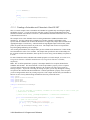
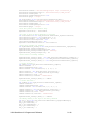
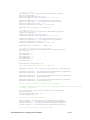
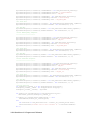
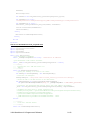
Response
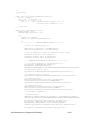
<Get xmlns="http://wsdl.echelon.com/web_services_ns/ilon100/v4.0/message/">
<iLonItem>
<UCPTfaultCount>0</UCPTfaultCount>
<Item xsi:type="MBS_Dp_Cfg">
<UCPTname>Net/M-Bus Channel/M-Bus Device/Virtual Fb/In</UCPTname>
<UCPTannotation>Dp_In</UCPTannotation>
<UCPThidden>0</UCPThidden>
<UCPTlastUpdate>2008-04-02T15:29:01.570-07:00</UCPTlastUpdate>
<UCPTuri>MBS_Dp_Cfg.htm</UCPTuri>
<UCPTformatDescription>RAW_HEX</UCPTformatDescription>
<UCPTlength>1</UCPTlength>
<UCPTdirection LonFormat="UCPTdirection">DIR_IN</UCPTdirection>
<UCPThandle>0</UCPThandle>
<UCPTpollRate>10.0</UCPTpollRate>
<UCPTmbusType LonFormat="UCPTmbusType">MBST_READ</UCPTmbusType>
</Item>
</iLonItem>
</Get>
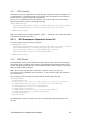
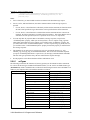
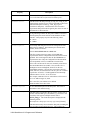
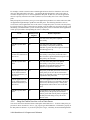
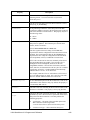
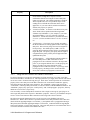
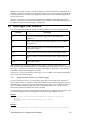
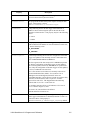
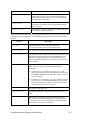
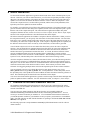
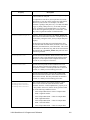
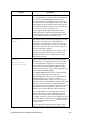
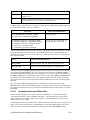
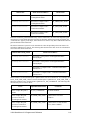
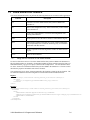
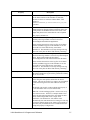
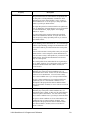
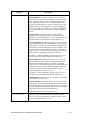
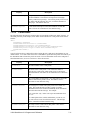
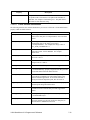
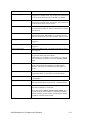
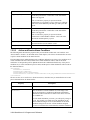
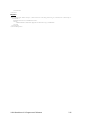
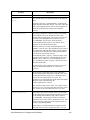
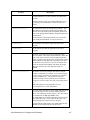
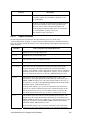
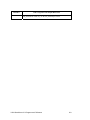
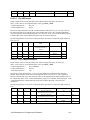
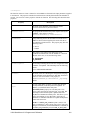
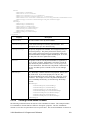
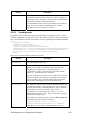
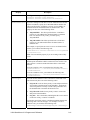
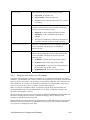
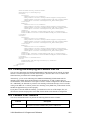
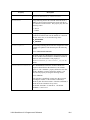
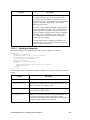
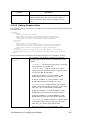
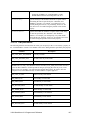
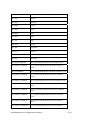
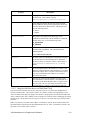
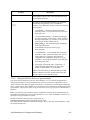
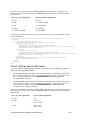
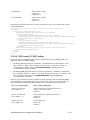
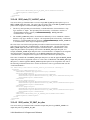
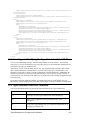
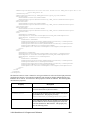
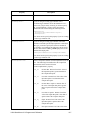
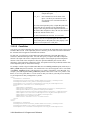
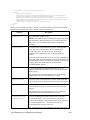
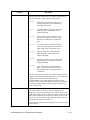
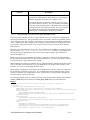
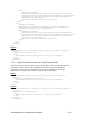
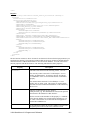
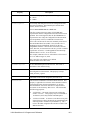
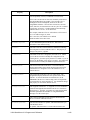
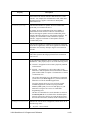
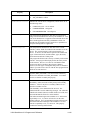
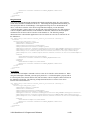
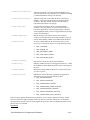
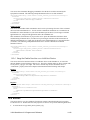
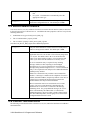
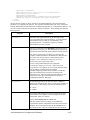
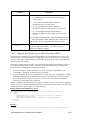
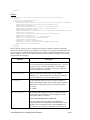
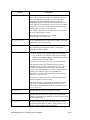
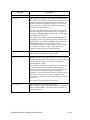
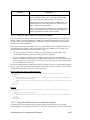
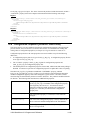
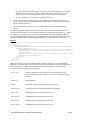
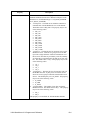
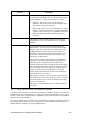
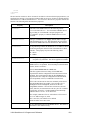
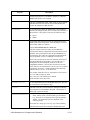
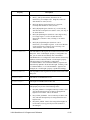
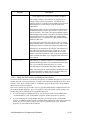
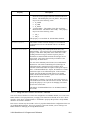
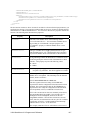
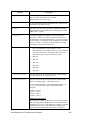
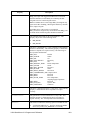
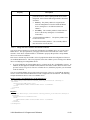
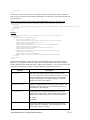
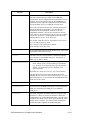
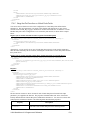
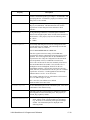
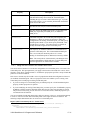
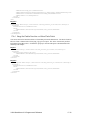
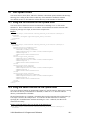
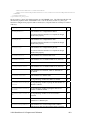
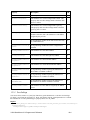
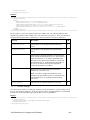
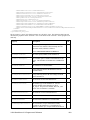
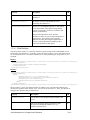
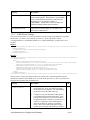
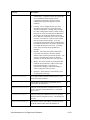
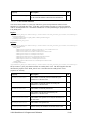
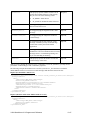
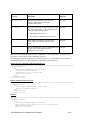
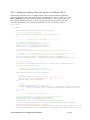
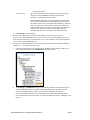
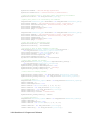
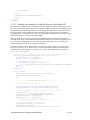
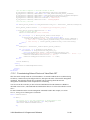
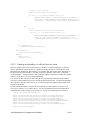
The Get function returns an <Item> element for each M-Bus data point referenced in the input
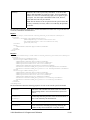
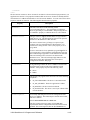
parameters you supplied to the function. The properties included within each <Item> element are
initially defined when the M-Bus data point is added to the SmartServer. You can write to these data
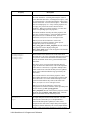
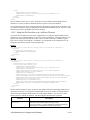
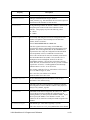
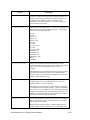
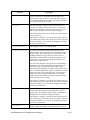
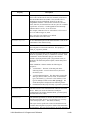
point properties with the Set function. The following table describes these properties.
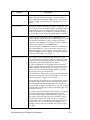
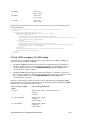
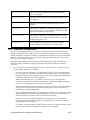
Property
Description
<UCPTname>
The name of the M-Bus data point in the following format:
<network/channel/device/functionalblock/data point>. You can
rename an M-Bus data point by providing its <UCPThandle>
and specifying the new <UCPTname> property to which the
M-Bus data point is to be renamed.
<UCPTannotation>
The type of M-Bus data point, which is Dp_In by default. This
determines the icon used to represent the M-Bus data point in
the SmartServer Web interface.
<UCPThidden>
A flag indicating whether the M-Bus data point is hidden or
shown in the navigation pane on the left side of the SmartServer
Web interface. This property may have the following values:
0 – shown
1 – hidden
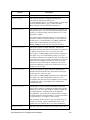
<UCPTlastUpdate>
A timestamp indicating the last time the configuration of the
M-Bus data point was updated. This timestamp uses the ISO
8601 format, which is as follows:
i.LON SmartServer 2.0 Programmer’s Reference
16-13