1
Chapter 14
Routing
BGP Address Family Configuration
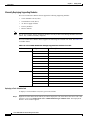
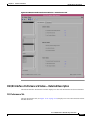
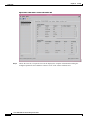
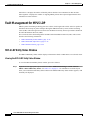
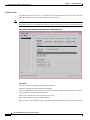
Viewing the AF-General Tab on the BGP Address-Family Configuration Window
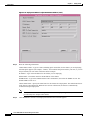
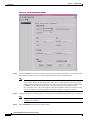
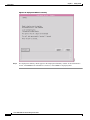
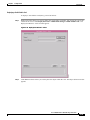
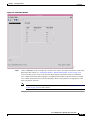
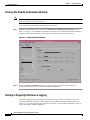
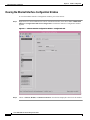
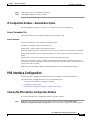
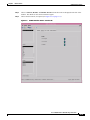
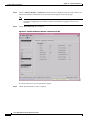
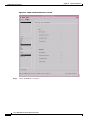
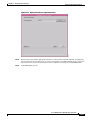
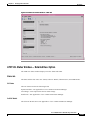
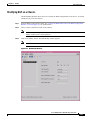
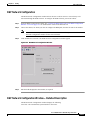
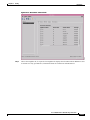
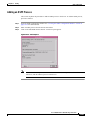
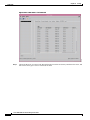
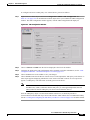
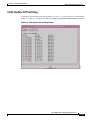
The AF-General tab displays the BGP address family parameters. The user can create, remove or modify
the BGP Address Family Parameters. To view the AF-General tab on the BGP Address Family
Configuration window for a chassis, proceed as follows:
Step 1
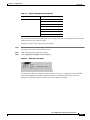
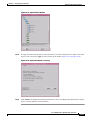
Right click on the chassis object and choose Configuration>BGP>BGP Address-Family
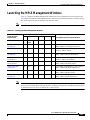
Configuration. See Table 14-1 on page 14-2 for information on which objects allow you to launch the
BGP Address-Family Configuration window.
Note
When the BGP Address-Family Configuration window is launched, the AF-General tab is
displayed by default.
Note
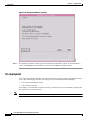
The action buttons are greyed when there is no BGP configured on the device.
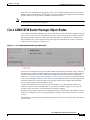
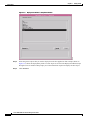
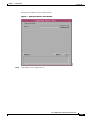
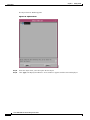
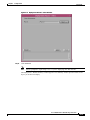
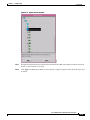
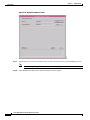
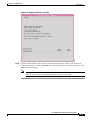
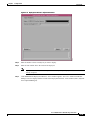
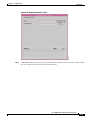
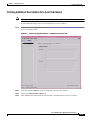
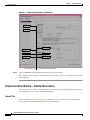
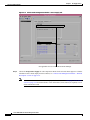
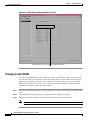
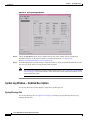
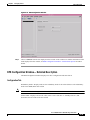
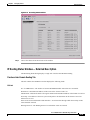
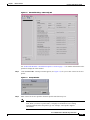
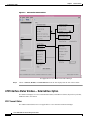
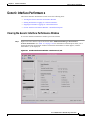
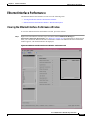
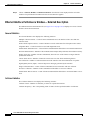
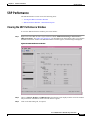
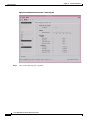
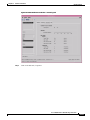
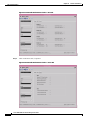
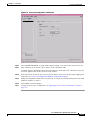
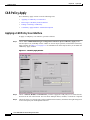
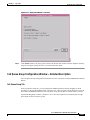
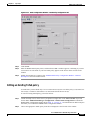
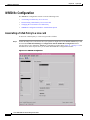
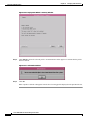
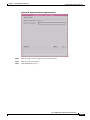
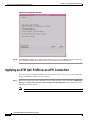
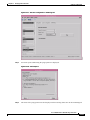
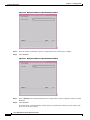
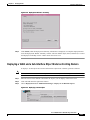
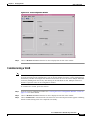
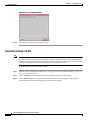
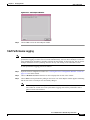
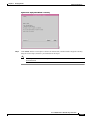
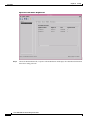
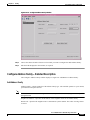
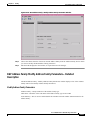
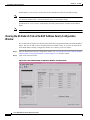
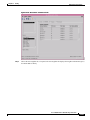
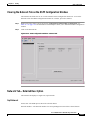
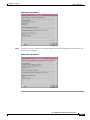
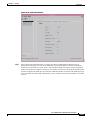
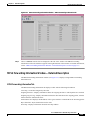
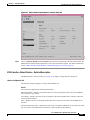
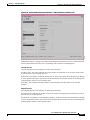
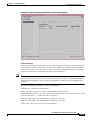
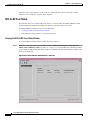
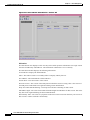
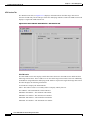
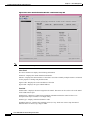
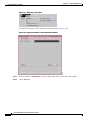
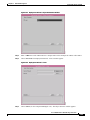
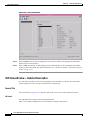
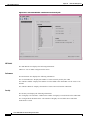
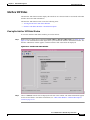
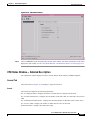
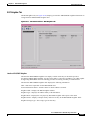
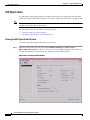
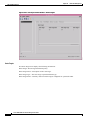
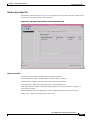
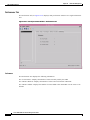
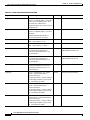
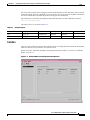
Figure 14-18 BGP Address-Family Configuration Window
Step 2
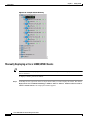
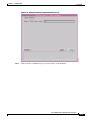
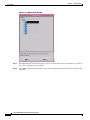
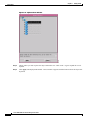
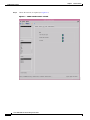
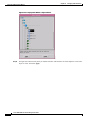
Choose the Chassis and the Address Family List from the left side of the window.
Cisco 12000/10700 v3.1.1 Router Manager User Guide
OL-4455-01
14-27