1
Personalizing Your Phone
Profile settings
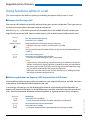
There are five different application profiles to adapt the phones to any given work situation, e.g.
headset or conference mode.
■ Setting up a profile
All your phone’s ringing properties are stored in the profiles.
Three default profiles are factory-set: Normal, Meeting, Charging bay. You can set up to 5 profiles.
A profile comprises a set of ringing and phone settings, which you can specify individually for
each profile. 1 profile is always active in telephone mode. The default profile is the Normal profile. Activate the appropriate profile depending on the situation (e. g. before a meeting you can
activate the Meeting profile). The Charging bay profile is selected automatically whenever the
phone is placed in the charging bay.
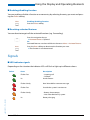
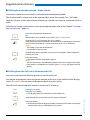
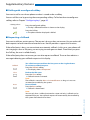
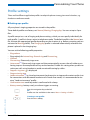
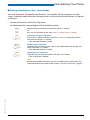
You can set the following profile properties:
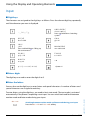
•
•
•
•
•
•
•
•
•
•
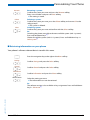
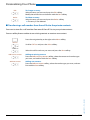
Ring volume
Ring melody for Internal ring, External ring and Discreet ring,
Vibracall
Discreet ring: Phone only rings once.
Auto answer[a]: Phone only rings once and then automatically answers the call without you
having to press for example the call key on the headset. Disable this setting when you do not
make your calls using headset to avoid unnoticed listening by callers.
Suppress ring tone: is displayed.
Progressive ring tone
Loud environment[a]: In a loud environment the phone tries to improve the voice transfer (not
for connections with Bluetooth headset and in hands-free mode). It’s recommended to create a "Loud environment" profile.
Confirmation tone: each keystroke is confirmed with a beep.
Battery warning: battery nearly run-down triggers a warning.
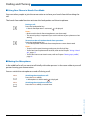
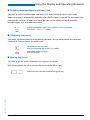
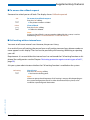
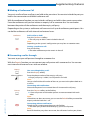
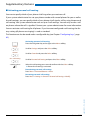
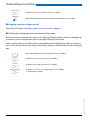
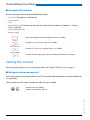
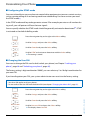
Press the navigation key to the left.
Or:
Profiles are also available via the menu: Menu > Settings > Profiles.
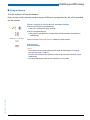
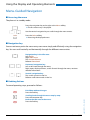
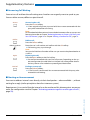
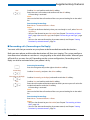
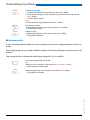
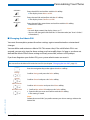
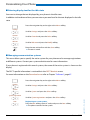
Creating a new profile:
Press the New softkey.
eud-1093/1.1 – I7.9 – 09.2009
New
Aastra 610d
51