1
Installation and commissioning
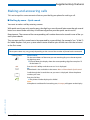
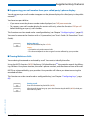
Carry clip or swivel clip
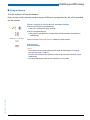
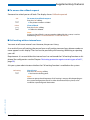
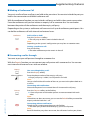
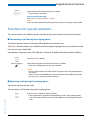
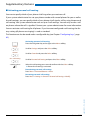
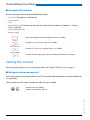
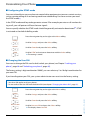
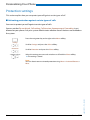
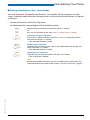
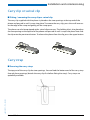
■ Fitting / removing the carry clip or swivel clip
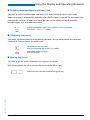
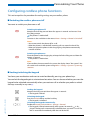
The carry clip supplied with the phone is placed on the two openings at the top end of the
phone and pressed in until it snaps into place. To remove the carry clip, press the small recesses
on the edge of the strap and gently pull the strap apart.
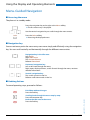
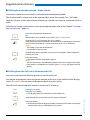
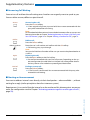
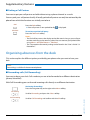
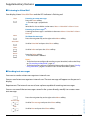
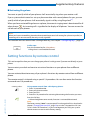
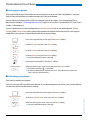
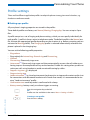
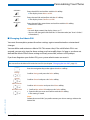
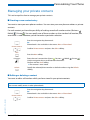
The phone can also be equipped with a swivel clip accessory. The holding clip is also placed on
the two openings at the top end of the phone and pressed in until it snaps into place. Next slide
the clip onto the prominent button. To release the phone from the clip, press the upper button.
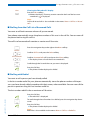
Carry strap
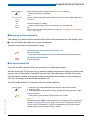
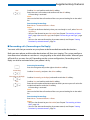
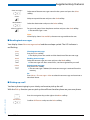
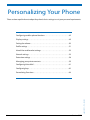
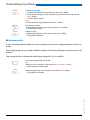
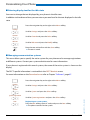
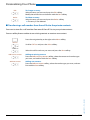
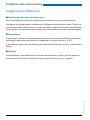
■ Securing the carry strap
eud-1093/1.1 – I7.9 – 09.2009
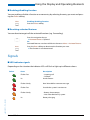
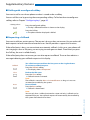
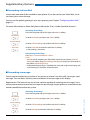
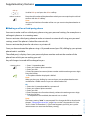
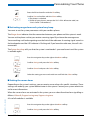
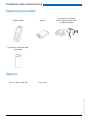
The top part of the carry clip has two openings. You can feed the bottom end of the carry strap
through these openings (detach the carry clip first before fitting the strap). Carry straps are
optionally available.
Aastra 610d
69