1
Administrator Level Options
Troubleshooting
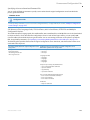
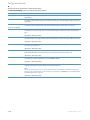
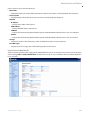
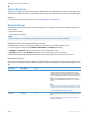
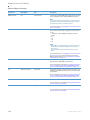
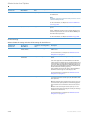
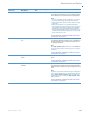
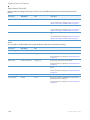
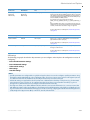
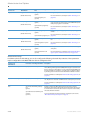
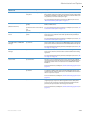
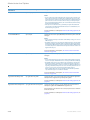
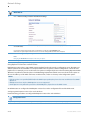
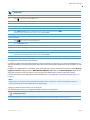
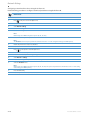
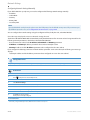
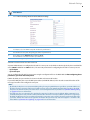
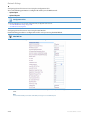
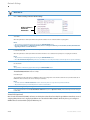
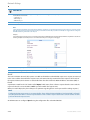
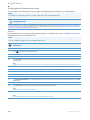
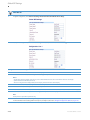
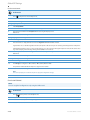
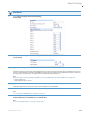
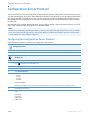
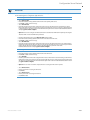
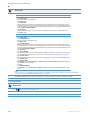
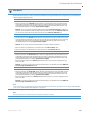
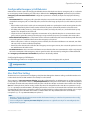
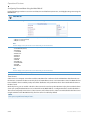
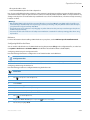
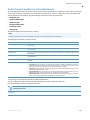
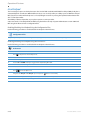
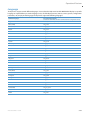
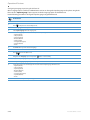
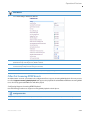
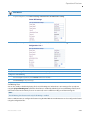
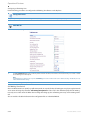
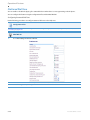
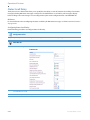
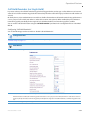
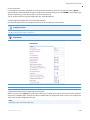
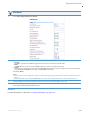
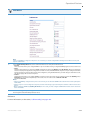
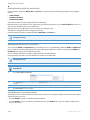
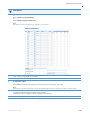
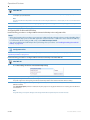
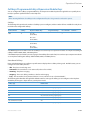
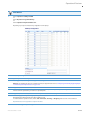
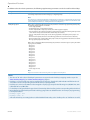
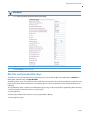
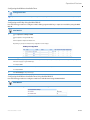
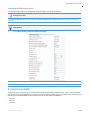
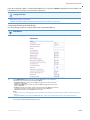
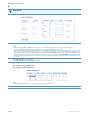
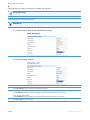
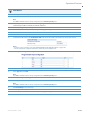
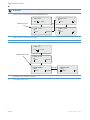
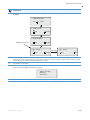
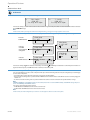
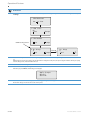
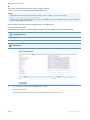
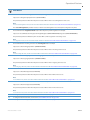
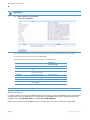
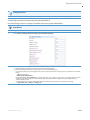
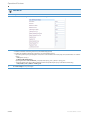
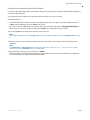
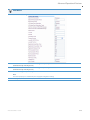
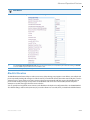
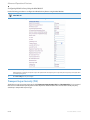
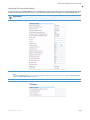
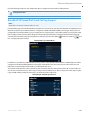
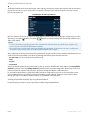
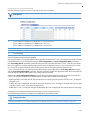
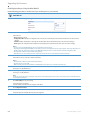
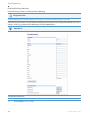
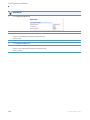
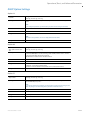
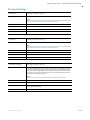
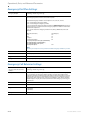
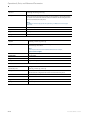
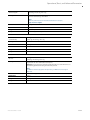
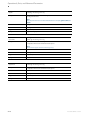
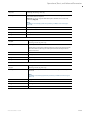
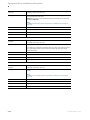
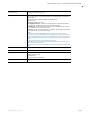
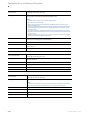
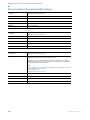
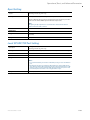
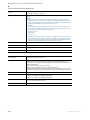
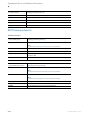
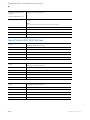
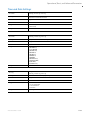
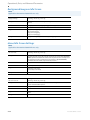
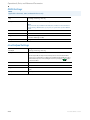
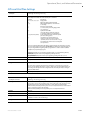
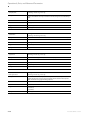
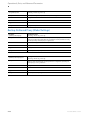
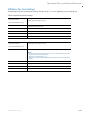
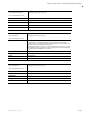
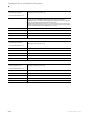
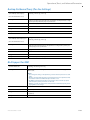
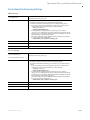
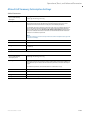
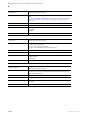
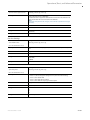
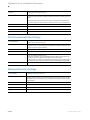
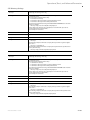
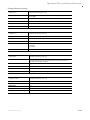
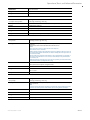
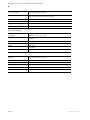
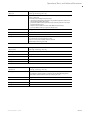
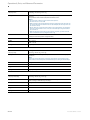
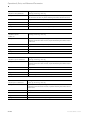
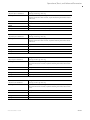
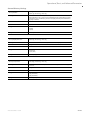
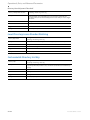
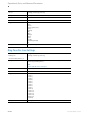
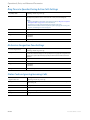
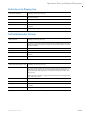
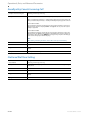
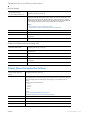
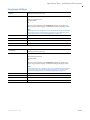
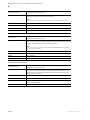
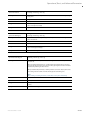
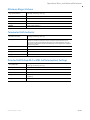
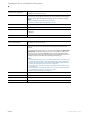
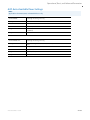
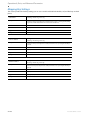
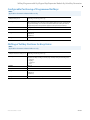
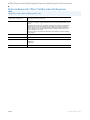
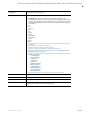
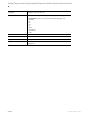
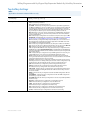
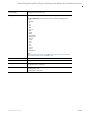
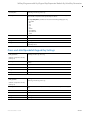
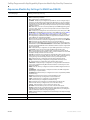
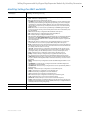
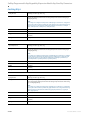
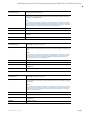
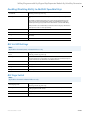
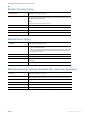
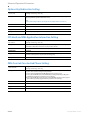
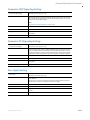
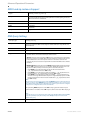
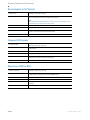
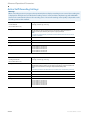
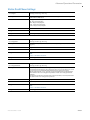
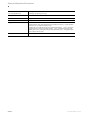
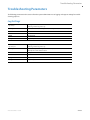
The Troubleshooting feature in the Mitel Web UI provides tasks that a system administrator can perform on the IP
phones for troubleshooting purposes. Using this feature, a system administrator can:
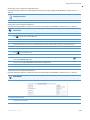
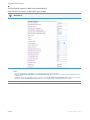
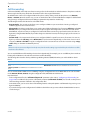
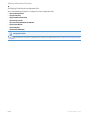
• Assign an IP address and IP port to which log information will be transmitted
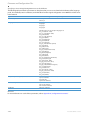
• Filter the logs according to severity
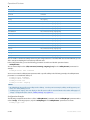
• Save the current local configuration file to a specified location
• Save the current server configuration file to a specified location
• Save the current user configuration file to a specified location (if logged on using the Visitor Desk Phone feature).
• Save the current user_local configuration file to a specified location (if logged on using the Visitor Desk Phone feature).
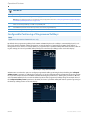
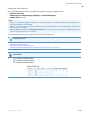
• Show task and stack status (including “Free Memory” and “Maximum Memory Block Size”)
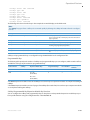
• Enable/disable a WatchDog task
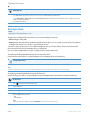
• View Error Messages
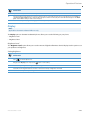
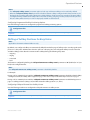
• Enable/disable the uploading of configuration and crash file information to a pre-defined server
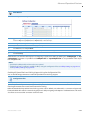
Mitel Technical Support can then use the information gathered to perform troubleshooting tasks.
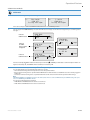
Reference
For more information about troubleshooting on the IP Phones, see Chapter 9, “Troubleshooting.”
For more information about the Visitor Desk Phone feature see Visitor Desk Phone Support on page 6-45.
3-50
41-001561-00 REV00 – 10.2014