1
Operational Features
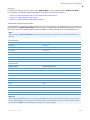
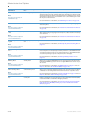
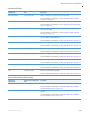
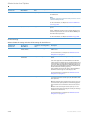
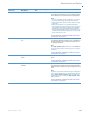
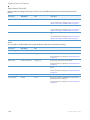
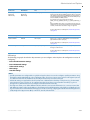
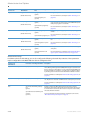
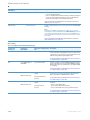
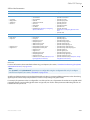
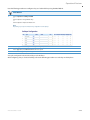
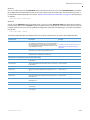
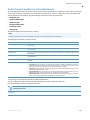
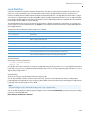
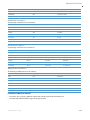
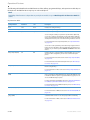
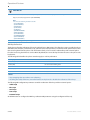
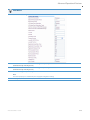
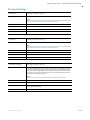
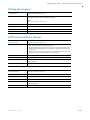
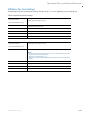
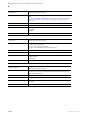
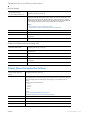
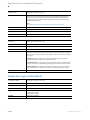
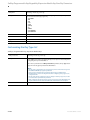
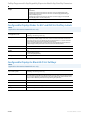
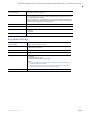
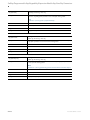
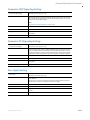
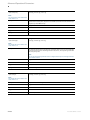
Parameter
Description
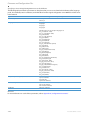
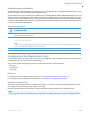
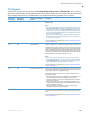
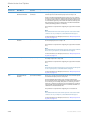
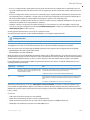
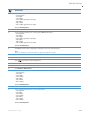
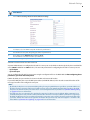
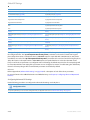
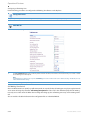
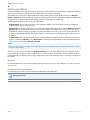
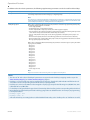
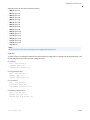
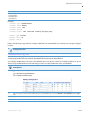
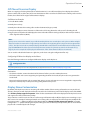
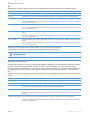
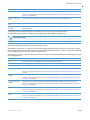
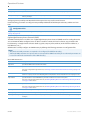
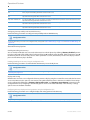
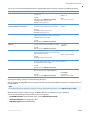
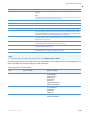
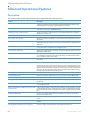
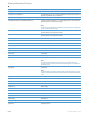
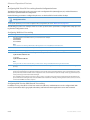
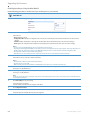
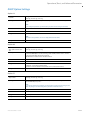
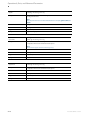
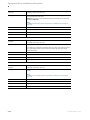
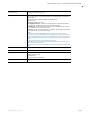
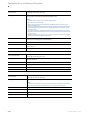
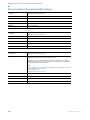
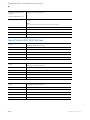
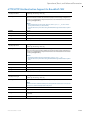
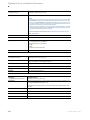
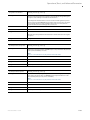
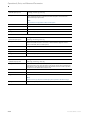
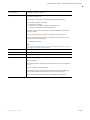
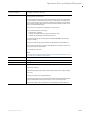
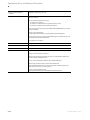
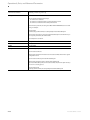
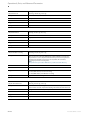
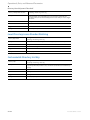
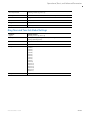
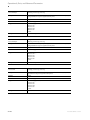
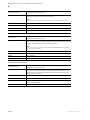
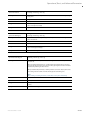
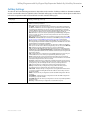
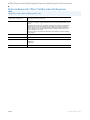
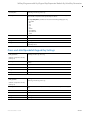
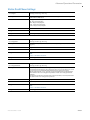
ldap other phone attribute Specifies the LDAP other phone (e.g. 1-416-468-3269) for the attribute list. If this parameter contains more than one
list
value, only the first matching value will be selected in the record.
ldap business fax attribute Specifies the LDAP business fax (e.g. 1-905-760-4233) for the attribute list. If this parameter contains more than one value,
list
only the first matching value will be selected in the record.
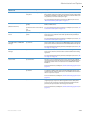
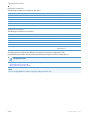
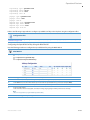
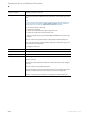
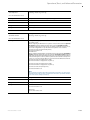
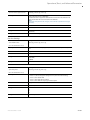
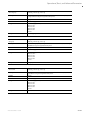
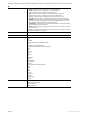
ldap email 1 attribute list
Specifies the LDAP email 1 (e.g. [email protected]) for the attribute list. If this parameter contains more than one value,
only the first matching value will be selected in the record.
ldap email 2 attribute list
Specifies the LDAP email 2(e.g. [email protected]) for the attribute list. If this parameter contains more than one value,
only the first matching value will be selected in the record.
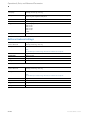
ldap email 3 attribute list
Specifies the LDAP email 3 (e.g. [email protected]) for the attribute list. If this parameter contains more than one value,
only the first matching value will be selected in the record.
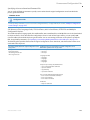
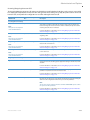
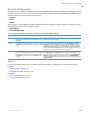
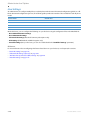
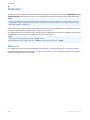
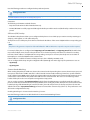
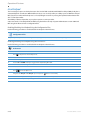
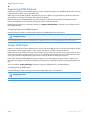
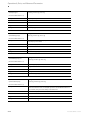
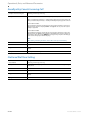
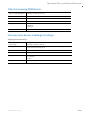
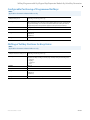
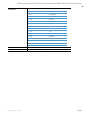
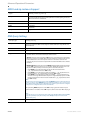
Configuring Interoperability with an LDAP Directory
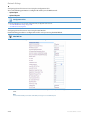
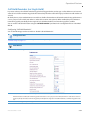
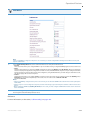
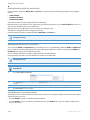
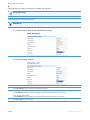
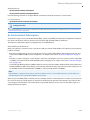
Use the following parameters to configure interoperability with an LDAP Directory.
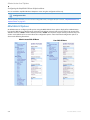
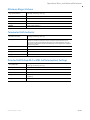
Configuration Files
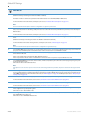
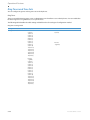
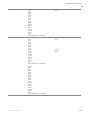
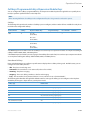
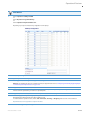
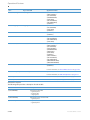
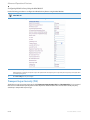
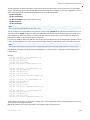
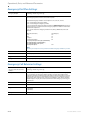
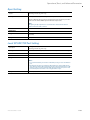
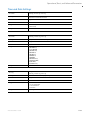
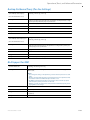
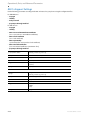
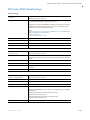
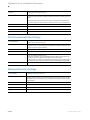
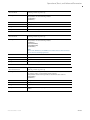
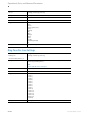
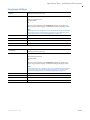
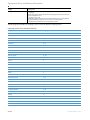
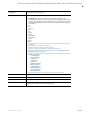
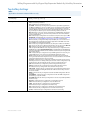
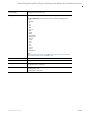
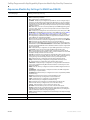
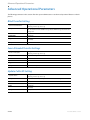
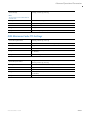
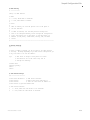
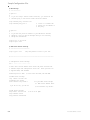
For specific parameters you can set in the configuration files, see Appendix A, “Basic LDAP Settings” on page A-112 and “Advanced LDAP Settings” on
page A-115
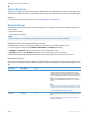
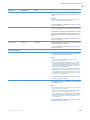
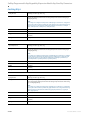
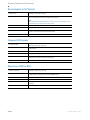
General Directory Options
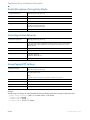
Enabling/Disabling the Directory
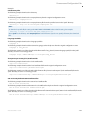
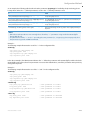
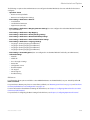
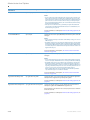
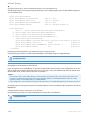
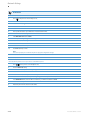
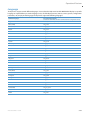
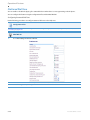
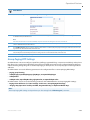
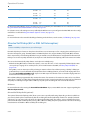
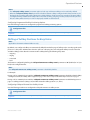
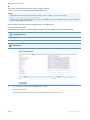
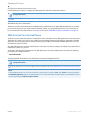
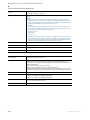
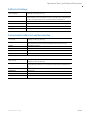
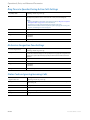
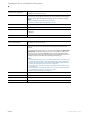
You can enable and disable user access to the Directory List on the IP phones by defining “directory disabled” parameter in the configuration files. Valid values for this parameter are 0 (enabled) and 1 (disabled). If this parameter is set to 0,
the Directory List can be accessed by all users. If this parameter is set to 1, the Directory List does not display on the IP
phone and the Directory key is disabled.
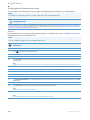
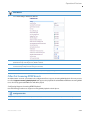
Enabling/Disabling the Directory Using the Configuration Files
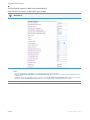
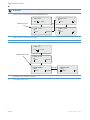
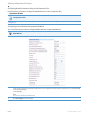
Use the following procedures to enable/disable the Directory List on the IP phones.
Configuration Files
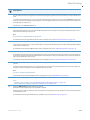
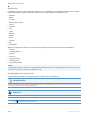
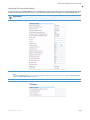
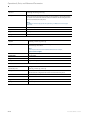
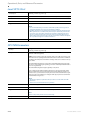
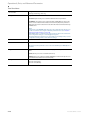
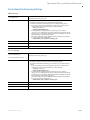
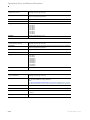
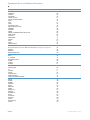
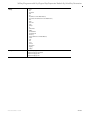
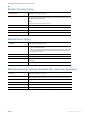
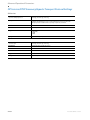
For specific parameters you can set in the configuration files for enabling/disabling the Directory List, see Appendix A, the section, “Enhanced Directory Settings” on page A-104.
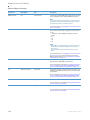
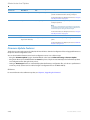
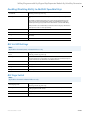
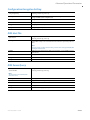
Display and Sorting
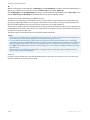
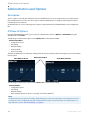
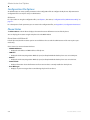
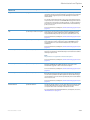
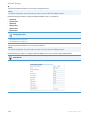
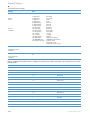
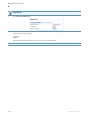
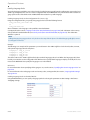
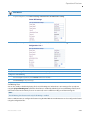
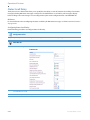
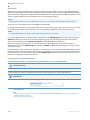
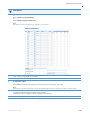
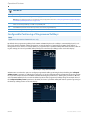
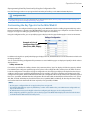
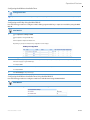
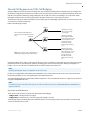
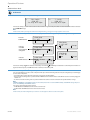
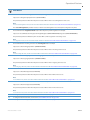
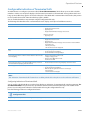
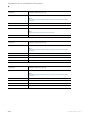
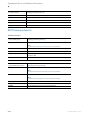
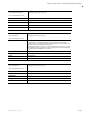
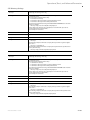
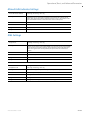
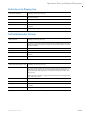
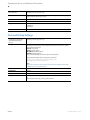
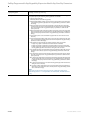
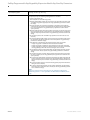
Administrators and users can configure the directory entries to display using the contact’s first name and then last name
or vice versa. Moreover, the option to sort contact’s using either their first name or last name is available. These setings
can be configured by defining the “directory display name order” and “directory sort preference” parameters in the
configuration files or by navigating to the Directory options menu on the 6863i and 6865i, or the Directory > Settings
options menu on the 6867i and 6869i.
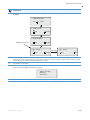
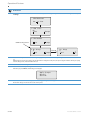
Configuring Directory Display and Sorting Options Using the Configuration Files
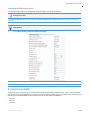
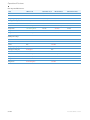
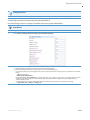
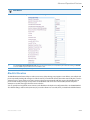
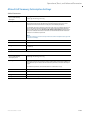
Use the following parameters to to configure display and sorting options for the Directory.
Configuration Files
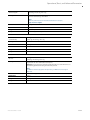
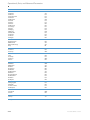
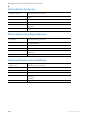
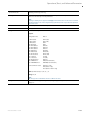
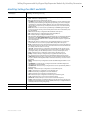
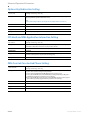
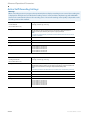
For specific parameters you can set in the configuration files, see Appendix A, the section, “General Directory Settings” on page A-123.
5-193
41-001561-00 REV00 – 10.2014