1
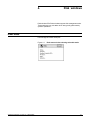
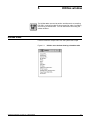
PRINT TASKS WINDOWS
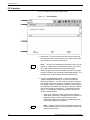
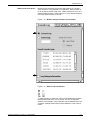
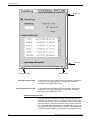
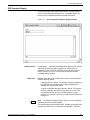
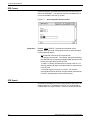
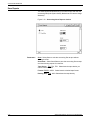
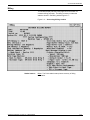
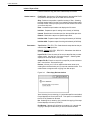
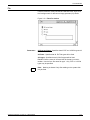
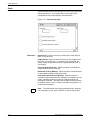
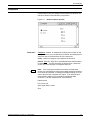
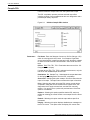
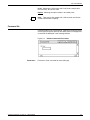
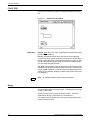
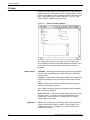
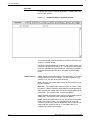
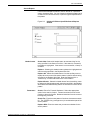
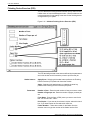
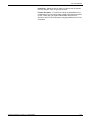
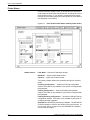
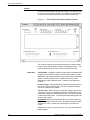
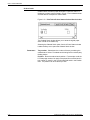
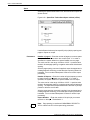
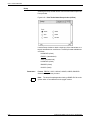
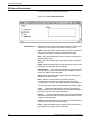
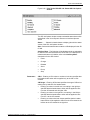
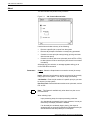
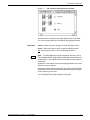
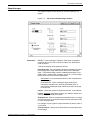
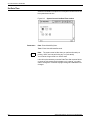
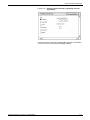
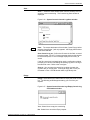
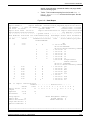
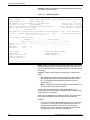
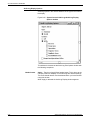
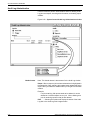
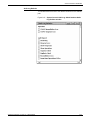
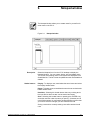
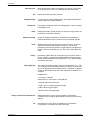
Figure 6-26. Print Tasks>SDI>SDI Job Status>SDI Job Options
window
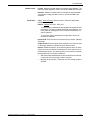
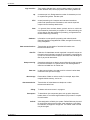
The SDI Job Options window contains selectable status items which
are defined in the Xerox Dynamic Document Interface Operator
Guide.
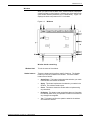
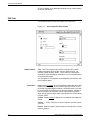
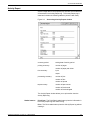
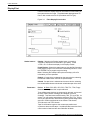
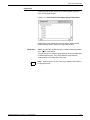
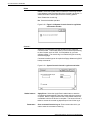
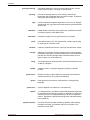
Status . . . - Select this header button to display jobs with the status
values of the SDI Job Options window .
Start - Select this header button to start the JIDs displayed in the JID
#: field.
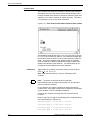
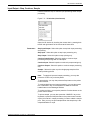
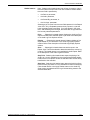
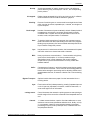
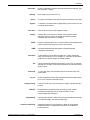
Auxiliary Menu - The following will be displayed and are selectable
for action on the JIDs selected in the JID #: field. For a description of
what these buttons will initialize, refer to the Auxiliary Menu
descriptions for the SDI window.
•
•
•
•
•
•
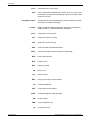
Parameters
Insert . . .
Change . . .
Release
Abort
Dump
Stop
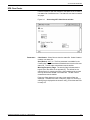
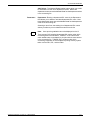
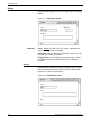
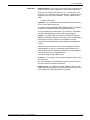
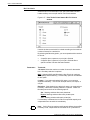
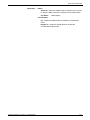
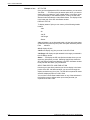
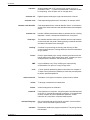
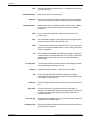
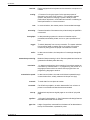
JID #: - Entering a JID number or numbers in the box specifies that
the header button action will be applied only to the JID or JIDs
entered.
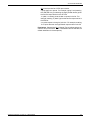
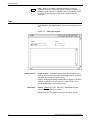
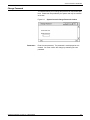
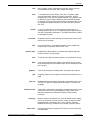
JID Range: - Entering JID #s here specifies the range of JIDs to be
acted upon by selection of a header button.
XEROX DOCUPRINT 180 LPS PC UI REFERENCE
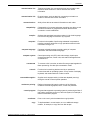
•
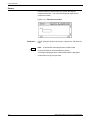
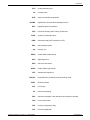
Entering a number in the left box, but nothing in the right box
specifies that the header button action will be applied to JIDs
from the JID entered and all higher JIDs.
•
Entering a number in the right box, but nothing in the left box
specifies that the header button action will be applied to JIDs
from JID 1 to the JID entered.
•
Entering a numbers into both boxes specifies that the header
button action will be applied to JIDs from the JID entered in the
left box to the JID entered in the right box.
6-33