1
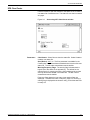
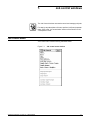
FILES WINDOWS
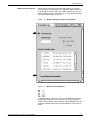
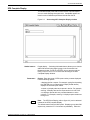
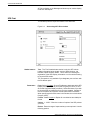
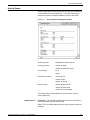
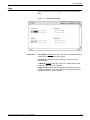
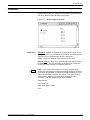
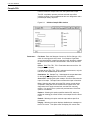
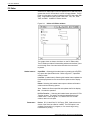
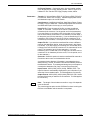
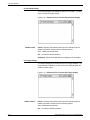
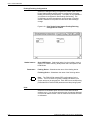
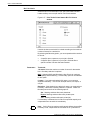
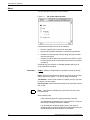
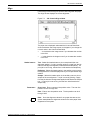
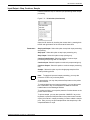
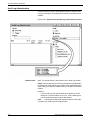
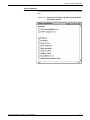
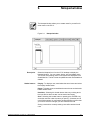
Labeled Tape to Disk
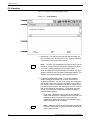
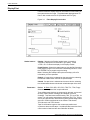
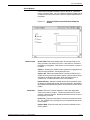
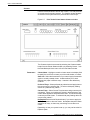
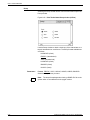
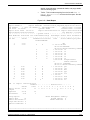
Use this window to copy files from a labeled tape to the disk.
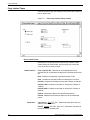
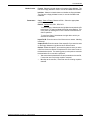
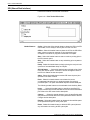
Header buttons
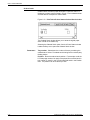
Find File ID: Searches an LPS-labeled tape for the specified File ID
and positions the tape prior to the label record of the file.
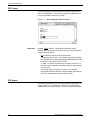
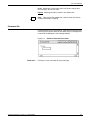
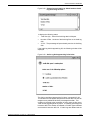
Skip: Positions a tape after a specified number of files. Selecting
the Skip header button from the Copy Labeled Tapes window opens
the Skip window, which prompts you to enter the number of the files
you want to skip over.
Next: Locates the tape header and displays the file name.
Initialize: Prepares a tape for writing with a density of 1600 bpi.
Unload: Rewinds and unloads a tape from the specified tape drive.
Rewind: Rewinds the tape on a specified tape drive.
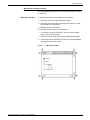
Initialize 1600: Prepares a tape for writing with a density of 1600 bpi.
Initialize 6250: Prepares a tape for writing with a density of 6250 bpi.
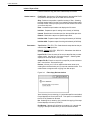
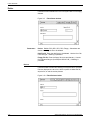
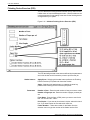
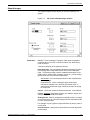
Parameters
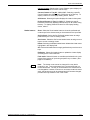
Tape Device: TD0, TD1, TD2. Select/enter the tape device that you
want the tape file copied from.
Disk ID: Default, DP0, DP1, DP2, DP3. Select/enter the disk that
you want the file written to.
Input File ID: Enter the name of the source tape file that you want
written to disk. Use the form “file-name.file-type”. Selecting Next
displays the next file name on the tape.
Output File ID: Enter the name of the output file you want written to
disk. Use the form “file-name.file-type”.
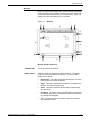
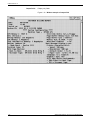
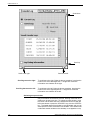
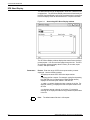
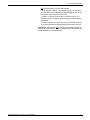
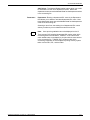
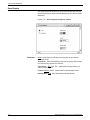
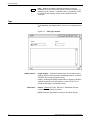
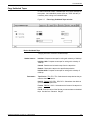
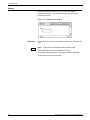
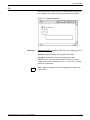
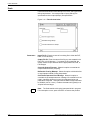
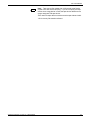
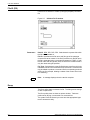
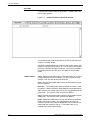
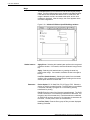
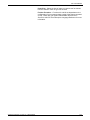
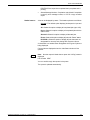
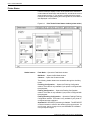
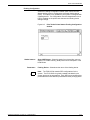
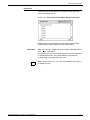
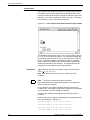
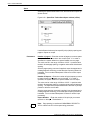
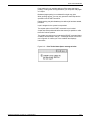
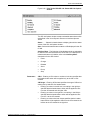
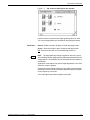
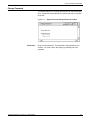
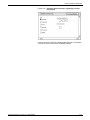
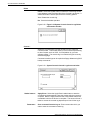
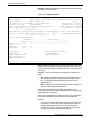
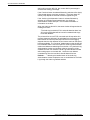
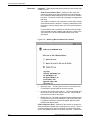
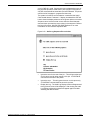
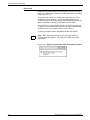
Review: Informs you if a file on tape has the same name as an
existing file on disk and asks you if you want to overwrite the file. This
window does not appear when copying from disk to tape.
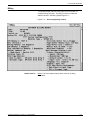
Figure 3-6.
Files>Copy Review window
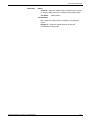
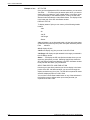
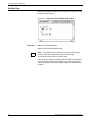
Yes: Selecting Yes (or entering <Y>) writes the tape file over the disk
file and displays the next Input File ID. This option is not available if
the File ID is protected or secured.
No: Selecting No (or entering <N>) cancels the copying of the tape
file and displays the next Input File ID.
End Review: Selecting End Review (or entering <X>) cancels the
copying of the tape file and exits you from the Review window
3-8
XEROX DOCUPRINT 180 LPS PC UI REFERENCE