1
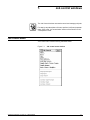
SYSTEM CONTROL WINDOWS
Delete
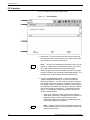
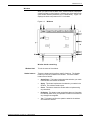
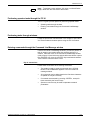
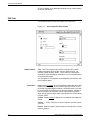
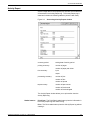
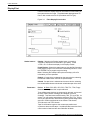
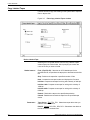
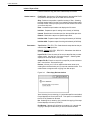
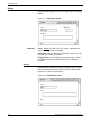
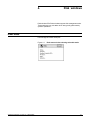
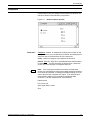
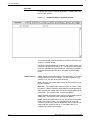
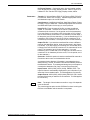
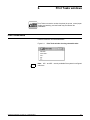
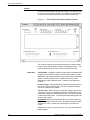
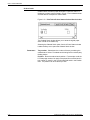
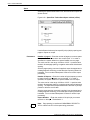
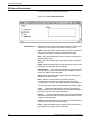
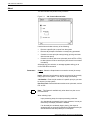
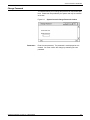
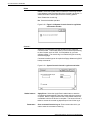
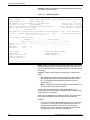
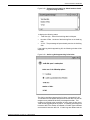
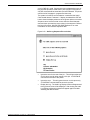
Delete: Select this header button to delete the console log whose
name appears in the File Name field of the Console Log window. A
delete confirmation window opens with the following options.
Yes: Deletes the console log.
No: Cancels the delete operation.
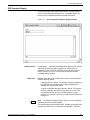
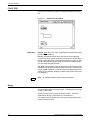
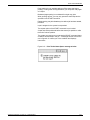
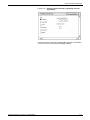
Figure 8-18. Figure 8-18.System Control>Console Log>Delete
confirmation window
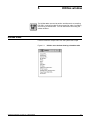
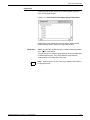
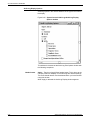
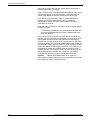
Convert...
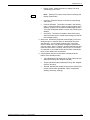
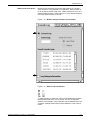
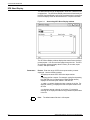
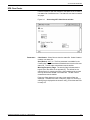
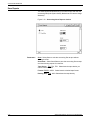
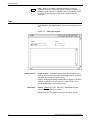
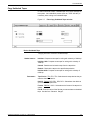
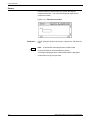
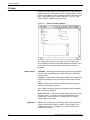
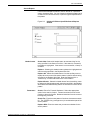
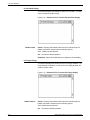
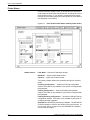
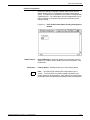
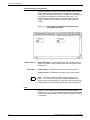
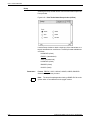
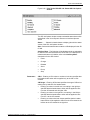
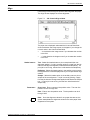
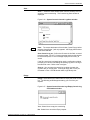
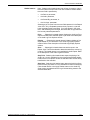
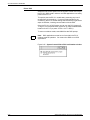
Select the Convert option from the auxiliary menu to open the
Convert window. This window allows you to convert the specified log
to other formats, such as ASCII, for manipulation by your own
software utilities. The console log is converted using the currently
selected language.
Converted console logs can be copied to a floppy diskette using DOS
backup commands.
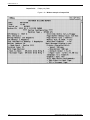
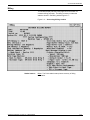
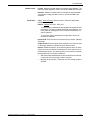
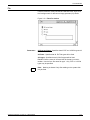
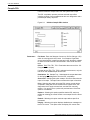
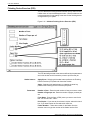
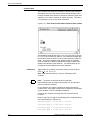
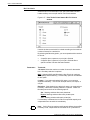
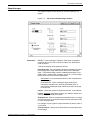
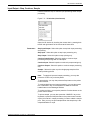
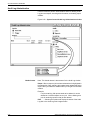
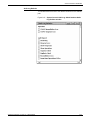
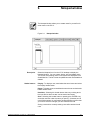
Figure 8-19. System Control>Console Log>Convert window
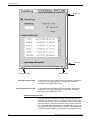
Header buttons
Parameters
8-18
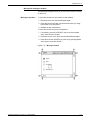
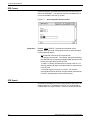
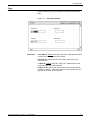
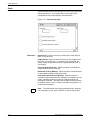
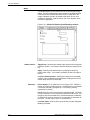
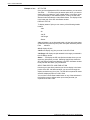
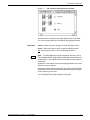
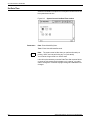
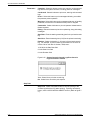
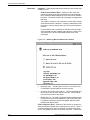
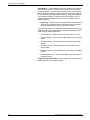
Apply/Close: Select the Apply/Close header button to start the
conversion and automatically close the window after the process is
complete. Both the Apply/Close and the Close header buttons are
unavailable until the conversion is complete. The amount of time it
takes to convert the console log depends upon how full the log is.
Save converted Console Log as: Enter name under which you
want to save the converted console log.
XEROX DOCUPRINT 180 LPS PC UI REFERENCE