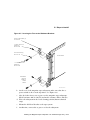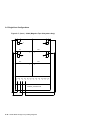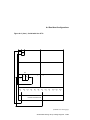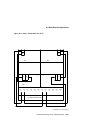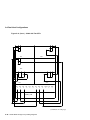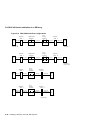
1
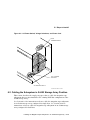
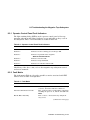
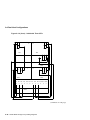
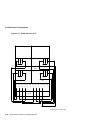
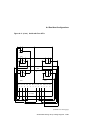
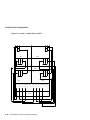
5.2 Cabling the SF7x in Storage Array Position
Note
The following step assumes that no SF7x storage enclosures are
installed internally in the system cabinet. If there are SF7x storage
enclosures installed in the system cabinet, then one of the KFMSA
modules installed in the system XMI backplane must be connected to
those SF7x storage enclosures. Do NOT use this KFMSA module or its
DSSI connections to connect the system to the Sx300 storage array.
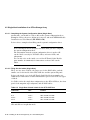
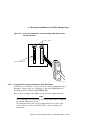
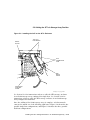
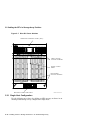
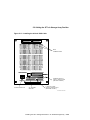
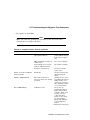
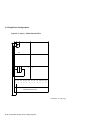
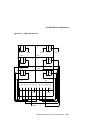
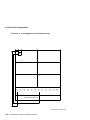
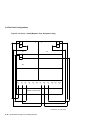
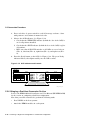
7. Plug the other end of the 108-inch DSSI cables into the appropriate ports
on the system I/O panel at the rear of the system cabinet. To determine
which of the two DSSI connectors on the system I/O panel to connect to:
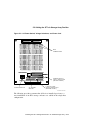
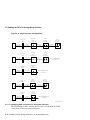
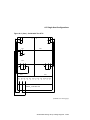
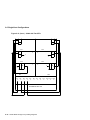
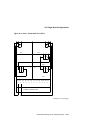
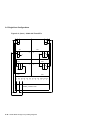
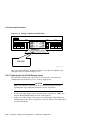
a. Locate the DSSI connectors on the system I/O panel labeled YELLOW
and GREEN.
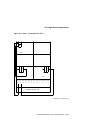
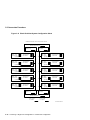
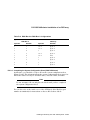
b. From port 3 on the Sx300 I/O panel, connect the 108-inch DSSI cable to
the right DSSI connector (YELLOW) of the first system I/O panel.
c.
From port 11 on the Sx300 I/O panel, connect the 108-inch DSSI cable
to the right DSSI connector (YELLOW) of the second system I/O panel.
CAUTION
Do not apply power to the SF7x enclosure at this time.
5.2.2.5 Cabling SF4
WARNING
Before performing the following steps, refer to the system documentation for the correct steps to perform an orderly shutdown of the system
that the storage array is connected to.
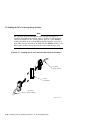
The following steps are for cabling SF4:
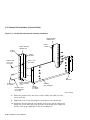
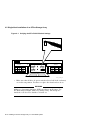
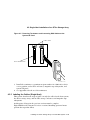
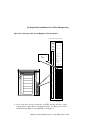
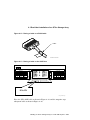
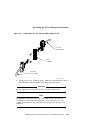
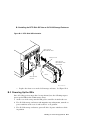
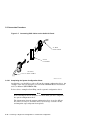
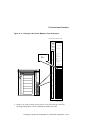
1. At the rear of the storage array, locate the DSSI I/O panel at the bottom.
Use a 3/16-inch flatblade screwdriver to loosen the two captive screws at
the right of the panel.
Installing the SF7x Storage Enclosure in an Sx300 Storage Array 5–37