1
Operating the Contents Pane
Page 3 of 334 pages
On-screen Manual > How to Use This Manual > Operating the Contents Pane
Operating the Contents Pane
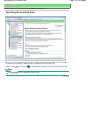
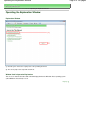
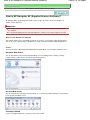
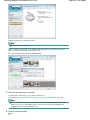
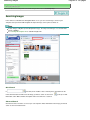
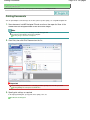
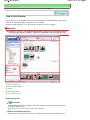
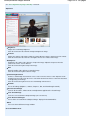
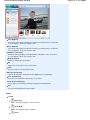
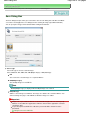
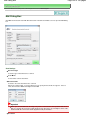
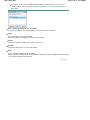
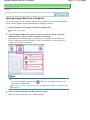
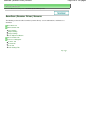
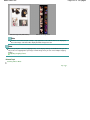
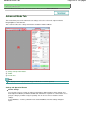
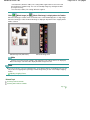
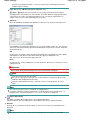
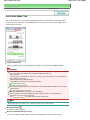
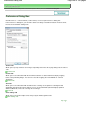
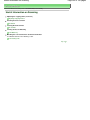
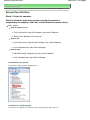
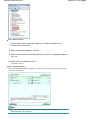
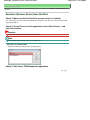
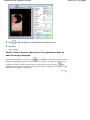
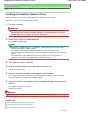
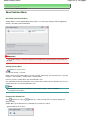
When you click a document title displayed in the contents pane found to the left of the on-screen manual,
the documents of that title are displayed in the explanation window on the right side.
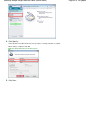
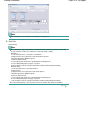
When you click
found to the left of
, the document titles found in the lower hierarchies are displayed.
Note
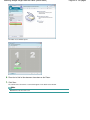
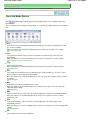
Click
to close or display the contents pane.
Page top