1
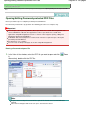
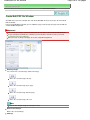
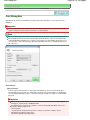
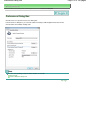
Scanning Images Larger than the Platen (Stitch Assist)
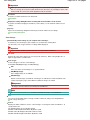
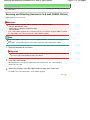
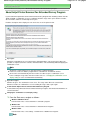
Important
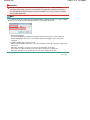
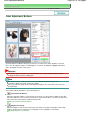
This function is not available while the image is enlarged/reduced.
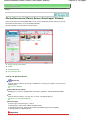
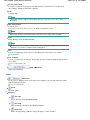
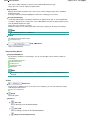
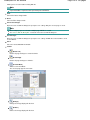
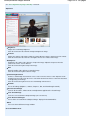
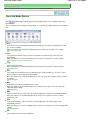
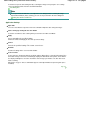
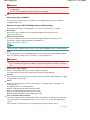
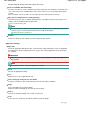
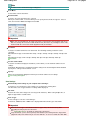
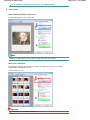
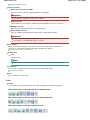
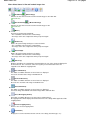
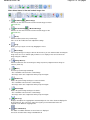
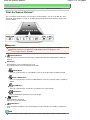
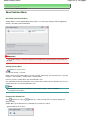
(Enlarge)
Enlarges the displayed image.
(Reduce)
Reduces the displayed image.
(Full-screen)
Enlarges/reduces the image to display it full-screen.
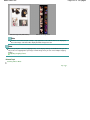
Note
Enlarge/Reduce does not affect the actual size of the scanned image.
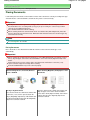
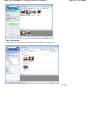
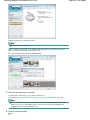
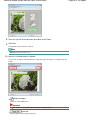
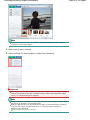
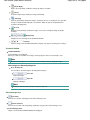
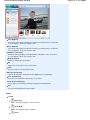
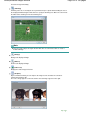
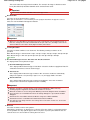
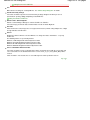
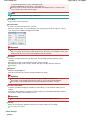
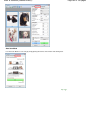
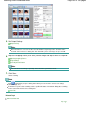
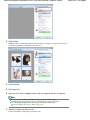
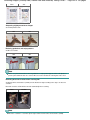
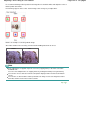
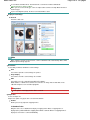
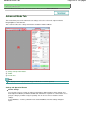
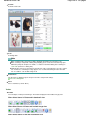
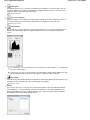
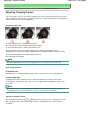
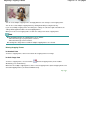
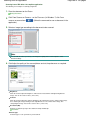
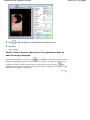
When the document is scanned upside down, the image displayed in the Stitch-assist window
will also be upside down. Click Rotate 180° to rotate the image to the correct orientation.
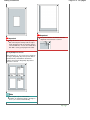
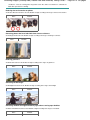
You can drag the right half of the image from right to left or up and down to adjust the position.
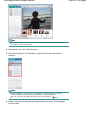
If the left and right halves do not match due to a slanted document, place the document
correctly and click Back, then scan again.
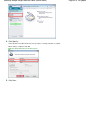
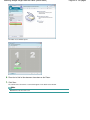
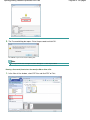
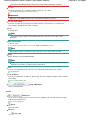
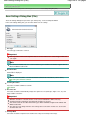
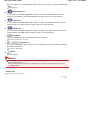
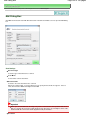
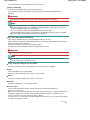
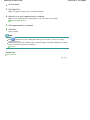
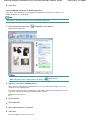
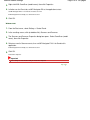
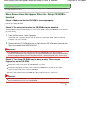
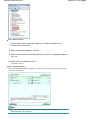
11. Click Next.
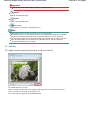
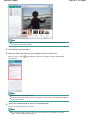
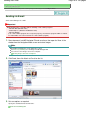
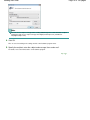
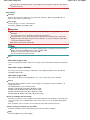
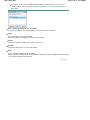
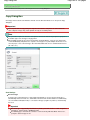
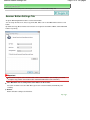
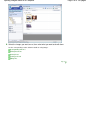
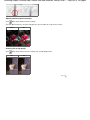
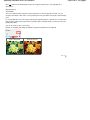
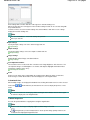
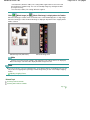
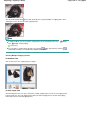
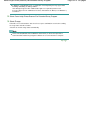
12. Drag the mouse to specify the area to be saved, then click OK.
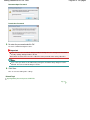
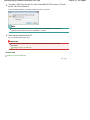
The combined image is created.
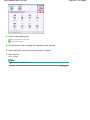
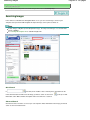
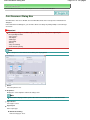
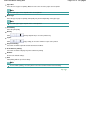
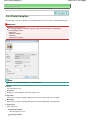
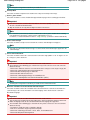
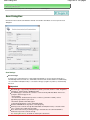
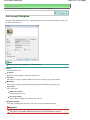
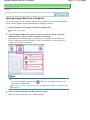
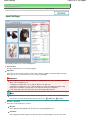
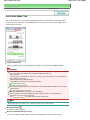
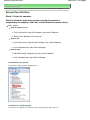
When scanning is completed, the Scan Complete dialog box opens. Select Scan or Exit. Select
Scan to scan the next document, or select Exit to end.
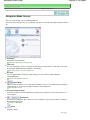
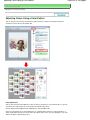
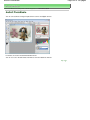
The scanned images appear in the Thumbnail window.
Page 46 of 334 pages