1
Configuration through the web interface
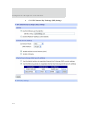
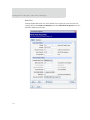
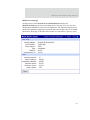
Advanced radio settings
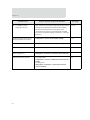
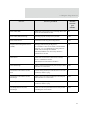
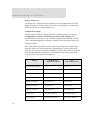
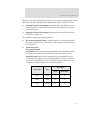
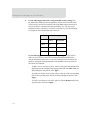
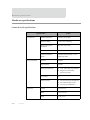
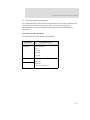
Transmit Power Level: Sets the power level at which the RF module transmits
conducted power.
Power Level
Conducted Power
in dBm
Lowest (0)
-10 to 10 dBm
Low (1)
-6 to 12 dBm
Medium (2)
-4 to 14 dBm
High (3)
-2 to 16 dBm
Maximum (4)
1 - 18 dBm
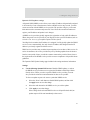
Allows Join Time: Determines how long a Coordinator or Router will allow
other devices to join it. If set to 255, devices can join at anytime. (This setting is
supported on Coordinators and Routers only.)
CCA Threshold: Sets the CCA (Clear Channel Assessment) threshold. Prior to
transmitting a packet, a CCA is performed to detect energy on the channel. The
packet will not be transmitted if the detected energy is above the CCA
threshold.
Random Delay Slots: Sets the minimum value of the back-off exponent in the
CSMA-CA algorithm for collision avoidance. If set to zero, collision avoidance
is disabled during the first iteration of the algorithm.
Broadcast Hops: Sets the maximum number of hops for each broadcast date
transmission. A setting 0 uses the maximum number of hops.
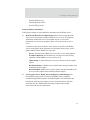
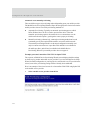
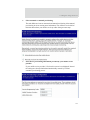
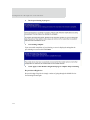
For more information on Mesh networks and the ZigBee protocol
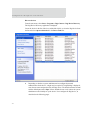
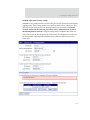
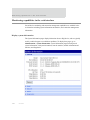
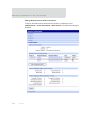
The Mesh Network page in System Information (Administration > System Information
> Mesh Network) displays more detailed information about Mesh Network devices,
including counters related to any applications that are exercising the devices.
136