1
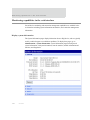
Monitoring capabilities in the web interface
Event logging
Information on this feature to be provided in a forthcoming release.
Manage network services
Management > Network Services displays information about active network services.
Currently, the only network-service management task possible from this page is managing
the DHCP server.
Manage DHCP server operation
DHCP server management operations include:
View DHCP server status.
Start/stop/restart the DHCP server.
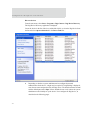
View and manage current DHCP leases.
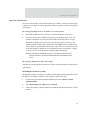
Start, stop, and restart the DHCP server
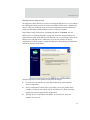
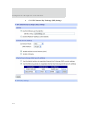
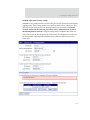
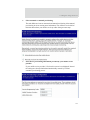
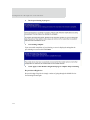
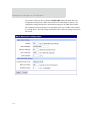
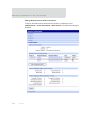
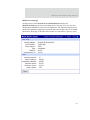
The DHCP Server Management page shows the current status of the DHCP server.
Depending on the current status, there are buttons to start, stop, or restart the DHCP
server. Click the appropriate button to perform your request.
Note Stopping, restarting, or rebooting the DHCP server causes all knowledge of
the IP address leases to be lost. All leased addresses (except for reservations)
will be returned to the available address pool and may be served in a new
lease to a DHCP client.
190