1
Installation and configuration
133
5
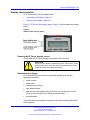
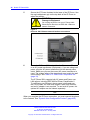
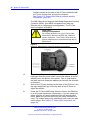
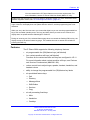
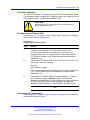
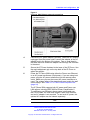
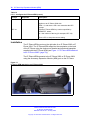
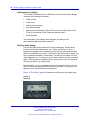
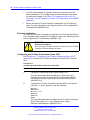
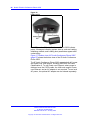
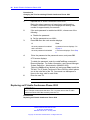
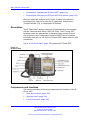
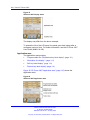
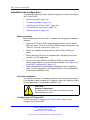
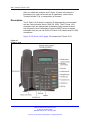
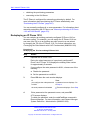
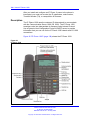
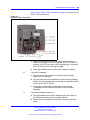
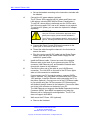
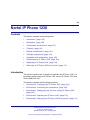
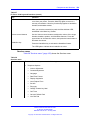
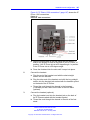
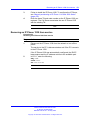
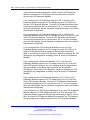
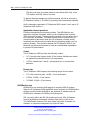
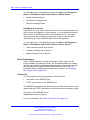
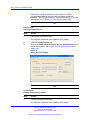
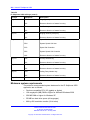
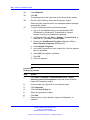
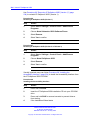
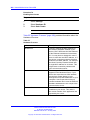
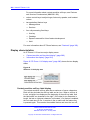
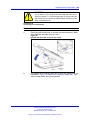
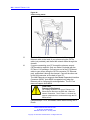
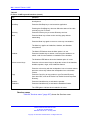
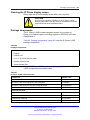
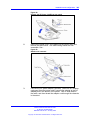
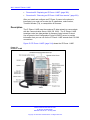
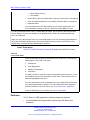
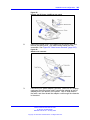
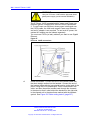
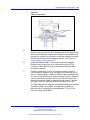
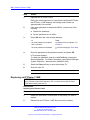
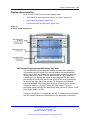
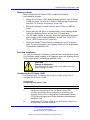
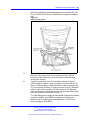
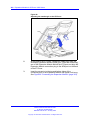
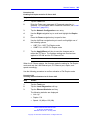
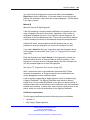
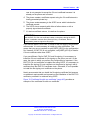
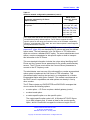
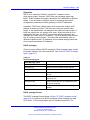
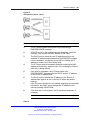
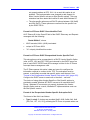
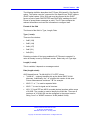
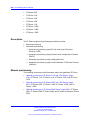
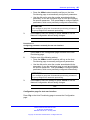
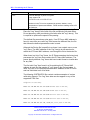
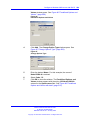
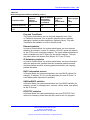
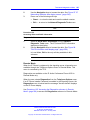
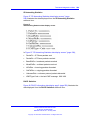
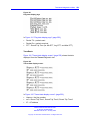
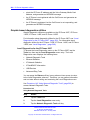
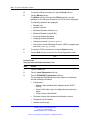
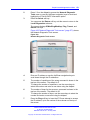
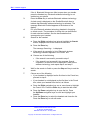
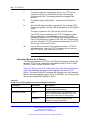
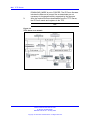
Install the Ethernet cable. Connect one end of the supplied
Ethernet cable to the back of your phone using the CAT5e
connector (LAN Ethernet port), and thread the network cable
through the channel in the footstand.
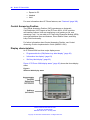
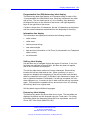
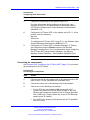
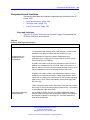
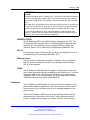
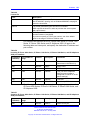
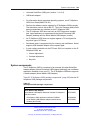
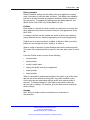
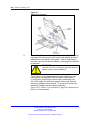
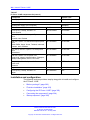
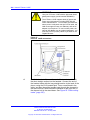
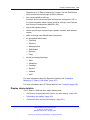
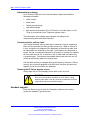
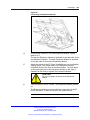
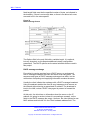
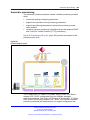
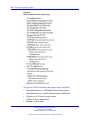
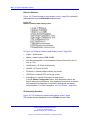
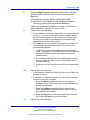
6
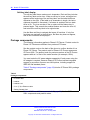
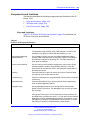
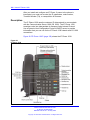
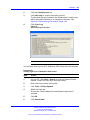
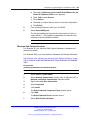
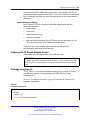
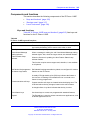
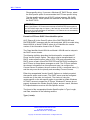
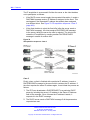
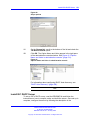
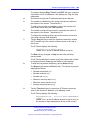
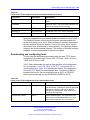
Connect the other end of the cable to your LAN Ethernet
connection. The LAN LED on the back of the IP Phone lights
when a LAN connection is established.
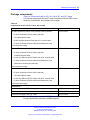
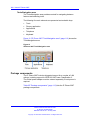
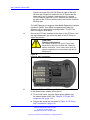
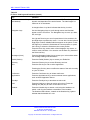
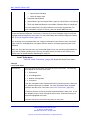
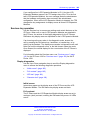
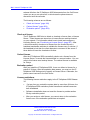
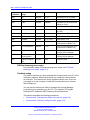
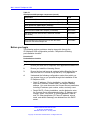
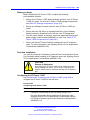
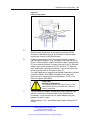
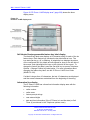
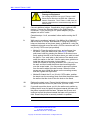
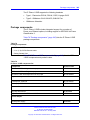
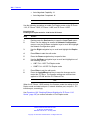
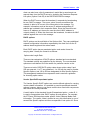
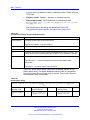
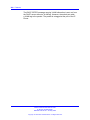
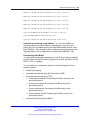
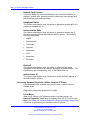
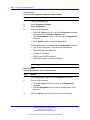
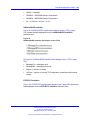
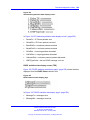
7
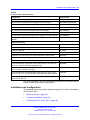
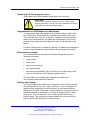
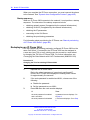
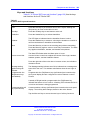
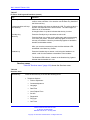
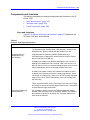
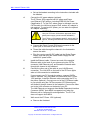
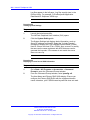
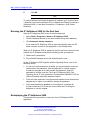
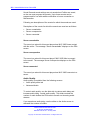
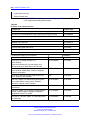
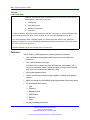
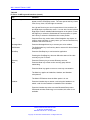
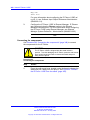
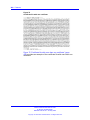
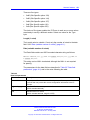
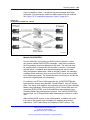
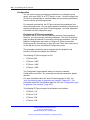
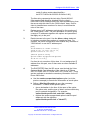
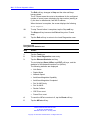
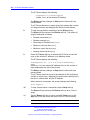
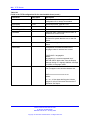
If you connect your PC through the phone, a second CAT5e
cable is required. Only one cable is included with the IP Phone
1210 package. Install the Ethernet cable connecting the PC to
the phone (optional). Connect one end of the PC Ethernet cable
to your phone using the CAT5e connector (PC Ethernet port),
and thread it through channel in the footstand. Connect the other
end to the LAN connector on the back of your PC.
The LAN Ethernet port supports Auto-Media Dependent Interface
Crossover (MDIX). Auto-MDIX is supported only when the
Ethernet port is configured for autonegotiation. The PC Port
does not support Auto-MDIX.
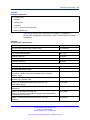
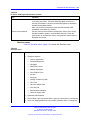
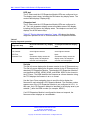
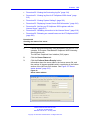
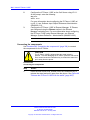
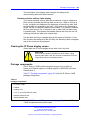
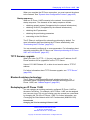
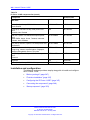
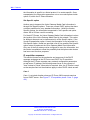
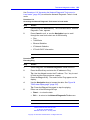
8
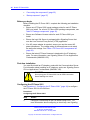
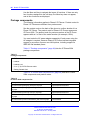
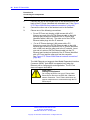
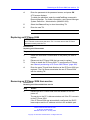
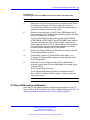
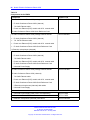
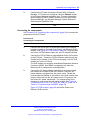
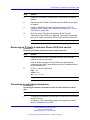
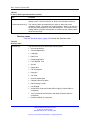
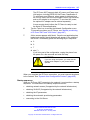
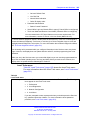
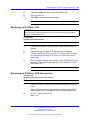
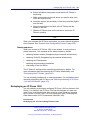
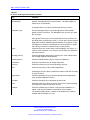
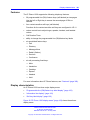
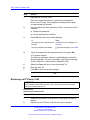
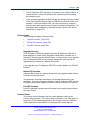
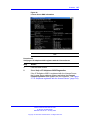
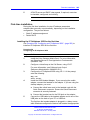
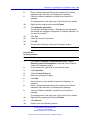
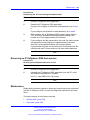
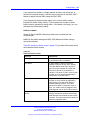
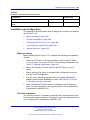
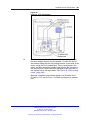
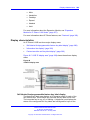
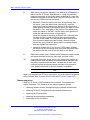
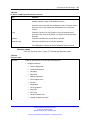
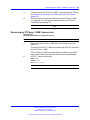
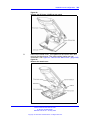
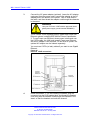
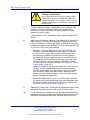
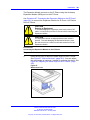
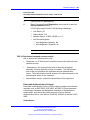
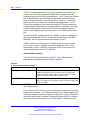
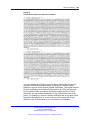
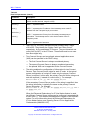
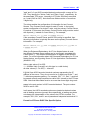
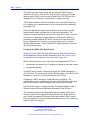
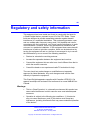
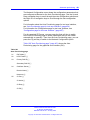
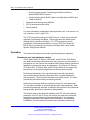
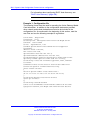
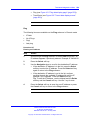
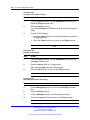
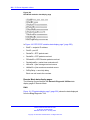
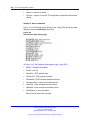
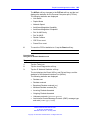
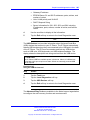
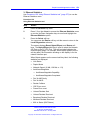
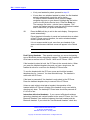
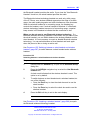
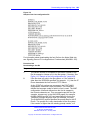
Wall mount the IP Phone 1210 (optional):
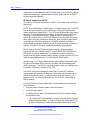
a Remove the footstand.
b Ensure all cables are properly routed and the IP Phone is
functioning.
c Make small marks on the wall where you want to align each
of the two keyhole slots.
d Insert the screws (not provided), so that they protrude slightly
from the wall.
e Align the keyholes on the back of the IP Phone with the
screws in the wall.
f
Slide the IP Phone down on the screws to secure the IP
Phone in position.
--End--
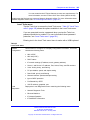
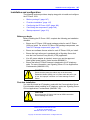
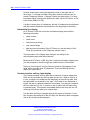
When you complete the IP Phone connection, you must connect the phone
to the network. See “Dynamic Host Configuration Protocol” (page 405).
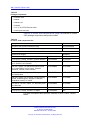
Startup sequence
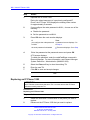
When you connect an IP Phone 1210 to the network, it must perform a
startup sequence. The elements of the startup sequence include
•
•
•
obtaining network access (if supported by the network infrastructure)
obtaining VLAN ID (if supported by the network infrastructure)
obtaining the IP parameters
Nortel Communication Server 1000
IP Phones Fundamentals
NN43001-368 05.02 26 May 2009
Copyright © 2003-2009 Nortel Networks. All Rights Reserved.