1
90 Nortel IP Audio Conference Phone 2033
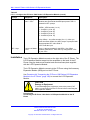
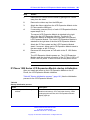
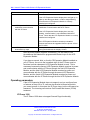
Information line display
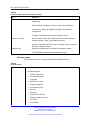
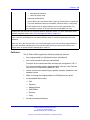
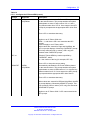
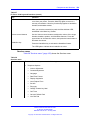
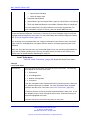
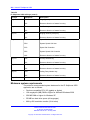
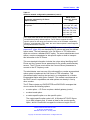
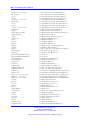
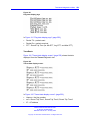
The IP Audio Conference Phone 2033 has a one-line information display
area with the following information:
•
•
•
•
•
caller number
•
set information
caller name
feature prompt strings
user-entered digits
date and time information (if the IP Phone is in an idle state) or Call
Timer (if provisioned in the Telephone options menu)
The information in the display area changes, according to the
call-processing state and active features.
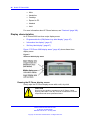
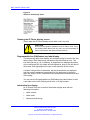
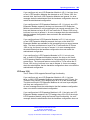
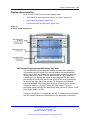
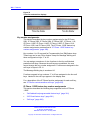
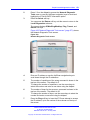
Soft key label display
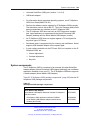
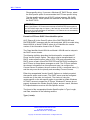
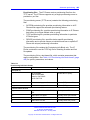
The soft key label has a maximum of seven characters. Each soft key
includes the soft key label and an icon. When a soft key is in use, a
triangle icon displays at the beginning of the soft key label, and the label
shifts one character to the right. (If the label is six characters in length, the
last or rightmost character is truncated.) If a soft key is enabled, the icon
state changes to on. It remains in the on state until the soft key is pressed
again. This cancels the enabled soft key and turns the icon off, returning
the soft key label to its original state.
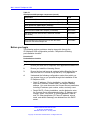
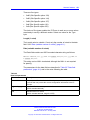
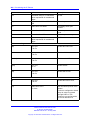
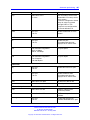
Use the Shift (>>) key to navigate through the layers of functions. If only
three functions are assigned to the soft keys, the Shift (>>) key does not
appear, and all three functions are displayed.
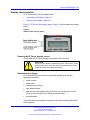
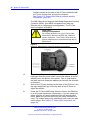
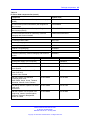
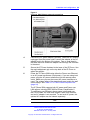
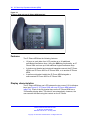
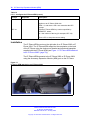
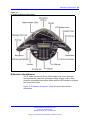
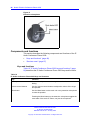
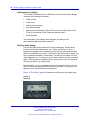
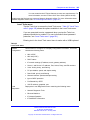
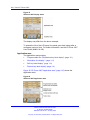
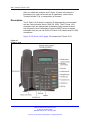
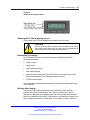
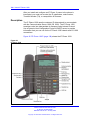
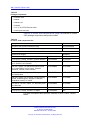
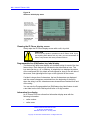
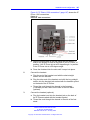
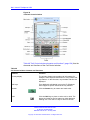
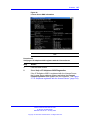
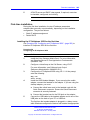
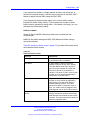
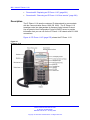
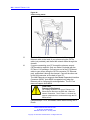
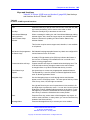
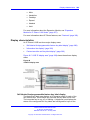
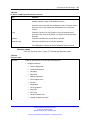
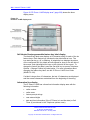
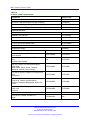
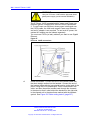
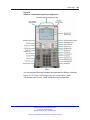
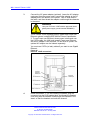
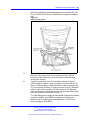
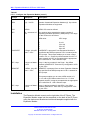
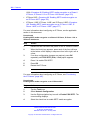
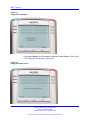
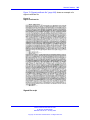
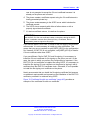
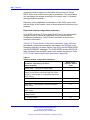
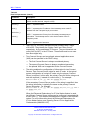
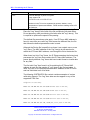
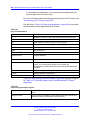
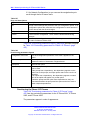
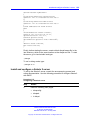
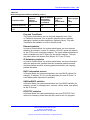
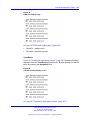
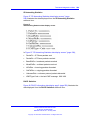
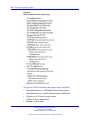
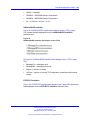
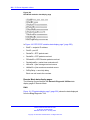
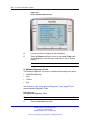
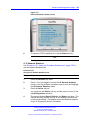
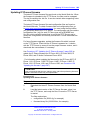
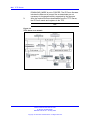
Figure 15 "Soft keys" (page 90) shows the soft keys on the display area.
Figure 15
Soft keys
Nortel Communication Server 1000
IP Phones Fundamentals
NN43001-368 05.02 26 May 2009
Copyright © 2003-2009 Nortel Networks. All Rights Reserved.