1
Network features
383
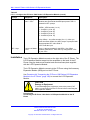
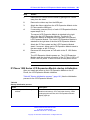
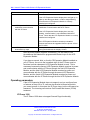
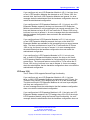
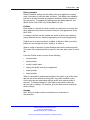
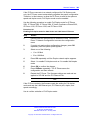
If the IP Phone connects to a network configured for Full Duplex mode
only, the IP Phone cannot automatically negotiate the proper configuration.
Therefore, in this instance, to allow the IP Phone to work at the optimum
speed and duplex mode, Full Duplex mode must be enabled.
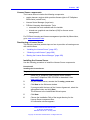
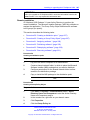
Use the following procedure to enable Full Duplex mode for IP Phone
2001, IP Phone 2002, IP Phone 2004, IP Audio Conference Phone 2033,
IP Phone 1210, IP Phone 1220, and IP Phone 1230.
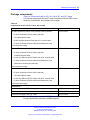
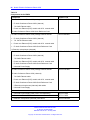
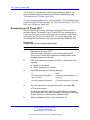
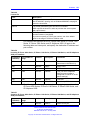
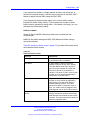
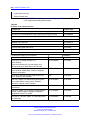
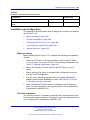
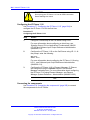
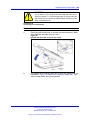
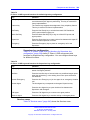
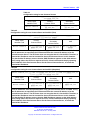
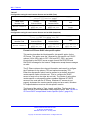
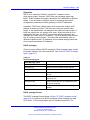
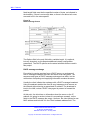
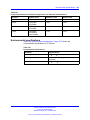
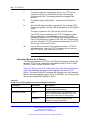
Procedure 101
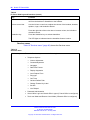
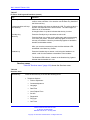
Enabling Full-duplex mode for 2000 Series and 1200 Series IP Phones
Step
Action
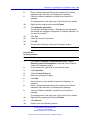
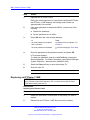
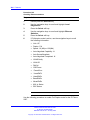
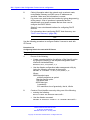
1
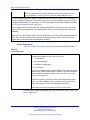
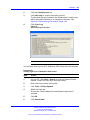
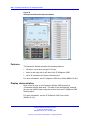
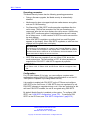
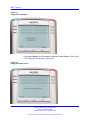
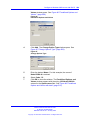
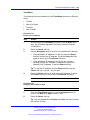
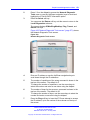
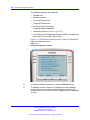
Double-press the Services key to access the Local Tools menu.
Press 3. Network Configuration to access the configuration
menu.
2
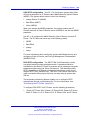
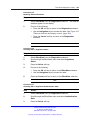
If you do not require other configuration changes, press OK
repeatedly until the Speed option appears.
3
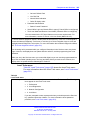
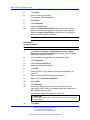
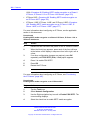
Select one of the following:
•
•
1 for 10 Mb/s
2 for 100 Mb/s
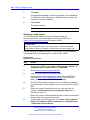
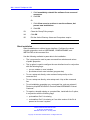
4
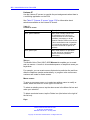
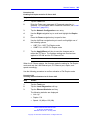
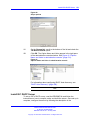
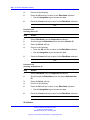
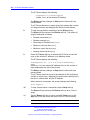
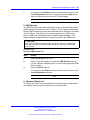
Press OK repeatedly until the Duplex network option appears.
5
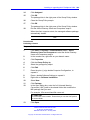
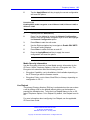
Select 1 to enable Full-duplex mode or 2 to enable Half-duplex
mode.
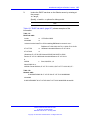
6
Select OK to confirm the change.
7
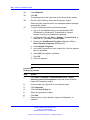
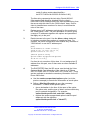
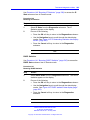
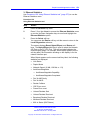
Press OKEnter repeatedly. The IP Phone saves the
configuration and then reboots.
8
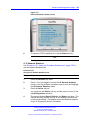
Restart the IP Phone. The firmware settings are read and are
applied to UPLINK and the PC Ethernet Port.
--End--
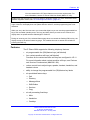
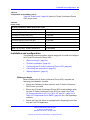
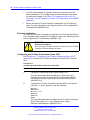
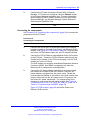
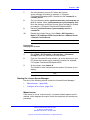
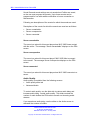
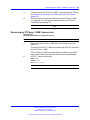
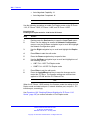
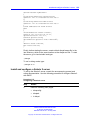
If the IP Phone restarts, the firmware reads the setting for Full-duplex
mode and sets the LAN Ethernet port, PC Ethernet port, duplex, and
speed accordingly.
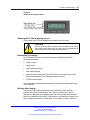
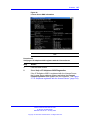
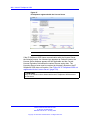
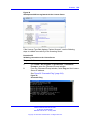
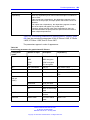
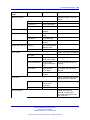
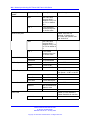
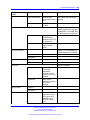
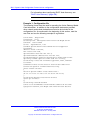
Use to confirm activation of Full Duplex mode.
Nortel Communication Server 1000
IP Phones Fundamentals
NN43001-368 05.02 26 May 2009
Copyright © 2003-2009 Nortel Networks. All Rights Reserved.