1
STATUS AND PRINT TASKS
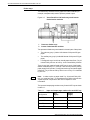
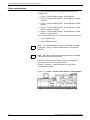
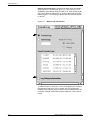
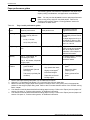
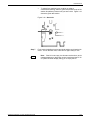
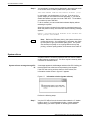
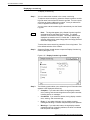
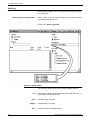
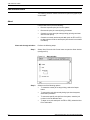
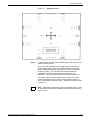
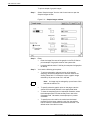
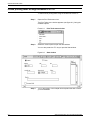
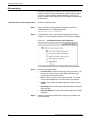
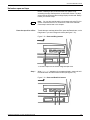
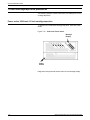
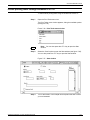
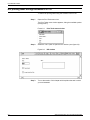
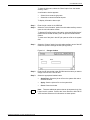
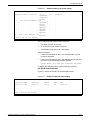
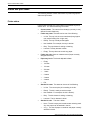
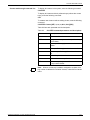
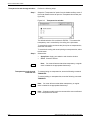
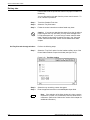
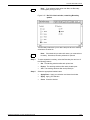
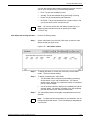
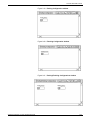
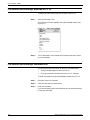
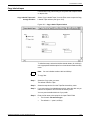
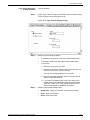
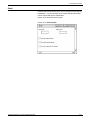
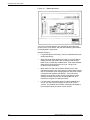
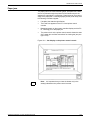
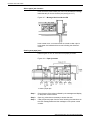
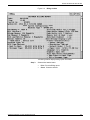
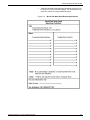
Note: If you select a button other than Max, the Boundary
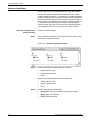
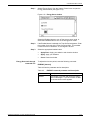
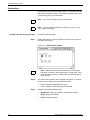
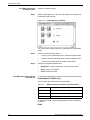
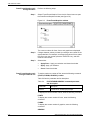
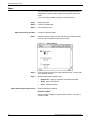
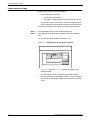
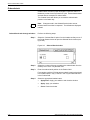
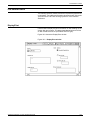
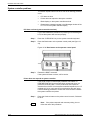
fields appear (see figure 9-15).
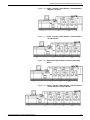
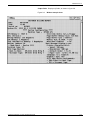
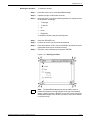
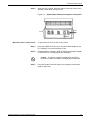
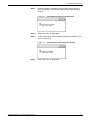
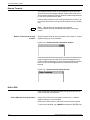
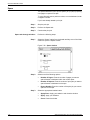
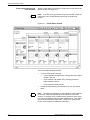
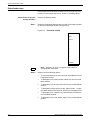
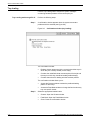
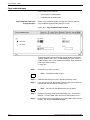
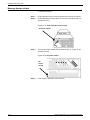
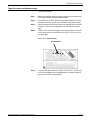
Figure 9-15. Bin Full Criteria window, containing Boundary
options
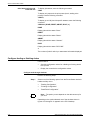
The Boundary fields allow you to define the point at which stacking
switches to the other bin.
Note: If the threshold you select is 0 reams, you must select a
boundary. Otherwise, boundary selection is optional.
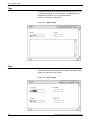
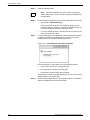
Step 3.
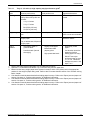
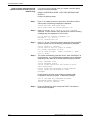
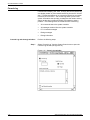
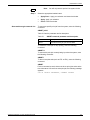
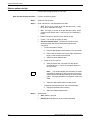
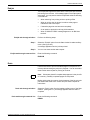
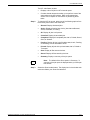
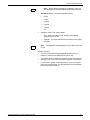
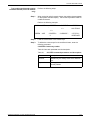
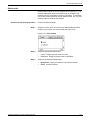
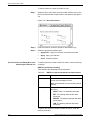
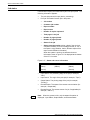
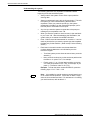
To set a separation boundary, select the Boundary box and one of
the following buttons:
•
•
•
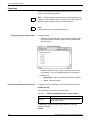
Step 4.
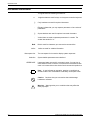
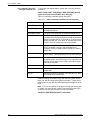
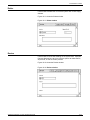
Report. The stacking switches after each printed report.
Job. The stacking switches after each printed job.
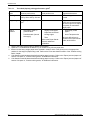
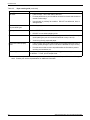
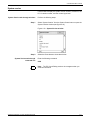
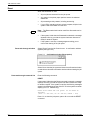
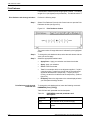
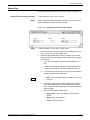
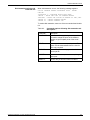
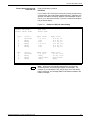
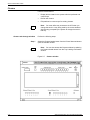
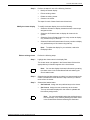
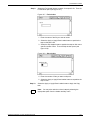
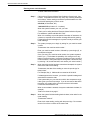
Select the appropriate header button:
•
•
•
XEROX DOCUPRINT 180 LPS OPERATOR GUIDE
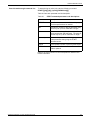
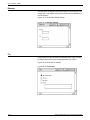
Set. The stacking switches after each printed set.
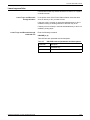
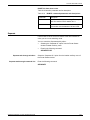
Apply/Close. Apply your selection and close the window.
Apply. Apply your selection.
Close. Close the window.
9-29