1
STATUS AND PRINT TASKS
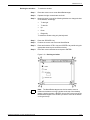
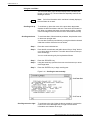
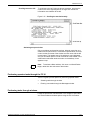
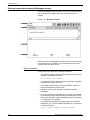
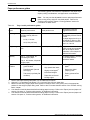
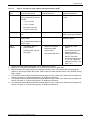
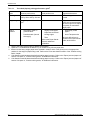
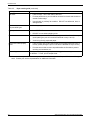
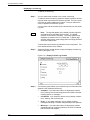
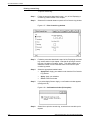
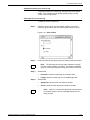
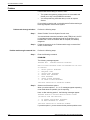
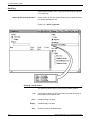
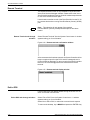
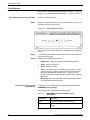
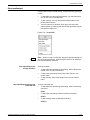
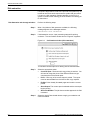
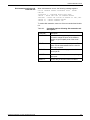
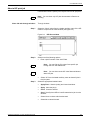
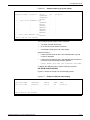
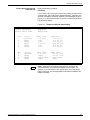
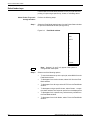
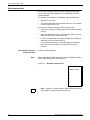
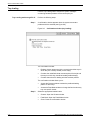
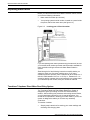
Select Feeder Trays task
through command line
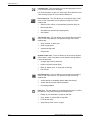
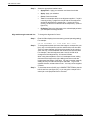
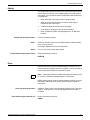
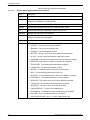
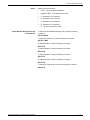
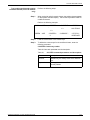
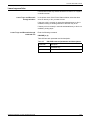
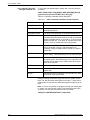
To use the clusters set up in the print job, enter the following
command:
FEED MAIN
To feed paper from the Aux cluster, enter the following command:
FEED AUX
To feed paper from all trays, enter the following command:
FEED AUTO
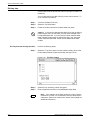
To feed paper using a specific cluster, enter the following command:
FEED cluster name
cluster name is the name of the cluster you want to use.
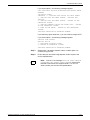
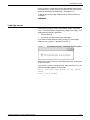
To feed paper from a specific tray, enter the following command:
FEED tray number
tray number is the number of the tray you want to use.
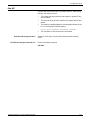
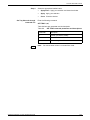
To feed paper from a bulk feeder, enter the following command:
FEED 7
XEROX DOCUPRINT 180 LPS OPERATOR GUIDE
9-9