1
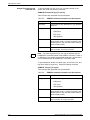
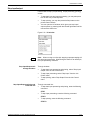
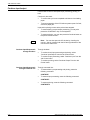
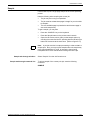
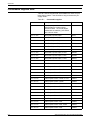
TABLE OF CONTENTS
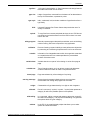
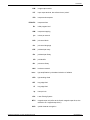
Job control tasks
6.
7.
5-4
Abort
5-4
Reset
5-6
Align
5-7
Print Darkness
5-10
Lead edge screen
5-11
Fonts/forms/graphics
5-13
Sample files
5-15
Stop input/output
5-19
Continue input/output
5-20
Sample
5-21
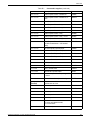
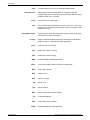
Online printing tasks
6-1
Online printing tasks through windows of PC UI
6-2
Online printing tasks through command line
6-3
Place the LPS online to the host computer
6-3
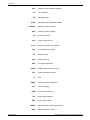
Online printing tasks
6-3
Start an online print job
6-4
Space
6-6
Endjob
6-7
Drain
6-7
Disk saturation
6-8
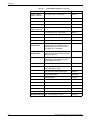
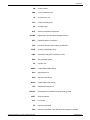
Offline printing tasks
7-1
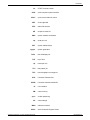
Open-reel tape drive procedures
7-2
Power on the open-reel tape drive
7-2
Load an open-reel tape
7-4
Load an open-reel tape by hand
7-5
Unload an open-reel tape
7-9
Unload an open-reel tape during a power failure
7-10
Power off the open-reel tape drive
7-14
Handle open-reel tapes
7-15
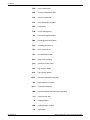
1/2 inch cartridge tape drive procedures
Power on the 18/36 track 1/2 inch cartridge tape drive
7-16
Load a 1/2 inch cartridge
7-18
Unload a 1/2 inch cartridge
7-20
Power off the 18/36 track 1/2 inch tape drive
7-21
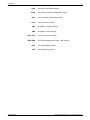
Handle cartridge tapes
7-22
File protection
viii
7-16
7-23
XEROX DOCUPRINT 180 LPS OPERATOR GUIDE