1
4 Click Open.
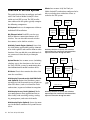
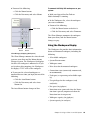
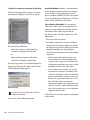
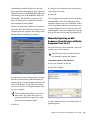
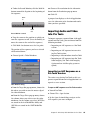
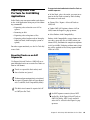
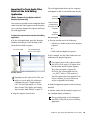
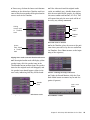
The Import Session Data dialog appears.
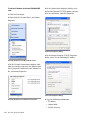
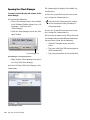
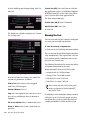
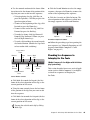
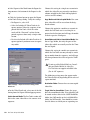
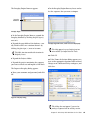
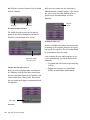
Pro Tools New Session dialog
5 Name your session in the File Name field.
6 Select the I/O Settings to use for the session.
Several pre-configured I/O Settings are included
with your system, or you can select a custom I/O
Setting that you have created.
7 Click Save.
56
Pro Tools Unity ISIS Guide
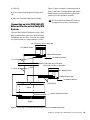
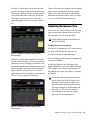
Import Session Data dialog
Pro Tools lets you open and import AAF sequences that reference audio files with
mixed sample rates and/or bit depths. Audio
files will be converted to the highest sample
rate and bit depth of the files being imported
(for new sessions) or to the current sample
rate and/or bit depth (for existing sessions).