1
Chapter 3 CLI Commands
show ip routes
show ip routes
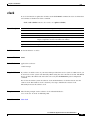
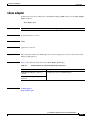
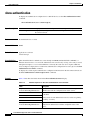
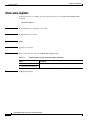
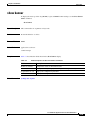
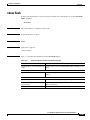
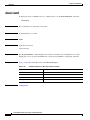
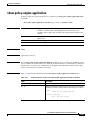
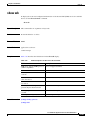
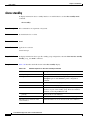
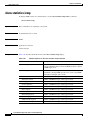
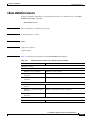
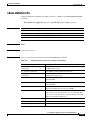
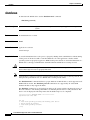
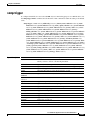
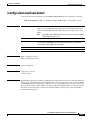
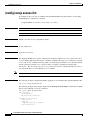
To display the IP routing table for a WAAS device, use the show ip routes EXEC command.
show ip routes
Syntax Description
This command has no arguments or keywords.
Defaults
No default behavior or values
Command Modes
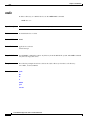
EXEC
Device Modes
application-accelerator
central-manager
Usage Guidelines
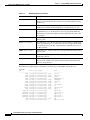
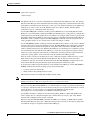
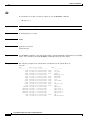
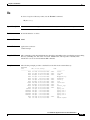
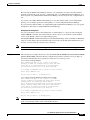
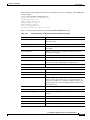
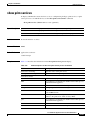
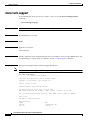
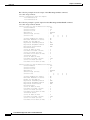
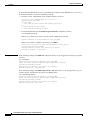
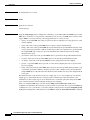
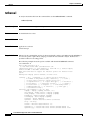
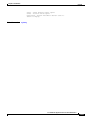
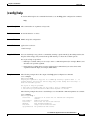
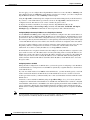
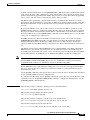
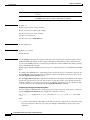
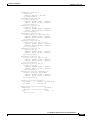
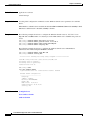
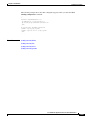
This command displays the IP route table, which lists all of the different routes that are configured on
the WAE. The WAE uses this table to determine the next hop. This table includes routes from three
sources: the WAE GigabitEthernet interfaces, any user-configured static routes, and the default gateway.
The last line in this table shows the default route.
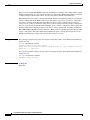
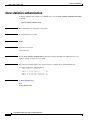
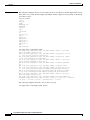
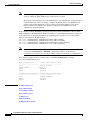
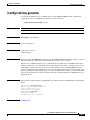
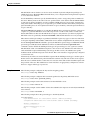
Examples
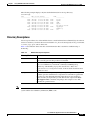
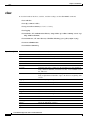
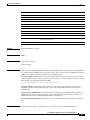
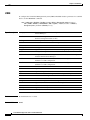
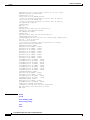
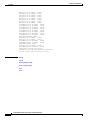
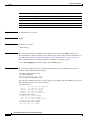
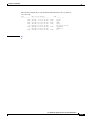
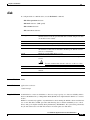
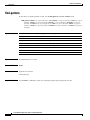
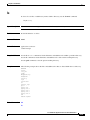
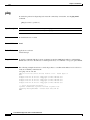
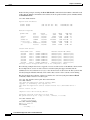
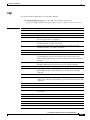
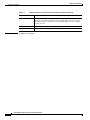
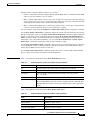
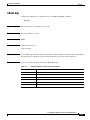
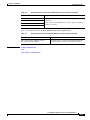
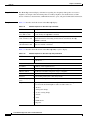
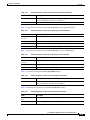
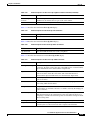
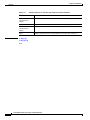
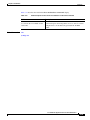
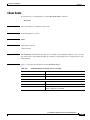
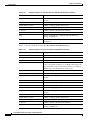
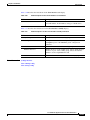
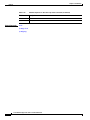
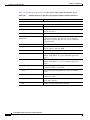
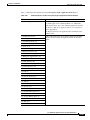
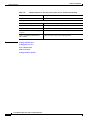
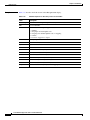
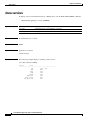
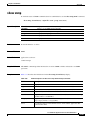
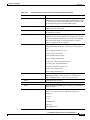
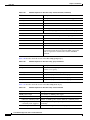
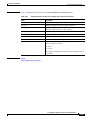
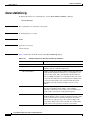
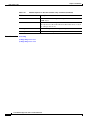
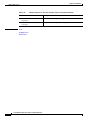
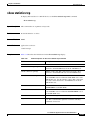
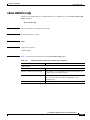
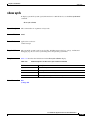
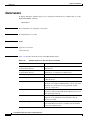
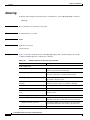
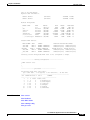
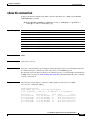
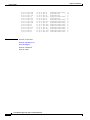
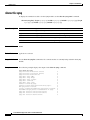
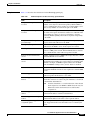
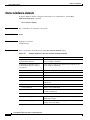
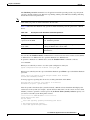
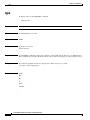
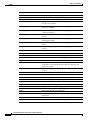
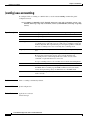
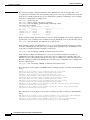
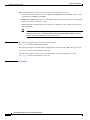
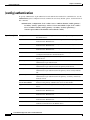
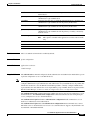
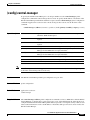
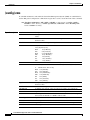
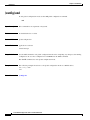
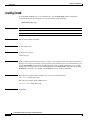
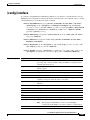
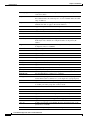
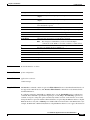
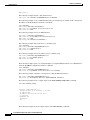
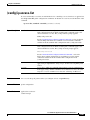
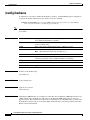
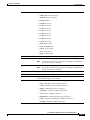
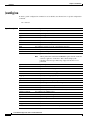
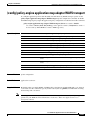
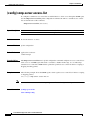
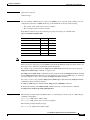
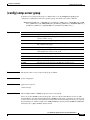
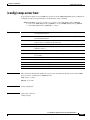
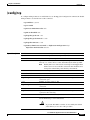
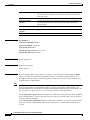
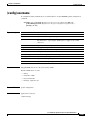
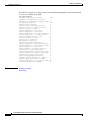
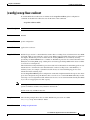
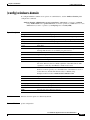
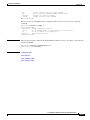
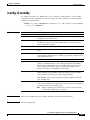
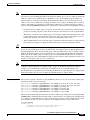
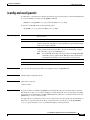
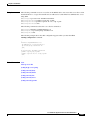
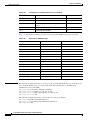
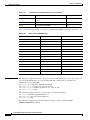
Table 3-44 describes the fields shown in the show ip routes display.
Table 3-44
Field Descriptions for the show ip routes Command
Field
Description
Destination
Destination IP addresses for each route.
Gateway
Gateway addresses for each route.
Netmask
Netmasks for each route.
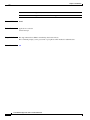
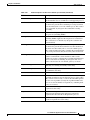
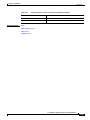
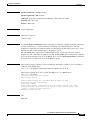
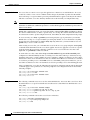
Number of route cache entries
Number of entries in the route cache.
The route cache is a separate entity and this field is not
associated with the entries in the IP route table. The number of
entries in the route cache can vary depending on the number of
connections that are open.
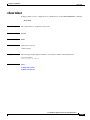
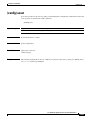
Related Commands
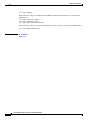
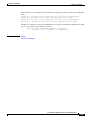
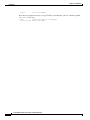
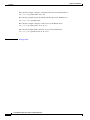
(config) ip
(config-if) ip
Cisco Wide Area Application Services Command Reference
OL-11817-01
3-119