1
Chapter 3 CLI Commands
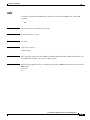
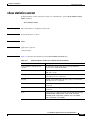
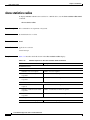
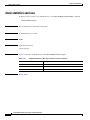
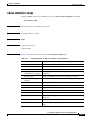
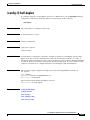
(config) exec-timeout
(config) exec-timeout
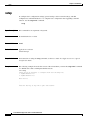
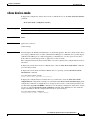
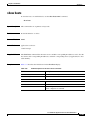
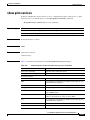
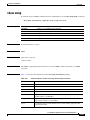
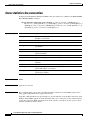
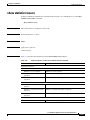
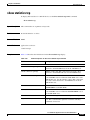
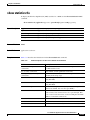
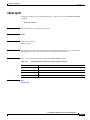
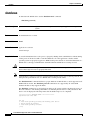
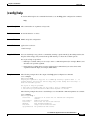
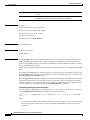
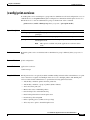
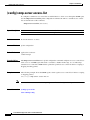
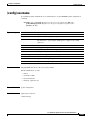
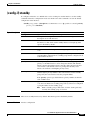
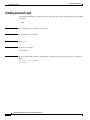
To configure the length of time that an inactive Telnet or SSH session remains open on a WAAS device,
use the exec-timeout global configuration command. To revert to the default value, use the no form of
this command.
exec-timeout timeout
Syntax Description
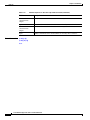
timeout
Defaults
The default is 15 minutes.
Command Modes
global configuration
Device Modes
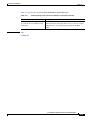
application-accelerator
Timeout in minutes (0–44640).
central-manager
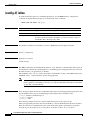
Usage Guidelines
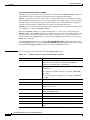
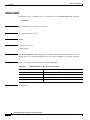
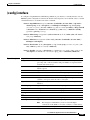
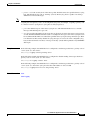
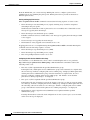
A Telnet session or Secure Shell (SSH) session with the WAAS device can remain open and inactive for
the interval of time specified by the exec-timeout command. When the exec-timeout interval elapses,
the WAAS device automatically closes the Telnet or SSH session.
Examples
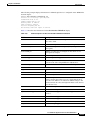
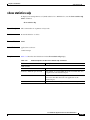
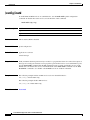
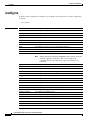
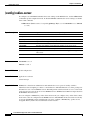
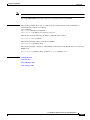
The following example configures a timeout of 100 minutes:
WAE(config)# exec-timeout 100
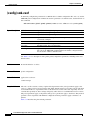
The following example negates the configured timeout of 100 minutes and reverts to the default value of
15 minutes:
WAE(config)# no exec-timeout
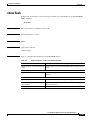
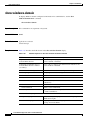
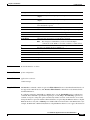
Related Commands
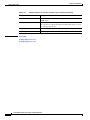
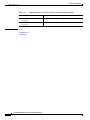
(config) telnet enable
Cisco Wide Area Application Services Command Reference
OL-11817-01
3-289