1
Chapter 3 CLI Commands
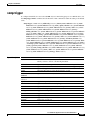
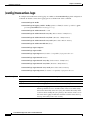
show disks
show disks
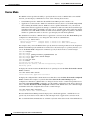
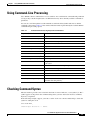
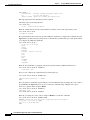
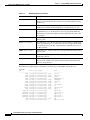
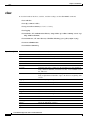
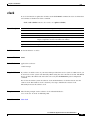
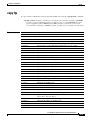
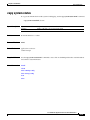
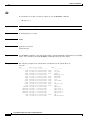
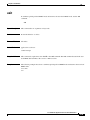
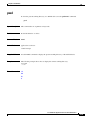
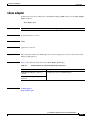
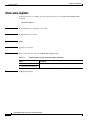
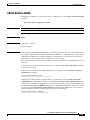
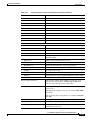
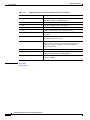
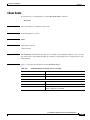
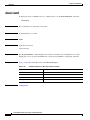
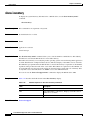
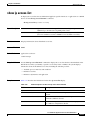
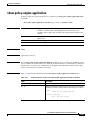
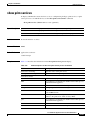
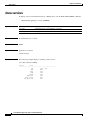
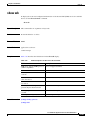
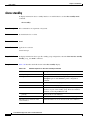
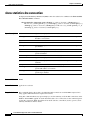
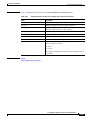
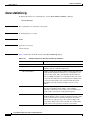
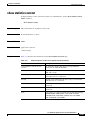
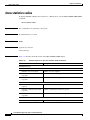
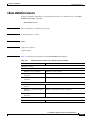
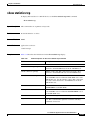
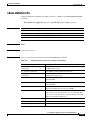
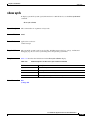
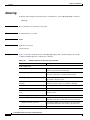
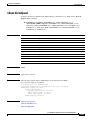
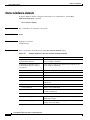
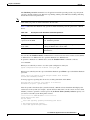
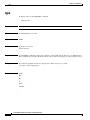
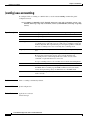
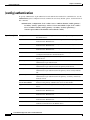
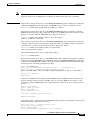
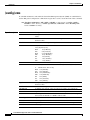
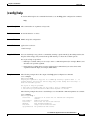
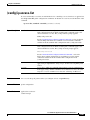
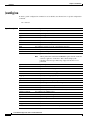
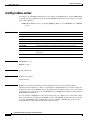
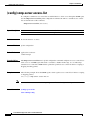
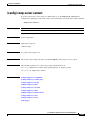
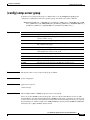
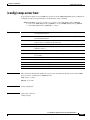
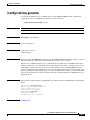
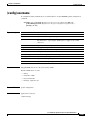
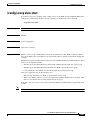
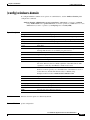
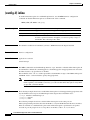
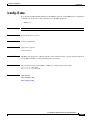
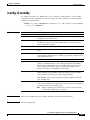
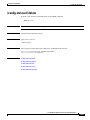
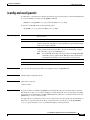
To view information about the WAAS device disks, use the show disks EXEC command.
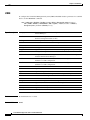
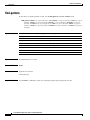
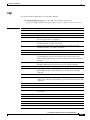
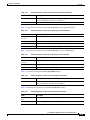
show disks {details | failed-sectors [disk_name] | SMART-info [details]}
Syntax Description
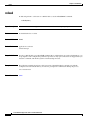
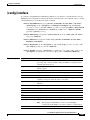
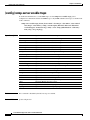
details
Displays currently effective configurations with more details.
failed-sectors
Displays a list of failed sectors on all disks.
disk_name
(Optional) Name of the disk for which failed sectors are displayed (disk00
or disk01).
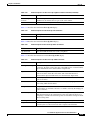
SMART-info
Displays hard drive diagnostic information and information about
impending disk failures.
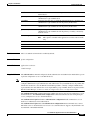
details
(Optional) Displays more detailed SMART disk monitoring information.
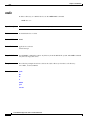
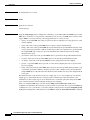
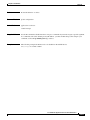
Defaults
No default behavior or values
Command Modes
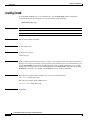
EXEC
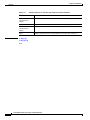
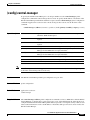
Device Modes
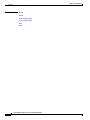
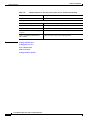
application-accelerator
central-manager
Usage Guidelines
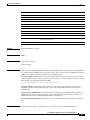
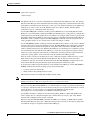
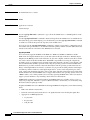
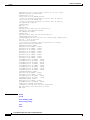
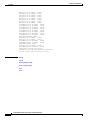
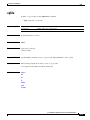
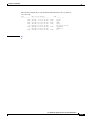
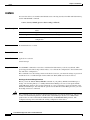
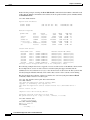
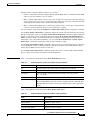
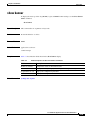
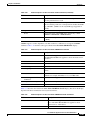
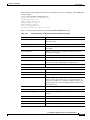
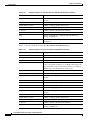
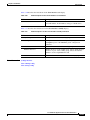
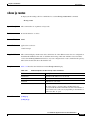
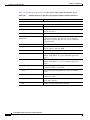
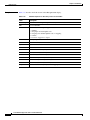
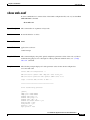
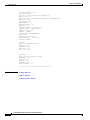
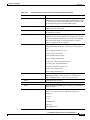
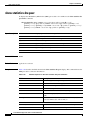
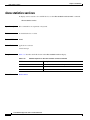
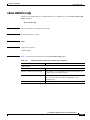
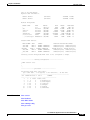
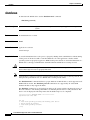
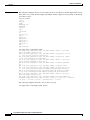
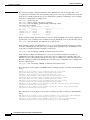
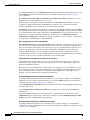
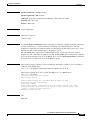
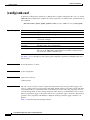
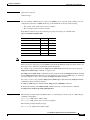
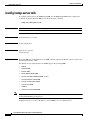
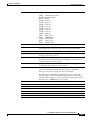
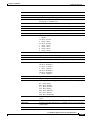
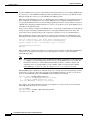
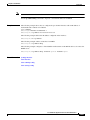
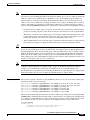
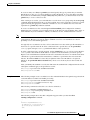
The show disks details EXEC command displays the percentage or amount of disk space allocated to
each file system, and the operational status of the disk drives, after reboot.
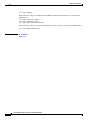
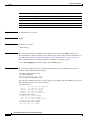
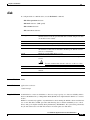
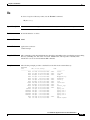
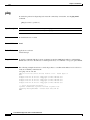
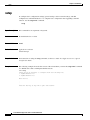
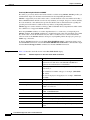
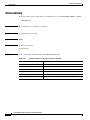
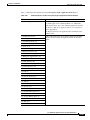
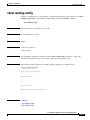
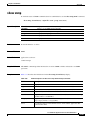
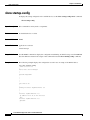
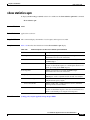
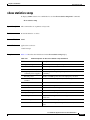
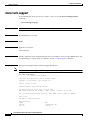
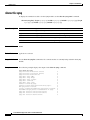
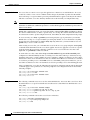
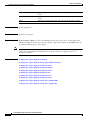
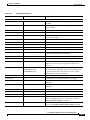
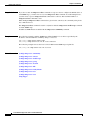
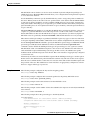
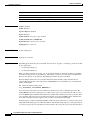
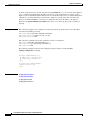
The WAAS software supports filtering of multiple syslog messages for a single, failed section on IDE,
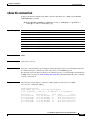
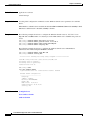
SCSI, and SATA disks. Enter the show disks failed-sectors EXEC command to display a list of failed
sectors on all disk drives.
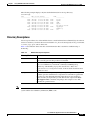
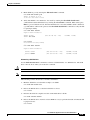
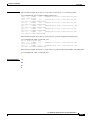
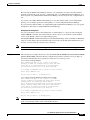
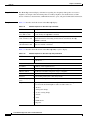
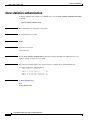
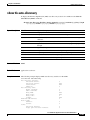
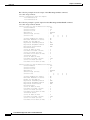
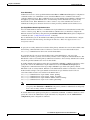
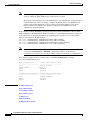
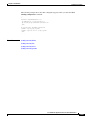
WAE# show disks failed-sectors
disk00
=========
89923
9232112
disk01
=========
(None)
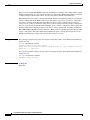
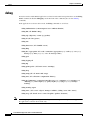
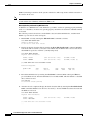
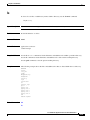
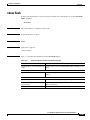
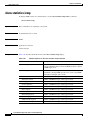
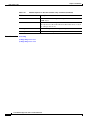
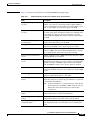
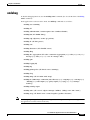
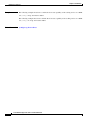
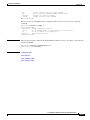
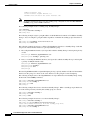
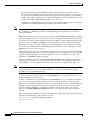
To display a list of failed sectors for a only a specific disk drive, specify the name of the disk when
entering the show disks failed-sectors command. The following example shows how to display a list of
failed sectors for disk01:
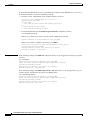
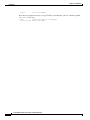
WAE# show disks failed-sectors disk01
disk01
=========
(None)
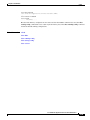
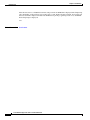
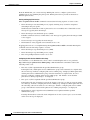
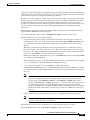
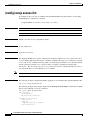
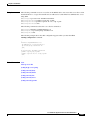
If there are disk failures, a message is displayed, notifying you about this situation when you log in.
Cisco Wide Area Application Services Command Reference
OL-11817-01
3-101