1
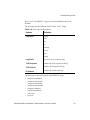
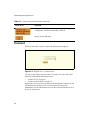
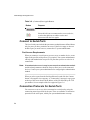
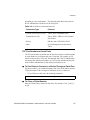
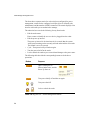
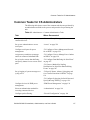
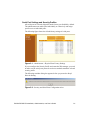
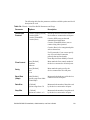
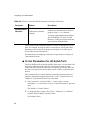
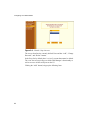
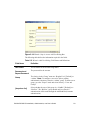
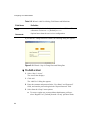
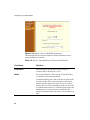
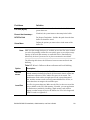
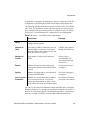
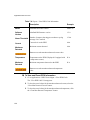
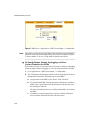
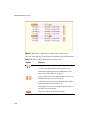
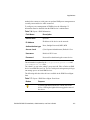
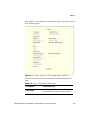
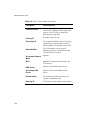
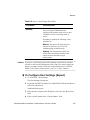
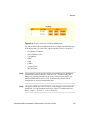
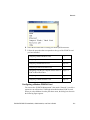
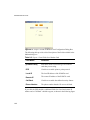
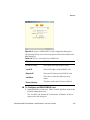
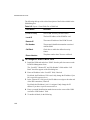
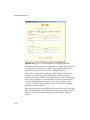
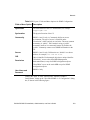
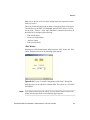
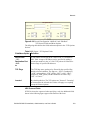
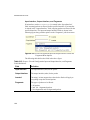
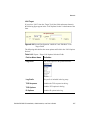
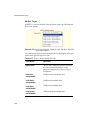
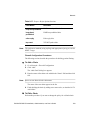
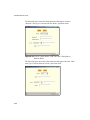
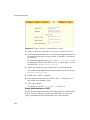
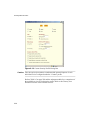
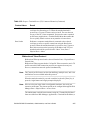
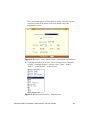
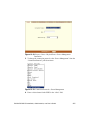
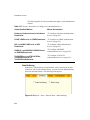
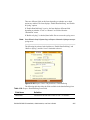
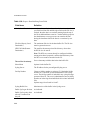
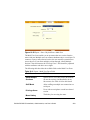
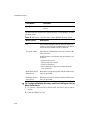
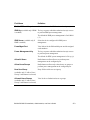
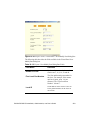
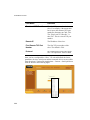
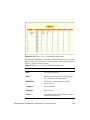
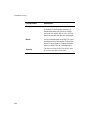
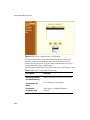
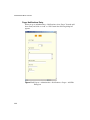
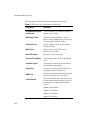
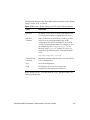
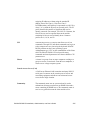
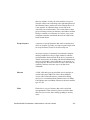
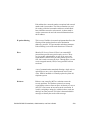
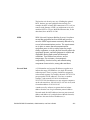
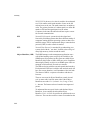
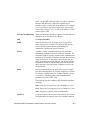
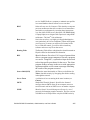
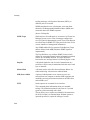
The following table describes the available fields in the pager notification
entry dialog box.
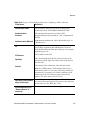
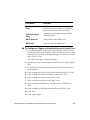
Table 11-5: Expert > Pager Notifications Dialog Box
T
Field Name
Definition
Alarm Trigger
The trigger expression used to generate an
alarm.
[untitled dropdown
field]
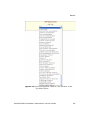
The first time you specify an alarm trigger
the pull-down menu is empty. A new trigger
gets listed in the menu after it is created.
Pager Number
The pager number of the notification
recipient.
Text
The text message for the pager.
SMS User Name
The user name of the notification recipient.
SMS Server
The name or the IP address of the SMS
server.
SMS Port
The port used by the SMS server.
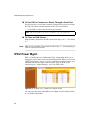
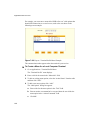
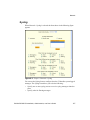
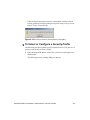
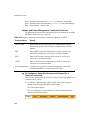
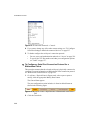
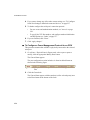
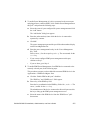
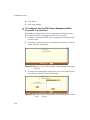
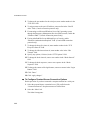
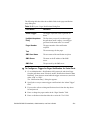
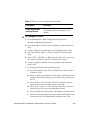
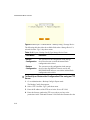
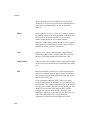
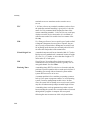
To Configure a Trigger for Pager Notification for Serial Ports
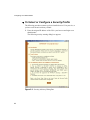
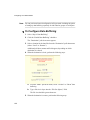
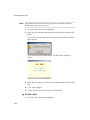
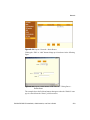
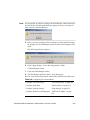
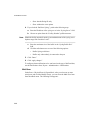
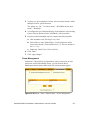
1. Go to Administration > Notifications in Expert mode, and select Pager
from the pull-down menu. If desired, enable “Notification Alarm for Data
Buffering” for an alarm to sound when the trigger action occurs; and click
either “Add” or “Edit”.
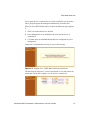
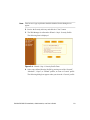
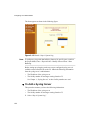
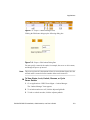
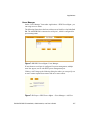
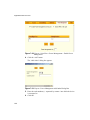
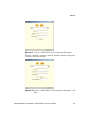
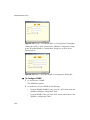
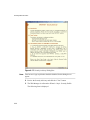
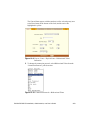
The “Notifications Entry” dialog box appears.
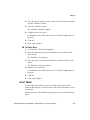
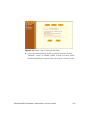
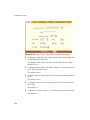
2. Specify the event you want to trigger a notification in the “Alarm Trigger”
field.
3. If you need to edit an existing notification select it from the drop-down
list and proceed.
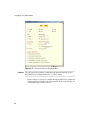
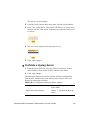
4. Enter or change the pager number in the “Pager Number” field.
5. Enter or edit the text that describes the event in the “Text” field.
BLACK BOX® CS Installation, Administration, and User’s Guide
301