1
Starting the Mixer
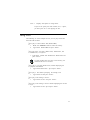
To start the Mixer:
1. Double-click the Mixer Control icon in your audio card’s
group window.
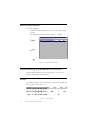
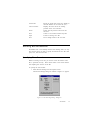
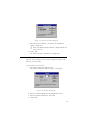
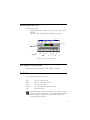
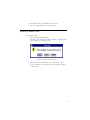
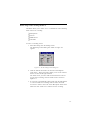
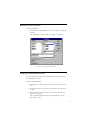
The Mixer Control window similar to Figure 4-1 appears.
Figure 4-1: The Mixer Control window.
The Mixer Control Window
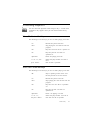
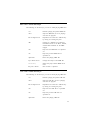
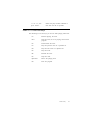
The Mixer Control window consists of the following:
q Device Control group box
q Master Volume group box
q Output group box
q Menu Bar
4-2