1
Start
5
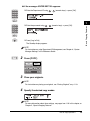
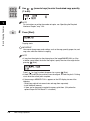
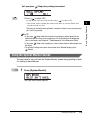
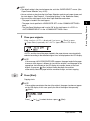
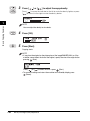
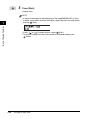
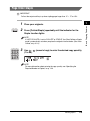
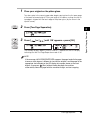
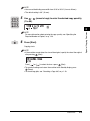
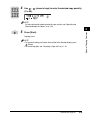
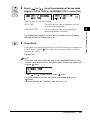
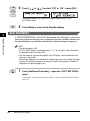
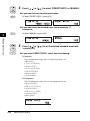
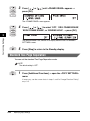
Press [Start].
Copying starts.
NOTE
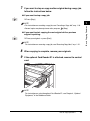
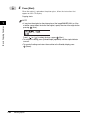
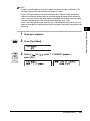
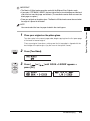
• If you place the original on the platen glass of the immageRUNNER 2016, or if the
machine cannot detect the size of the original, specify the size of the original after
pressing
(Start).
Basic Copying Features
1
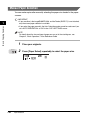
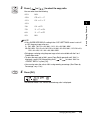
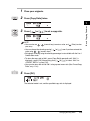
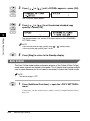
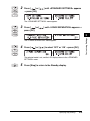
] or [
] to select the size ➞ press
(Start).
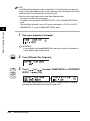
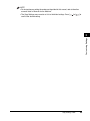
• To cancel all settings and return the machine to the Standby display, press
(Reset).
• Press [
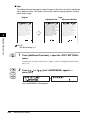
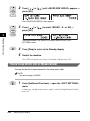
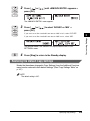
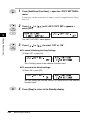
Zoom by Percentage
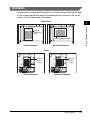
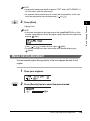
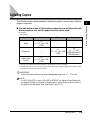
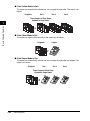
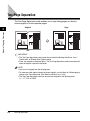
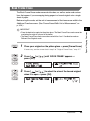
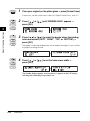
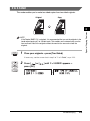
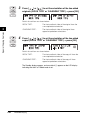
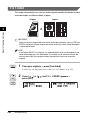
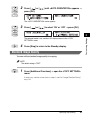
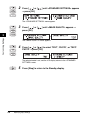
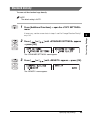
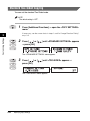
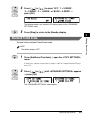
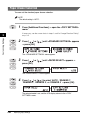
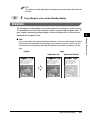
You can reduce or enlarge originals by any copy ratio in 1% increments. The
available copy ratios are from 50% to 200%.
Original
Copy
CITY
CITY
1-36
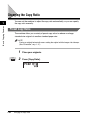
Changing the Copy Ratio
CITY
CITY