1
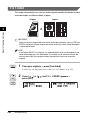
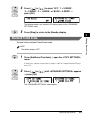
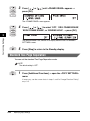
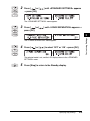
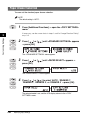
Two-Page Separation
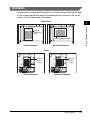
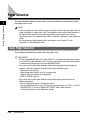
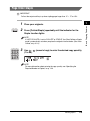
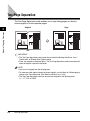
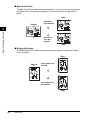
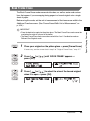
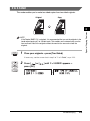
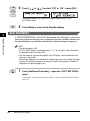
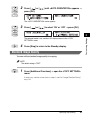
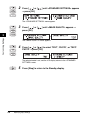
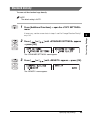
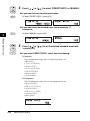
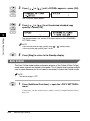
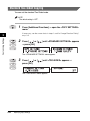
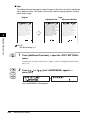
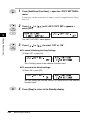
The Two-Page Separation mode enables you to copy facing pages in a book or
bound original to fit onto separate pages.
Original
Special Copying Features
2
1
Copy
1
IMPORTANT
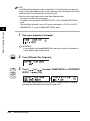
• The Two-Page Separation mode cannot be used with the Binding Hole Erase, 2 on 1
Combination, or Different Size Originals mode.
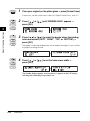
• Place your original on the platen glass. The Two-Page Separation mode cannot be used
when the original is placed in the feeder.
NOTE
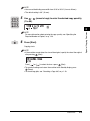
• You can start copying from the left page only.
• To make two-sided copies of books or bound originals, use the Book to 2-Sided copying
feature of the Two-sided mode. (See “Book to 2-Sided,” on p. 2-28.)
• The Two-Page Separation mode can be used with originals of the following sizes:
11" × 17", LGL, or LTRR.
2-2
Two-Page Separation