1
5
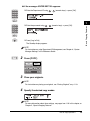
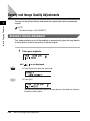
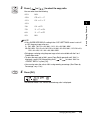
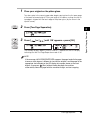
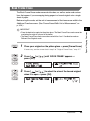
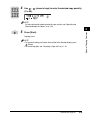
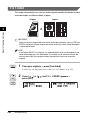
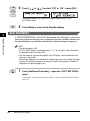
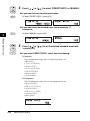
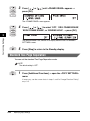
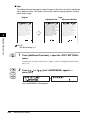
Press [
] or [
] to set the frame erase width for all four
borders ➞ press [OK].
OK
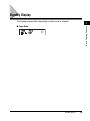
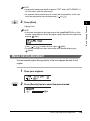
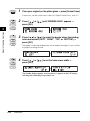
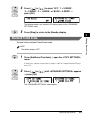
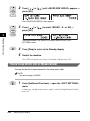
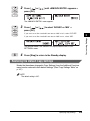
The Standby display appears, and an asterisk (*) appears on the LCD display
indicating that the Frame Erase mode is set.
NOTE
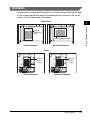
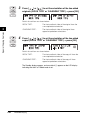
• You can set the original frame erase width from 1/16" to 1 15/16" (1 mm to 50 mm).
• The default setting is 1/8" (4 mm).
Special Copying Features
2
ABC
1
GHI
DEF
2
JKL
4
PQRS
5
TUV
7
3
MNO
6
6
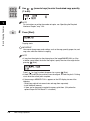
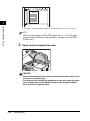
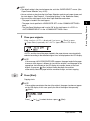
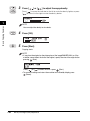
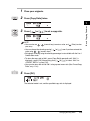
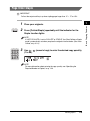
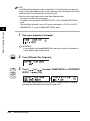
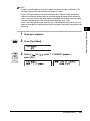
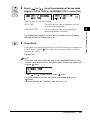
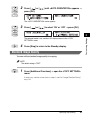
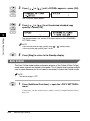
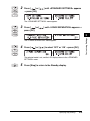
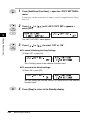
Use 0 (1 to 99).
9
(numeric keys) to enter the desired copy quantity
WXYZ
8
9
SYMBOLS
Tone
0
#
NOTE
• For more information about entering the copy quantity, see “Specifying the
Required Number of Copies,” on p. 1-23.
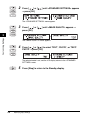
• The paper size is displayed according to the size of the original you selected in
step 4.
Start
7
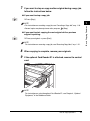
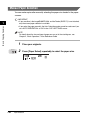
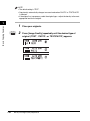
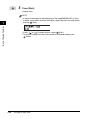
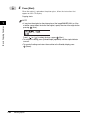
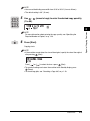
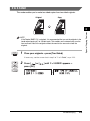
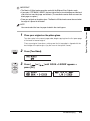
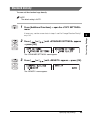
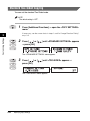
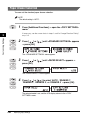
Press [Start].
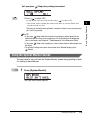
Copying starts.
NOTE
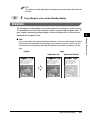
• To cancel all settings and return the machine to the Standby display, press
(Reset).
• To cancel copy jobs, see “Canceling a Copy Job,” on p. 1-18.
2-8
Frame Erase