1
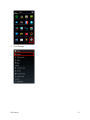
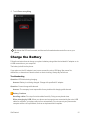
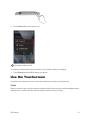
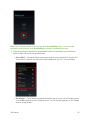
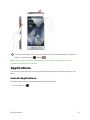
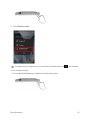
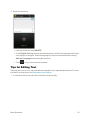
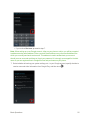
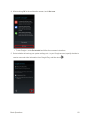
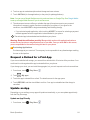
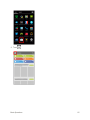
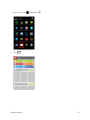
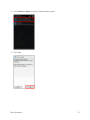
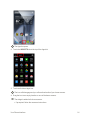
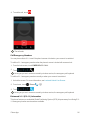
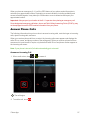
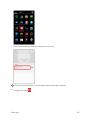
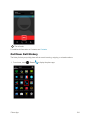
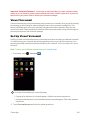
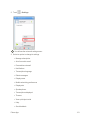
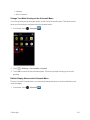
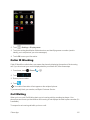
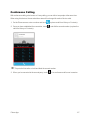
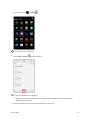
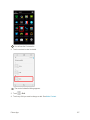
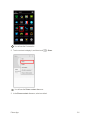
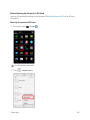
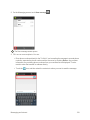
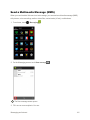
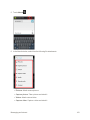
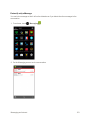
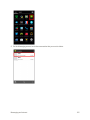
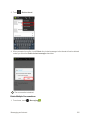
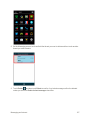
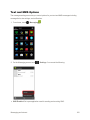
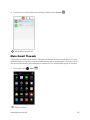
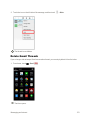
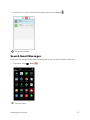
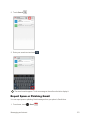
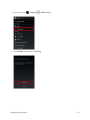
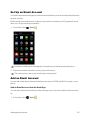
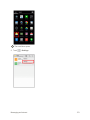
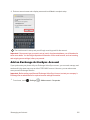
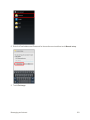
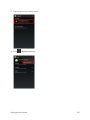
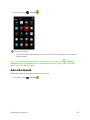
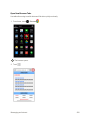
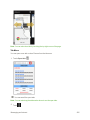
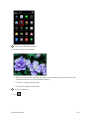
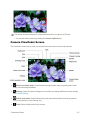
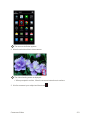
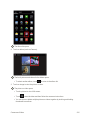
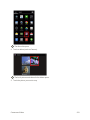
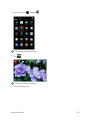
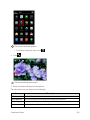
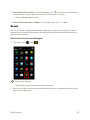
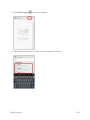
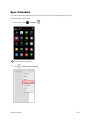
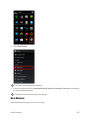
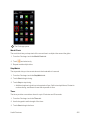
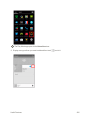
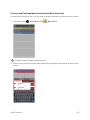
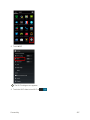
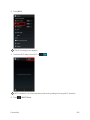
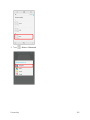
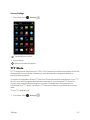
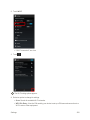
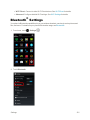
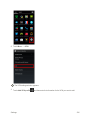
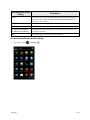
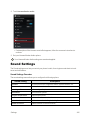
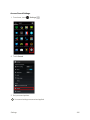
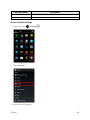
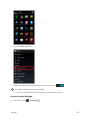
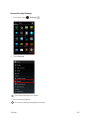
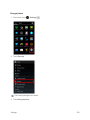
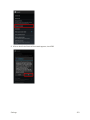
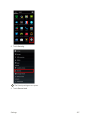
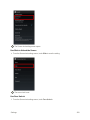
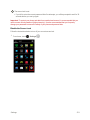
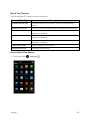
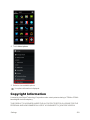
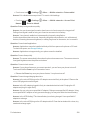
 1. From home, touch > Clock .
The Clock app opens.
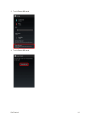
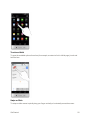
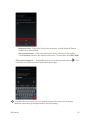
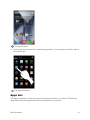
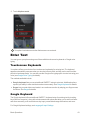
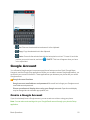
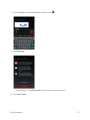
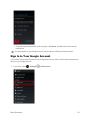
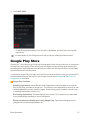
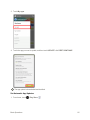
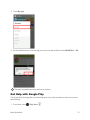
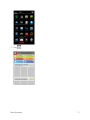
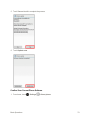
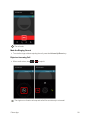
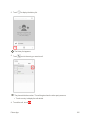
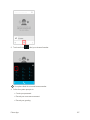
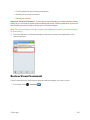
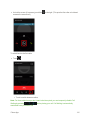
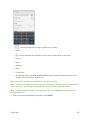
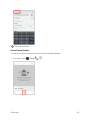
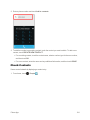
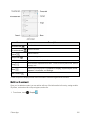
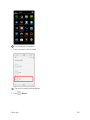
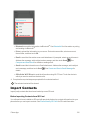
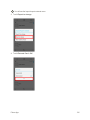
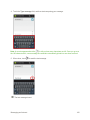
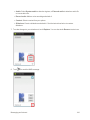
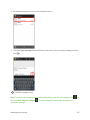
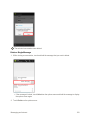
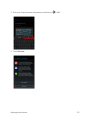
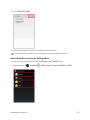
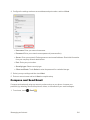
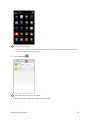
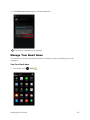
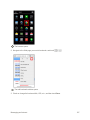
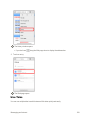
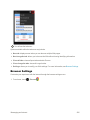
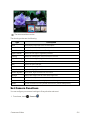
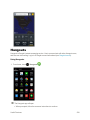
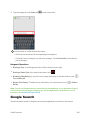
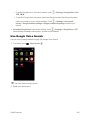
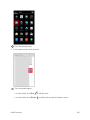
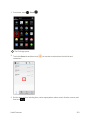
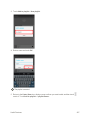
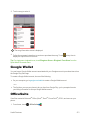
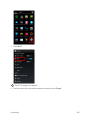
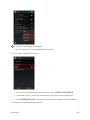
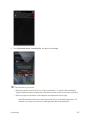
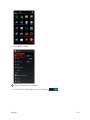
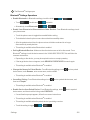
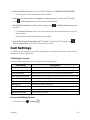
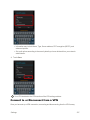
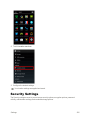
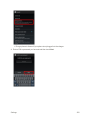
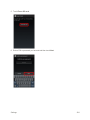
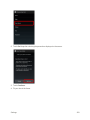
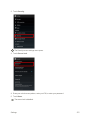
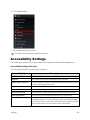
2. Touch the Alarm tab and then touch customize it.
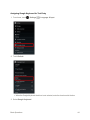
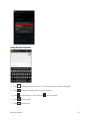
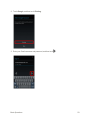
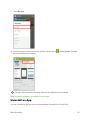
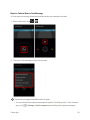
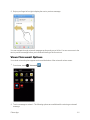
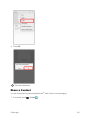
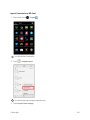
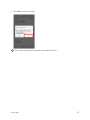
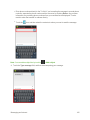
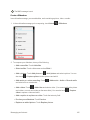
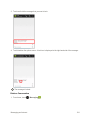
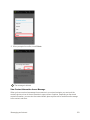
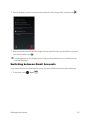
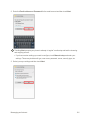
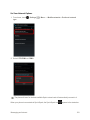
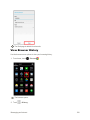
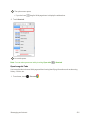
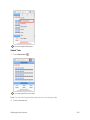
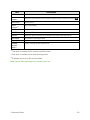
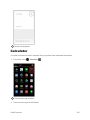
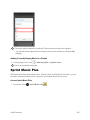
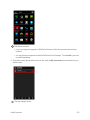
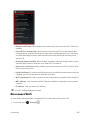
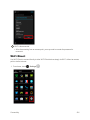
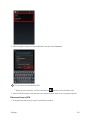
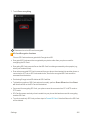
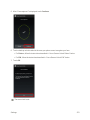
. You can also touch an alarm from the list and 3. Set the alarm options, including time, name, repeat pattern, alarm sound, vibration, snooze, and then touch Useful Features
.
253