1
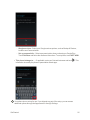
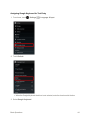
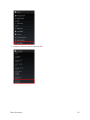
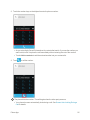
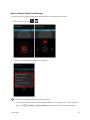
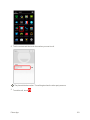
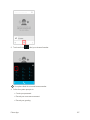
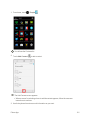
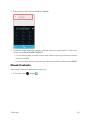
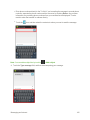
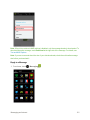
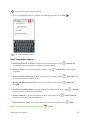
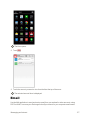
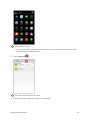
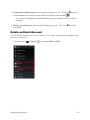
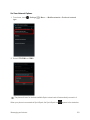
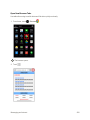
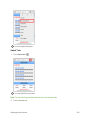
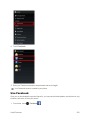
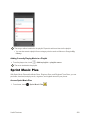
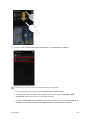
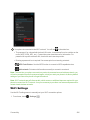
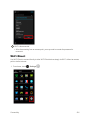
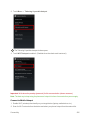
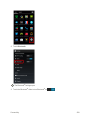
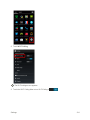
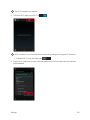
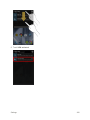
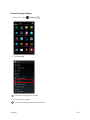
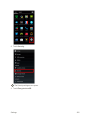
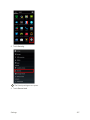
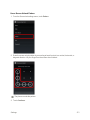
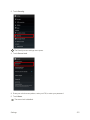
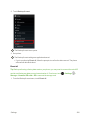
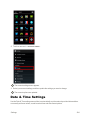
 n Search for Other Devices: From Bluetooth® settings, touch SEARCH FOR DEVICES.
l This setting is available when Bluetooth® is enabled.
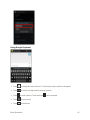
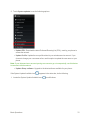
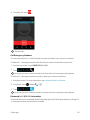
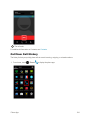
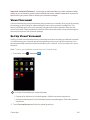
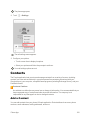
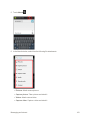
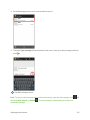
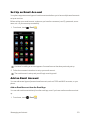
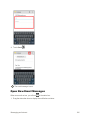
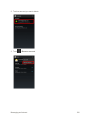
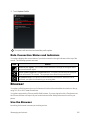
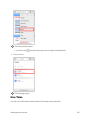
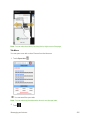
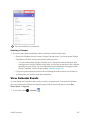
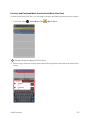
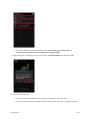
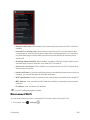
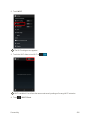
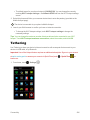
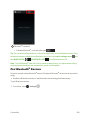
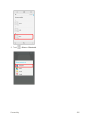
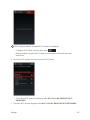
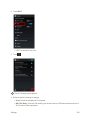
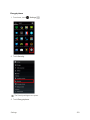
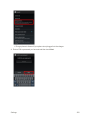
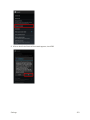
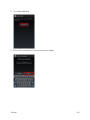
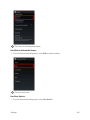
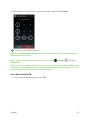
n Change your phone name as it appears on other devices: From Bluetooth® settings, touch > Rename phone, enter a name and touch Rename. n Set Visibility Timeout: From Bluetooth® settings, touch an option.
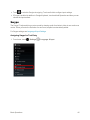
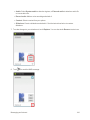
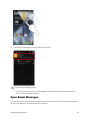
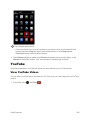
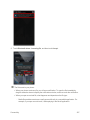
> Visibility timeout and select l Touch Never time out to allow your phone always to be discoverable unless you turn off discoverability.
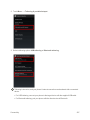
l This setting is available when Bluetooth® is enabled.
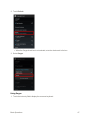
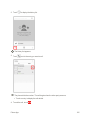
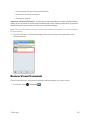
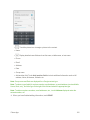
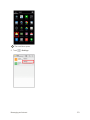
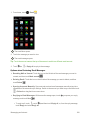
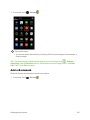
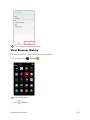
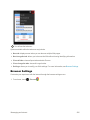
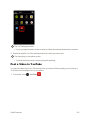
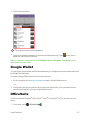
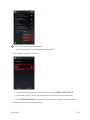
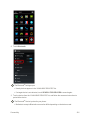
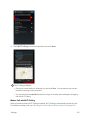
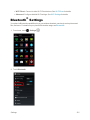
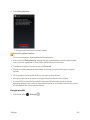
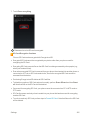
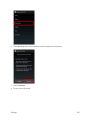
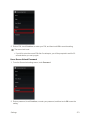
n Check Files Received via Bluetooth® Transfer: From Bluetooth® settings, touch Show received files, and follow the onscreen instructions.
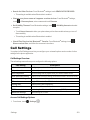
> Call Settings
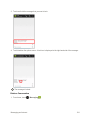
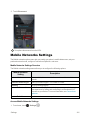
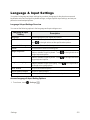
Your phone’s Call Settings menu lets you configure your voicemail options and a number of other settings for the phone application.
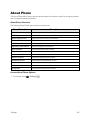
Call Settings Overview
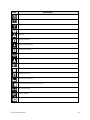
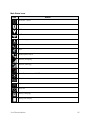
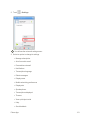
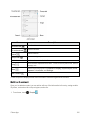
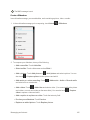
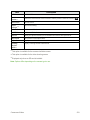
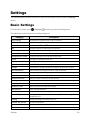
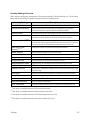
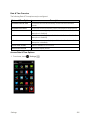
The call settings menu allows you to configure the following options:
Call Setting
Description
Voicemail
Configure your voicemail settings.
Dial pad touch tones
Enable dialpad tones. Quick responses
Edit a message that is played when you cannot answer a call.
North American dialing
Enable North American dialing (international calls in North America).
International dialing
Set an international dialing code.
TTY mode
Toggle TTY modes. See TTY Mode for details.
Hearing aids
Enable hearing aid compatibility.
Noise Canceller
Enable the noise canceller function.
DTMF tones
Set the length of Dual-tone Multi-frequency (DTMF) tones.
CDMA call settings
Make settings for CDMA.
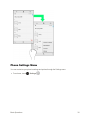
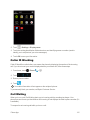
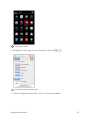
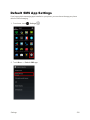
Access Call Settings Options
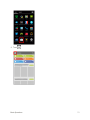
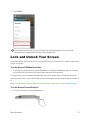
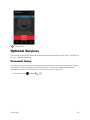
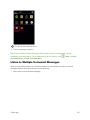
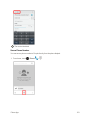
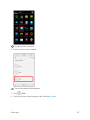
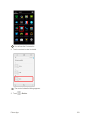
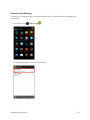
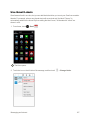
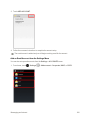
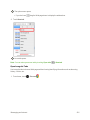
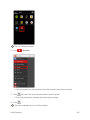
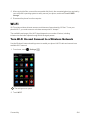
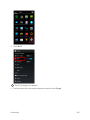
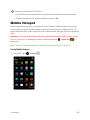
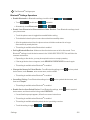
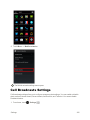
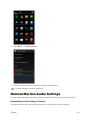
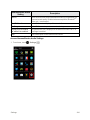
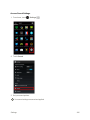
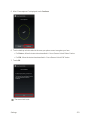
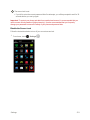
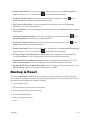
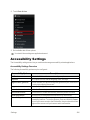
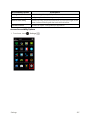
1. From home, touch Settings
> Settings
.
323