1
Chapter 6: Replacing Assemblies
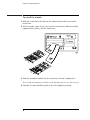
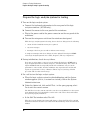
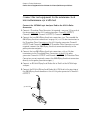
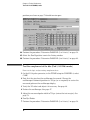
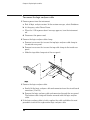
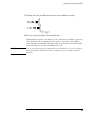
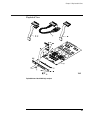
To install the logic analyzer cable
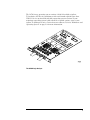
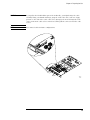
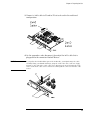
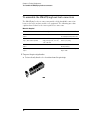
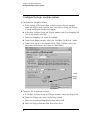
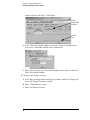
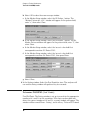
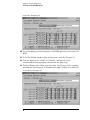
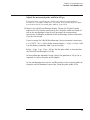
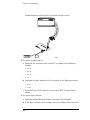
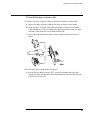
1 Connect the logic analyzer cable to the logic analyzer circuit board.
a Insert the logic analyzer cable to the logic analyzer circuit board.
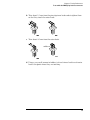
b Align the logic analyzer cable end connector with the circuit board
cable connector (J1 or J2) and gently apply pressure to seat the logic
analyzer cable onto the circuit board connector.
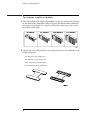
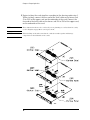
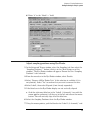
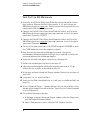
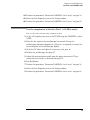
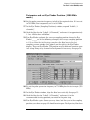
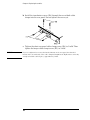
c Insert the top and bottom logic analyzer cable clamps into the rear
panel.
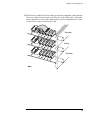
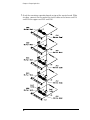
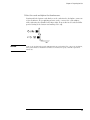
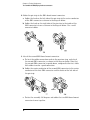
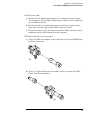
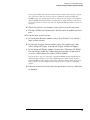
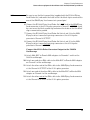
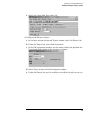
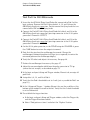
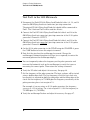
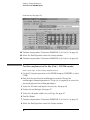
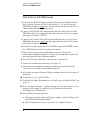
2 Secure the cable clamp to the rear panel.
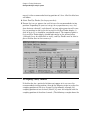
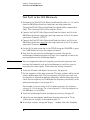
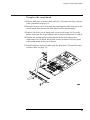
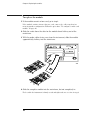
a Install the two longer screws (H5) vertically through the top cable
clamp into both the bottom cable clamp and the circuit board. Do not
tighten the screws yet.
131