1
GETTING STARTED
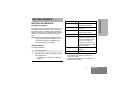
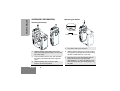
SENDING A CALL
1
Turn your radio on.
2
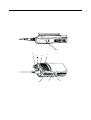
Use the Channel Selector knob to select the
desired channel.
3
4
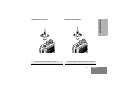
MONITORING
It is important to monitor traffic before transmitting to
ensure that you do not “talk over” someone who is
already transmitting.
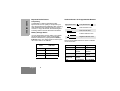
1
Press and hold the preprogrammed
Monitor button to access channel traffic.
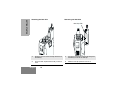
Hold the radio in a vertical position, press the
PTT, and talk at a distance of about
2.5 to 5 cm from the microphone.
2
Once channel traffic has cleared, proceed
with your call by pressing the PTT button.
Release the PTT to listen.
3
A long press of the preprogrammed Monitor
button places the radio in Sticky Permanent
Monitor mode.
• You hear a high-pitched tone.
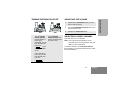
RECEIVING A CALL
1
Turn your radio on.
2
Adjust the radio’s volume.
3
Switch to the desired channel. To respond,
hold the radio in a vertical position, press the
PTT, and talk at a distance of about
2.5 to 5 cm from the microphone.
English
12
A short press of the Monitor button cancels
Sticky Permanent Monitor mode and returns
the radio to normal operation.