1
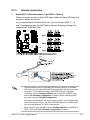
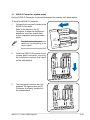
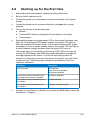
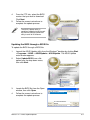
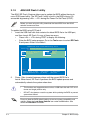
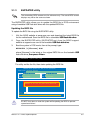
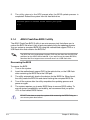
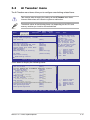
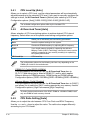
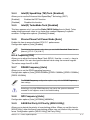
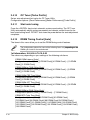
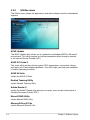
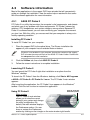
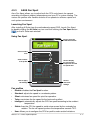
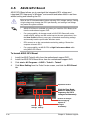
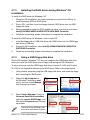
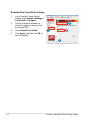
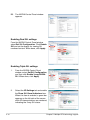
Enabling Dual CrossFireX settings
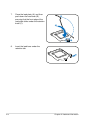
1.
In the Catalyst Control Center
window, click Graphics Settings >
CrossFireX > Configure.
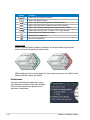
2.
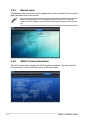
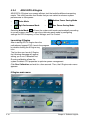
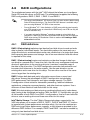
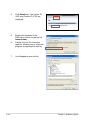
From the Graphics Adapter list,
select the graphics card to act as
the display GPU.
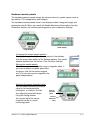
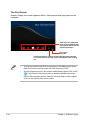
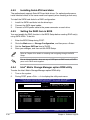
3.
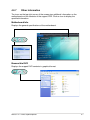
Select Enable CrossFireX.
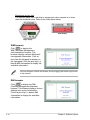
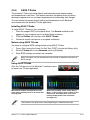
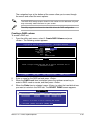
4.
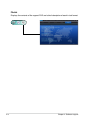
Click Apply, and then click OK to
exit the window.
2
3
1
4
5-4
Chapter 5: Multiple GPU technology support