1
Licensed Customer Confidential
6
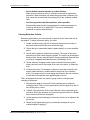
Restoring Mail to Users’ Mailboxes
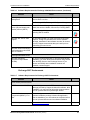
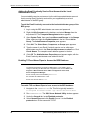
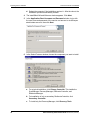
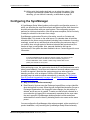
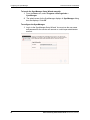
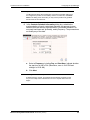
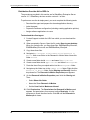
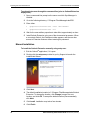
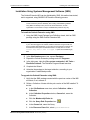
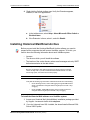
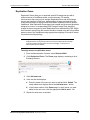
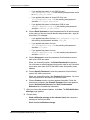
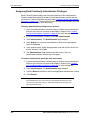
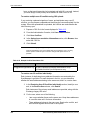
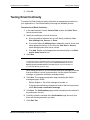
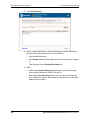
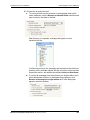
Select the appropriate archive from the list and click Continue.
This downloads metadata about the archive into the working directory.
Actual mail data is downloaded for each user later in the process.
7
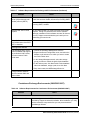
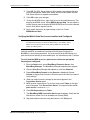
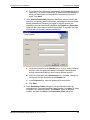
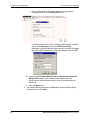
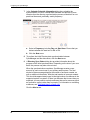
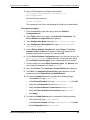
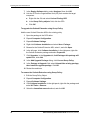
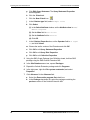
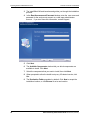
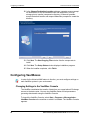
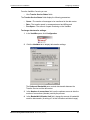
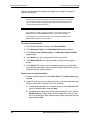
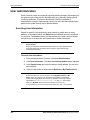
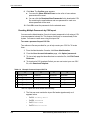
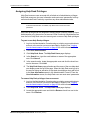
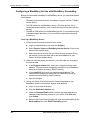
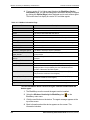
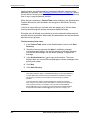
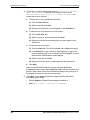
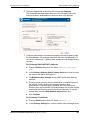
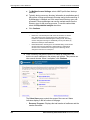
Configure mail settings. Information displayed here reflects settings from
the SyncManager. Any changes made here affect the SyncManager, if it
runs on the same server. Typically, these settings are not changed during
recovery.
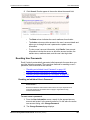
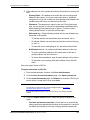
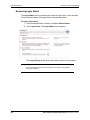
For Exchange 2000/20003/2007 platforms:
a. From the Platform drop-down list, select Exchange 2000/2003/
2007.
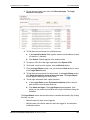
b. In the Directory Settings Global Catalog Server box, select or enter
the name of the global catalog server
c. For Mailbox Access Settings, select a MAPI profile from the dropdown list.
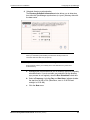
d. During a typical recovery, directory information is compiled as part of
the process, which can be a time-consuming step in large
environments. If SyncManager is installed, and if the most recent
Directory sync was successful, RecoveryManager can use the cached
results from the Directory sync for the recovery process. To use this
cached data, select the Skip detailed analysis check box.
e. Click Continue.
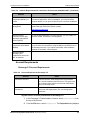
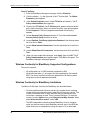
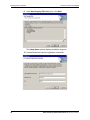
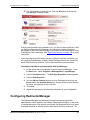
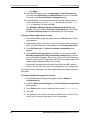
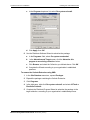
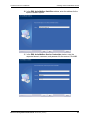
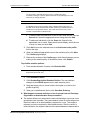
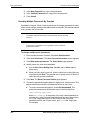
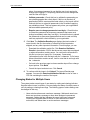
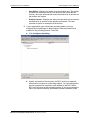
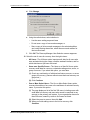
For Exchange 5.5 platforms:
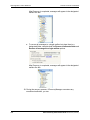
a. From the Platform drop-down list, select Exchange 5.5.
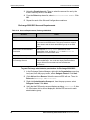
b. In the Directory Settings box, enter the name of the Exchange server.
Email Continuity Administrator Guide version 6.5 (1st ed.)
163