1
hg-08.fm
Nur für den internen Gebrauch
>
8.2.2
Web Based Simulation Tool
Starting Simulation
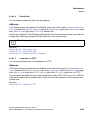
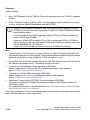
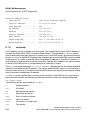
You can also explicitly assign the simulator when a specific IP address is started.
This is recommended, for example, if the simulator is started on a computer that has
multiple IP addresses or if you are working on multiple computers and do not want
to have to remember the current IP address. To start the simulator with a specific IP
address, specify the IP address when running the wst.exe file. Example:
wst.exe 192.168.101.118
You can enter the address parameter at callup if you select Run in the Windows Start
menu and enter the IP address after the program name in the input field or by creating an appropriate batch file with a text editor, for example, }hg1500simulator.bat
which contains a callup of this kind. You can then double-click the batch file like a
program in Windows-Explorer.
We recommend entering 127.0.0.1 as the IP address for local access in the case of
PCs with multiple network interfaces (IP addresses). The simulation uses the PC’s
first IP address if the IP address is not specified. The correct IP address should be
configured when using the simulation on a second PC with multiple IP addresses.
Starting the WBM
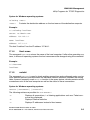
You can start the WBM in the Web browser once the console is running.
1.
Open the Internet browser. Check the Internet browser language setting: If you want to use
the WBM in German, the language setting for the browser (menu Tools > Internet Options
> Language) must first be set to German (Germany) [de].At present the WBM can be run
in either German or English.
2.
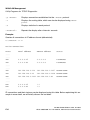
Enter the correct IP address for the scenario as a URL:
http://num.num.num.num:8085 (num is a number between 0 and 255).
The port number 8085 must be entered as shown.
num.num.num.num is the IP address of the computer where the wst.exe file was started.
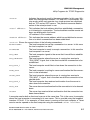
Examples:
http://192.168.101.118:8085 (WST was started on a computer in the LAN)
http://127.0.0.1:8085 (WST was started on the local computer – this always has the
"loopback" address 127.0.0.1).
A31003-H3580-M103-2-76A9, 01-2009
HiPath 3000/5000 V8 - HG 1500 V8, Administrator Documentation
8-3