1
Page 26
Exercise
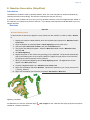
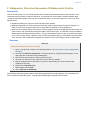
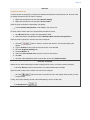
Generate mid-lines
Generate mid-lines between The Kingdom of Atlantis, the Republic of Starfish Islands and The
Federate States of Five Stone Islands
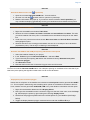
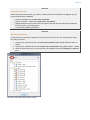
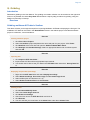
1. Display the three baselines in the project.
2. Right-click one of the baselines in the project and select Generate midline...
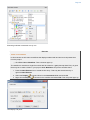
3. Tick the radio button Specify: and click Rubberband select (the window will be set to 2D
mode).
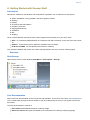
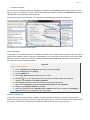
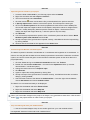
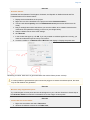
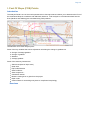
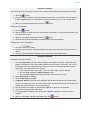
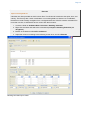
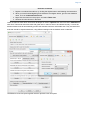
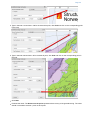
4. Drag a rectangle around the area where you want the midline to be created. Notice that the
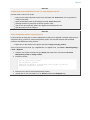
coordinates are updated accordingly in the menu (see image below).
5. Keep the default values of the other settings.
6. Click Execute
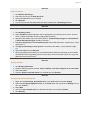
7. In the window that pops up, clik OK. If you only wanted to calculate against one country, you
could have selected only that country in this menu.
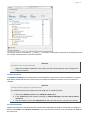
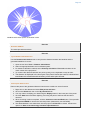
8. Locate the midline in 1. Maritime lines / Mid lines and display it. Display the points also.
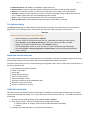
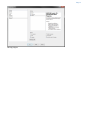
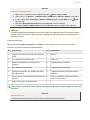
Generating a midline. Note that is is generated within the window frame (shown in black).
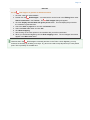
It is also possible to generate base point connection polygons to extract critical base points, the same
way as with distance line generation.
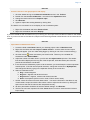
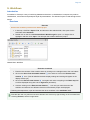
Exercise
Mid-lines using weighted base points
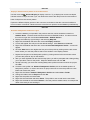
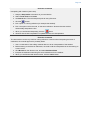
Try to add weights on base points and see what happens to your mid-line. Read the In-Panel Help in
the Generate midline command to understand how to use weight on base points.
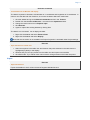
Exercise
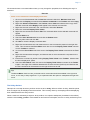
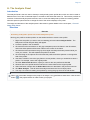
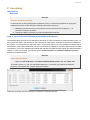
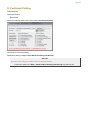
Check Table View for the midline
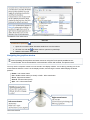
1. Right click the midline and select Table View.
2. Observe the different columns in the Table View,