1
Page 56
Executing individual commands one by one
Exercise
Create a new workflow
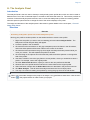
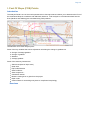
In this exercise we will create a workflow that displays seabed and land and some important lines
from the project.
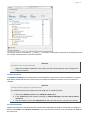
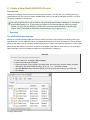
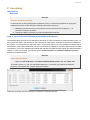
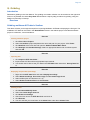
Click File > New > Workflow. Then a browser pops up.
The workflow is saved as a single file on disk with file extension * .gwf, (Geocap Work Flow). A good
idea may be to create a folder in your project called Workflows and put the workflow there.
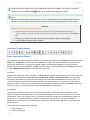
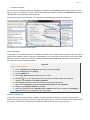
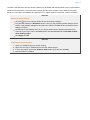
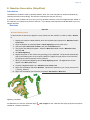
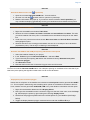
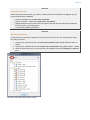
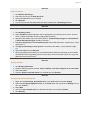
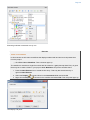
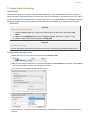
1. Press the New Element icon to create the first entry. That may also be achieved by a
right-click New Element.
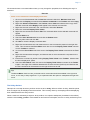
2. Select the Display
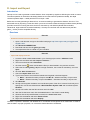
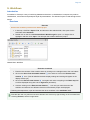
3. Right-click the Display
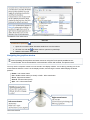
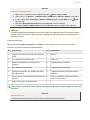
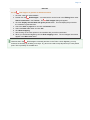
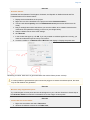
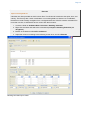
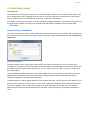
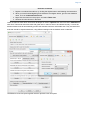
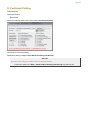
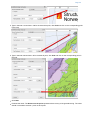
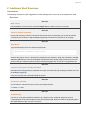
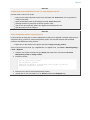
The Display edit panel
command found in the Commands folder and click OK.
command in the workflow and select Edit. Then this panel pops up: