1
Page 55
S. Workflows
Introduction
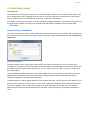
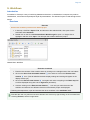
A workflow in Geocap is a way of combining datasets and actions or visualizations in sequence to produce
visualizations, movements and powerpoint style 3D presentations. The Atlantis Project is used throughout this
tutorial.
Exercises
Exercise
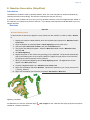
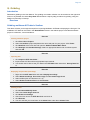
Examine the workflows provided in the Atlantis project.
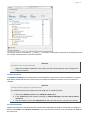
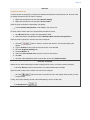
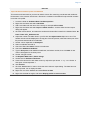
1. In Geocap, click File > Open > File, and browse to the Atlantis folder, then open the the
sub-folder called workflow.
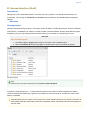
2. Double click on the file called Atlantis Basic Workflow.gwf to open it, or single click to
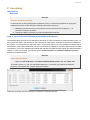
highlight it and then click, Open. This will open the workflow below the project.
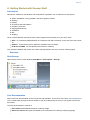
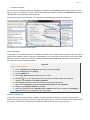
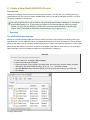
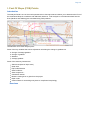
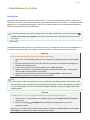
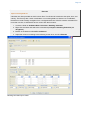
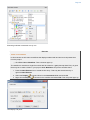
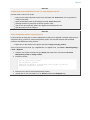
Atlantis Basic Workflow
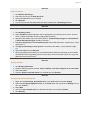
Exercise Continued
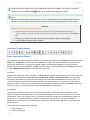
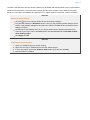
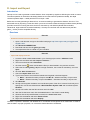
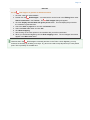
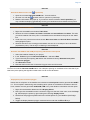
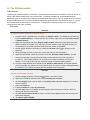
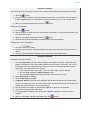
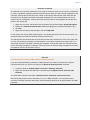
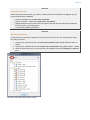
1. Examine the contents of the workflow items by clicking on the triangles next to the root folders.
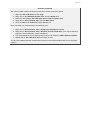
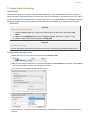
2. Click on the Go to first executable element
icon and then click on the Execute next
element
icon. (This will initialize the basic display settings and nothing will appear in the
display window yet)
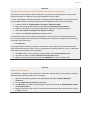
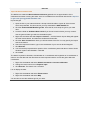
3. Click on the Execute next element
icon again and notice everything in the Base map fold
er will be displayed along with a short flight tour (animation).
4. Continue clicking on the Execute next element
icon until you reach the end of the
workflow and observe how different elements of the Atlantis project are displayed.
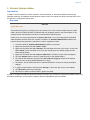
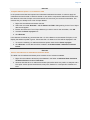
Following the steps above, open and examine the other workflows in the workflows folder.
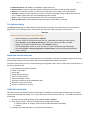
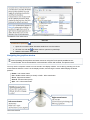
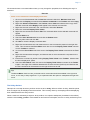
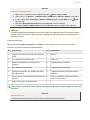
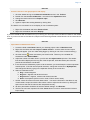
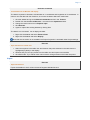
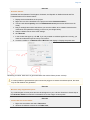
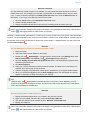
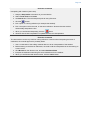
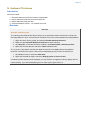
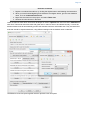
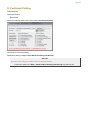
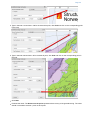
Note that the user may also execute each element one at a time by right clicking on the command and
choosing Execute, see the image below.