1
EVS Broadcast Equipment SA
Issue 6.10.B - June 2015
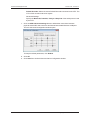
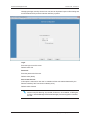
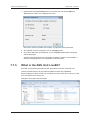
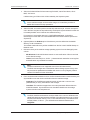
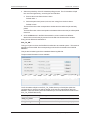
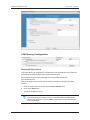
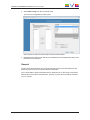
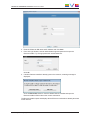
5. From the Workgroup field, select the Workgroup the workstation belongs to.
The Workgroup defines the workgroup name (16 characters maximum) to be used by
this IPDirector workstation. Normally all workstations MUST be in the same defined
workgroup name. See section "Workgroup Contextual Menu" on page 10.
6. In the Workstation Description field, enter a description.
This free-text will be displayed beside the Computer Name and IP address of the
workstation. As a technical assistance, it can give the identity of a workstation in the
workgroup.
7. Click Save.
6.3.
Configuring the Serial Ports
Context of Use
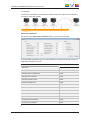
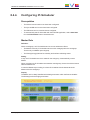
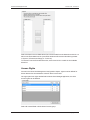
This step is used to define the type of device connected to the workstation serial ports.
Two kinds of RS422 connections exist:
•
AVH-RS422: using an internally mounted EVS USB to RS422 module.
•
COM: using a RS422/RS232 port on the station motherboard.
4 AVH-RS422 connections and 6 COM connections are possible. However, only 4
connections may be managed from one IPAirEdit workstation at any time.
Different types of devices can be connected to a serial port.
•
MPlay (Remote P): Not used with IPAirEdit.
•
BEPlay (Remote B): This remote controller is used for browsing, editing and playing
content.
•
VTR: controlled by the VTR Engine service.
•
EVS Server (server connection) (Routing).
All parameters are local to the IPDirector workstation and must be set independently on all
IPDirector workstations.
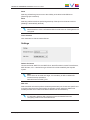
How to Configure Serial Communication
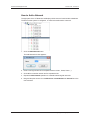
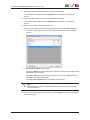
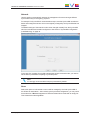
1. Make sure that all concerned services are stopped.
2. Right-click the Workstation name.
30
6. Configuring the Workstation Parameters