1
TECHNICAL REFERENCE IPAirEdit 6.10 Remote Installer
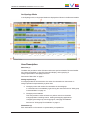
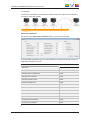
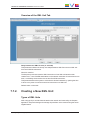
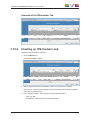
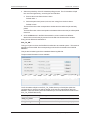
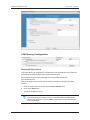
Overview of the IPScheduler Tab
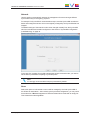
7.12.2. Creating an IPScheduler Job
Creating a new job is mainly useful for
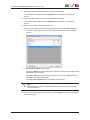
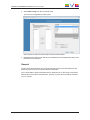
1. Click the New button.
A new line is added in the list.
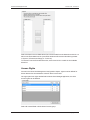
2. Set the status of the job from the Status column: it can be active or inactive.
Once a job is configured, it is possible to stop it temporally without having to delete it
and loose its characteristics.
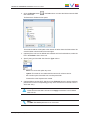
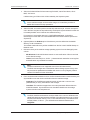
3. From the Name column, select the type of job you want to create:
◦
EVS_TO_DB –
◦
MoveFileTo – Move every files to another directory
7. Configuring the Workgroup/Island Parameters
69