1
OfficeServ 500 Programming Guide/Ed.00
CHAPTER 2. MMC Programming
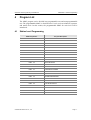
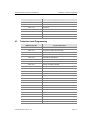
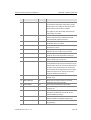
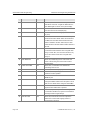
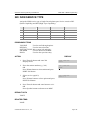
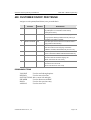
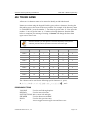
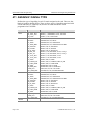
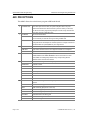
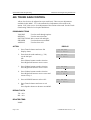
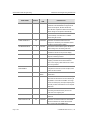
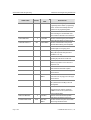
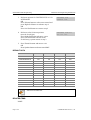
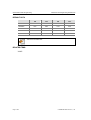
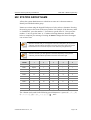
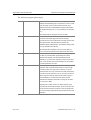
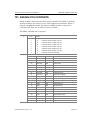
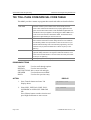
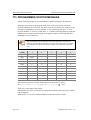
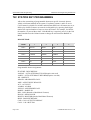
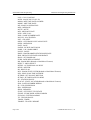
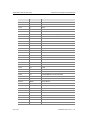
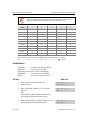
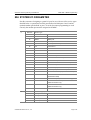
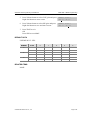
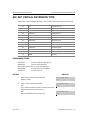
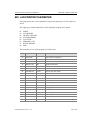
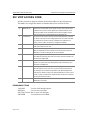
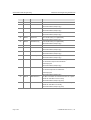
COUNT
1
2
3
4
5
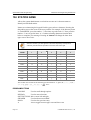
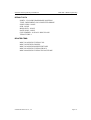
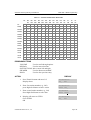
DIAL 8
T
U
V
*
8
DIAL 9
W
X
Y
Z
9
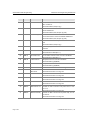
DIAL *
:
=
[
]
*
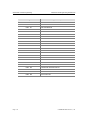
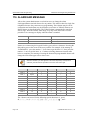
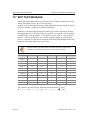
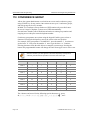
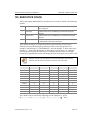
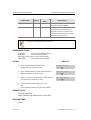
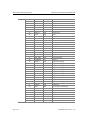
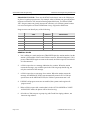
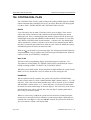
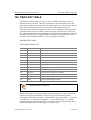
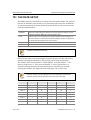
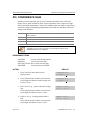
The # button can be used for the following special characters: #, space,
&, !, :, ?, ., ,, %, $, -, <, >, /, =, [, ], @, ^, (, ), _, +, {, }, |, ;,", ,` , and \.
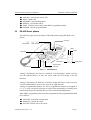
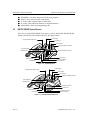
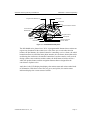
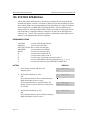
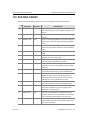
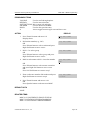
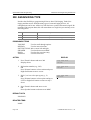
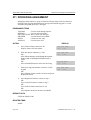
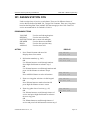
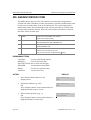
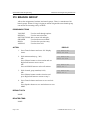
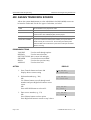
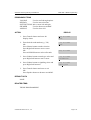
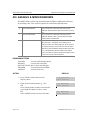
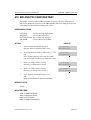
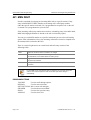
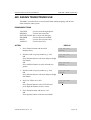
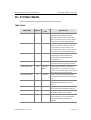
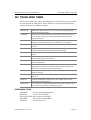
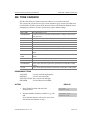
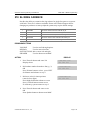
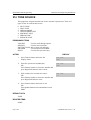
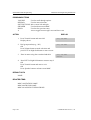
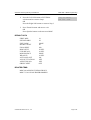
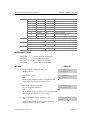
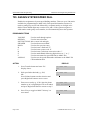
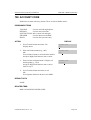
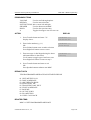
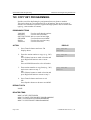
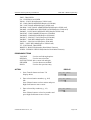
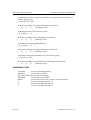
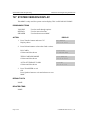
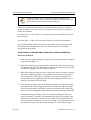
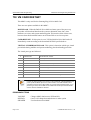
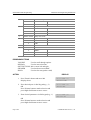
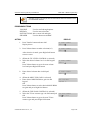
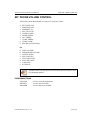
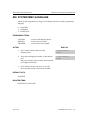
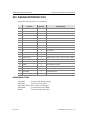
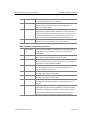
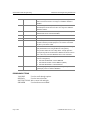
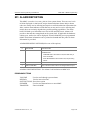
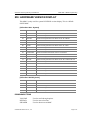
PROGRAM KEY
VOLUME
KEYPAD
SOFT BUTTONS
SPEAKER
HOLD
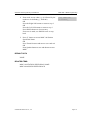
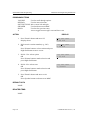
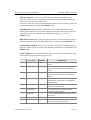
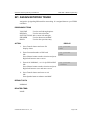
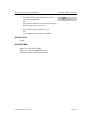
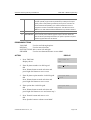
Used to scroll through options
Used to enter selections
Move cursor left and right
Used to advance next MMC
Used to clear previous entry
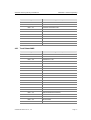
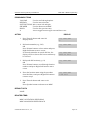
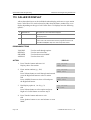
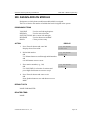
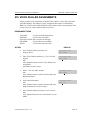
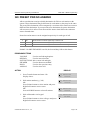
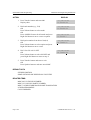
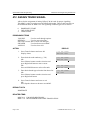
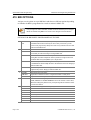
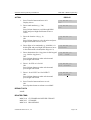
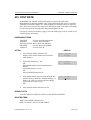
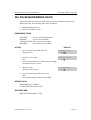
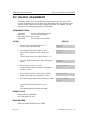
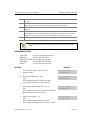
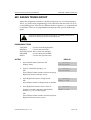
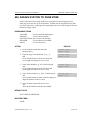
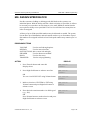
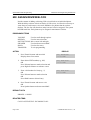
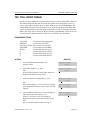
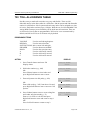
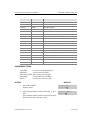
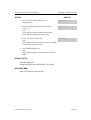
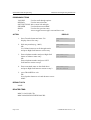
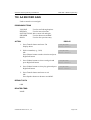
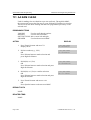
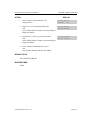
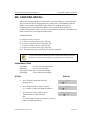
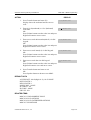
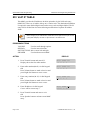
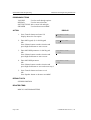
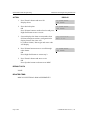
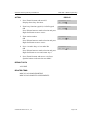
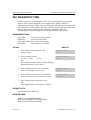
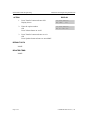
ACTION
DISPLAY
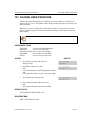
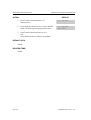
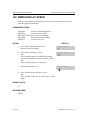
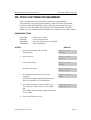
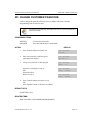
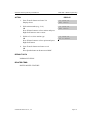
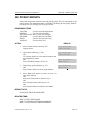
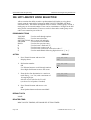
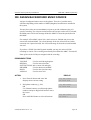
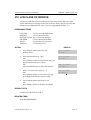
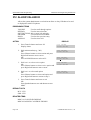
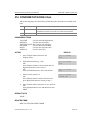
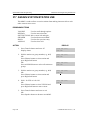
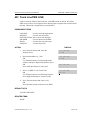
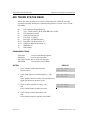
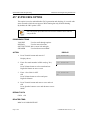
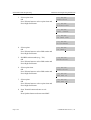
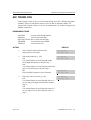
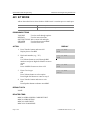
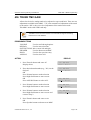
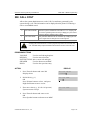
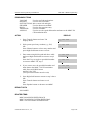
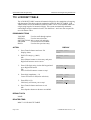
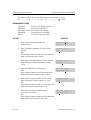
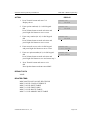
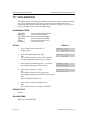
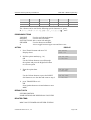
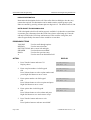
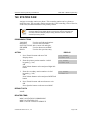
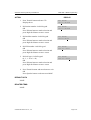
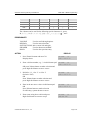
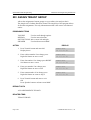
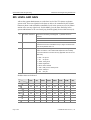
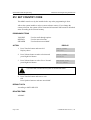
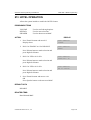
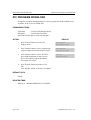
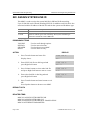
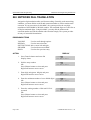
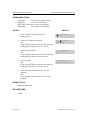
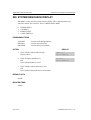
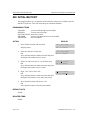
1. Press Transfer button and enter 761
Display shows
TAX RATE
(1)
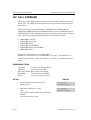
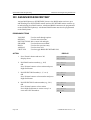
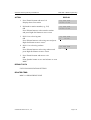
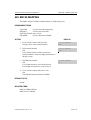
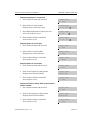
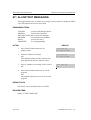
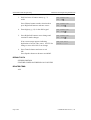
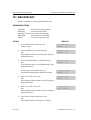
2. Enter valid tax number, e.g., 2 via dial button pad
TAX RATE
(2)
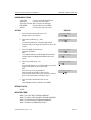
3. Dial 0 for %, 1 for C or 2 for I
(Inclusive VAT)
OR
Press Volume button to make selection and
press Right Soft button to move cursor.
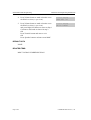
TAX RATE
(2)
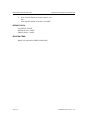
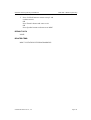
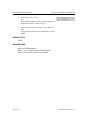
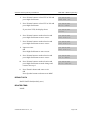
4. Enter in the tax rate or value via dial button pad
OR
Press Volume button to make selection
If valid entry, system advances cursor
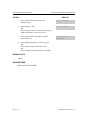
TAX RATE
(2)
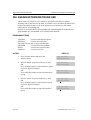
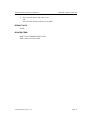
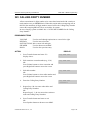
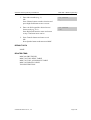
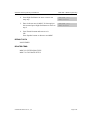
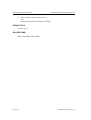
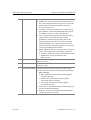
5. Enter name using above table and press
Right Soft button to return to step 2
TAX RATE
(2)
OR press Volume button to make selection and
press Right Soft button to move cursor.
© SAMSUNG Electronics Co., Ltd.
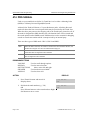
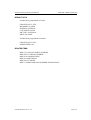
TYPE:% VAL:00.00
TYPE:% VAL:00.00
TYPE:C VAL:00.00
TYPE:C VAL:01.25
NAME:MIA BED
Page 2-327